
.svg)


- Webflow is for Infrastructure: Best for scalable, SEO-driven, and content-heavy production websites that require long-term governance.
- Framer is for Prototyping: Best for design-led, small-scale projects, and rapid visual execution where "flash" matters more than "function."
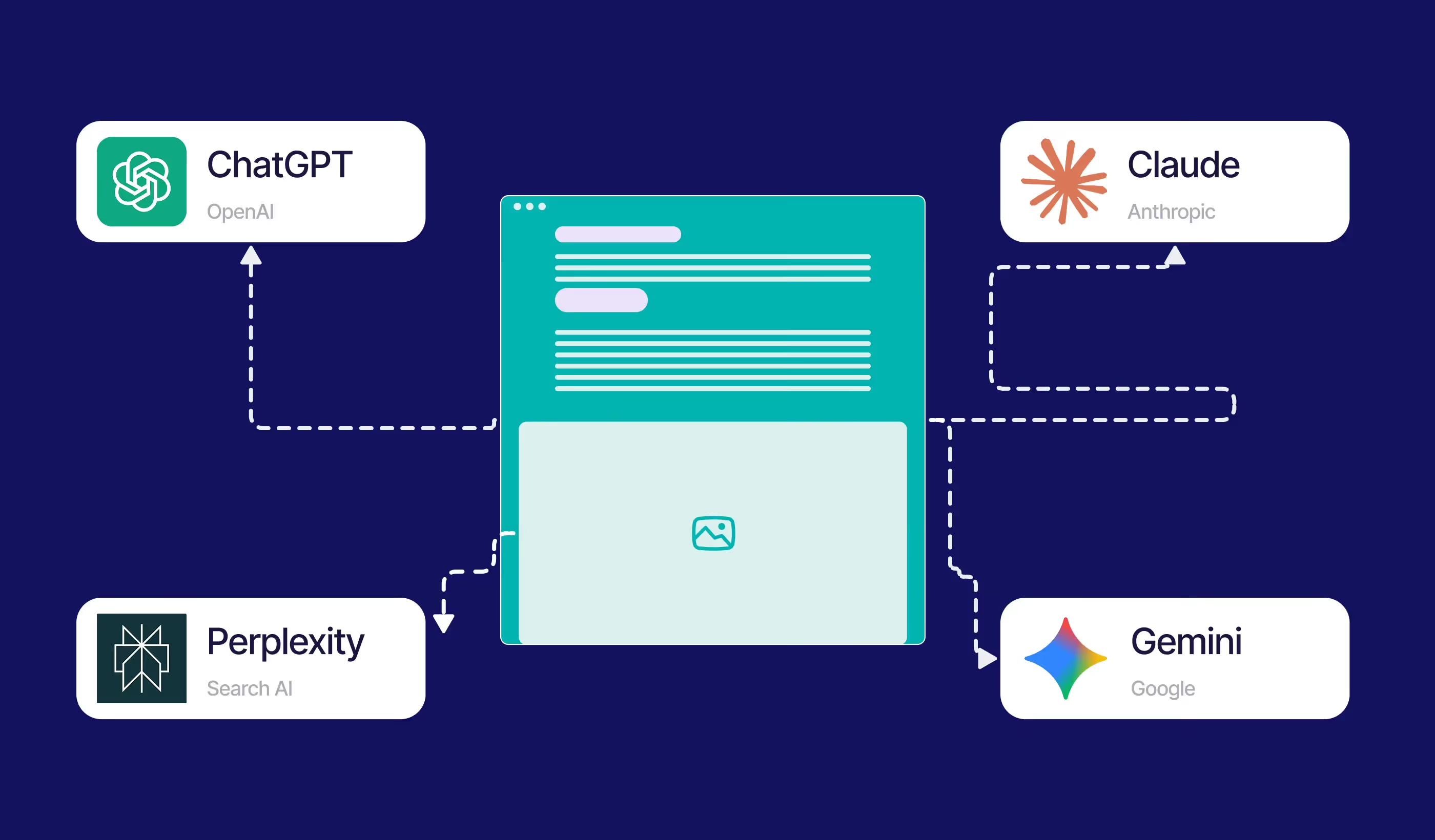
- SEO & AI (GEO): Webflow provides deeper semantic control, making it easier for AI engines (Gemini, Perplexity) to index and rank your content.
- The "Trap": Framer is easier to start, but many marketing teams find themselves "trapped" and rebuild in Webflow once they hit scalability limits.
- The Verdict: If you are a B2B brand or a scaling SaaS, Webflow is the smarter long-term investment.
Should I use Webflow or Framer for my website in 2026?
The decision between Webflow and Framer is no longer about which tool is "better," but about what you are trying to achieve. In 2026, the web has moved beyond static pages; it is about Generative Engine Optimisation (GEO) and Marketing Infrastructure.
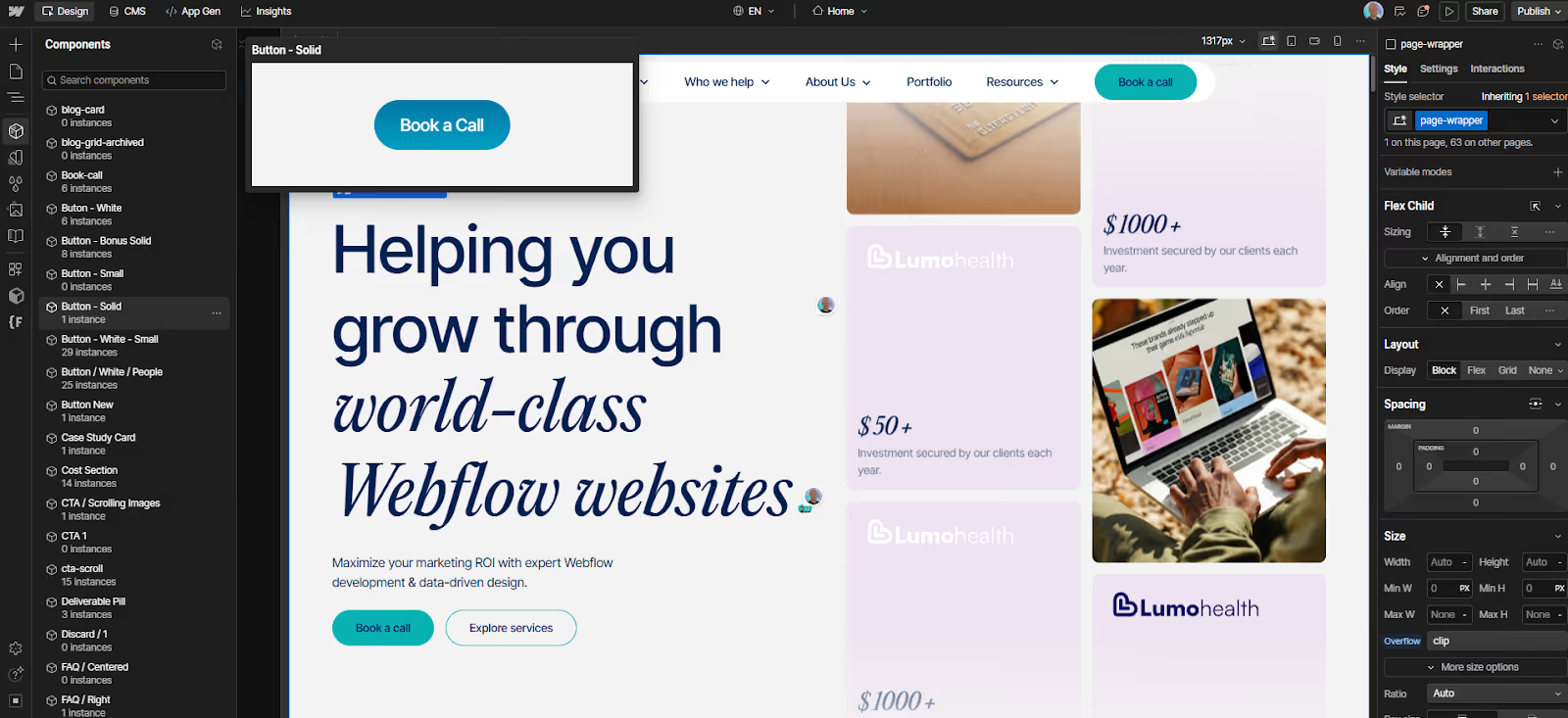
Webflow is built as a professional development tool that uses a visual interface. It follows the rules of the web (HTML/CSS/JS) strictly. Framer, conversely, is built like a design tool (think Figma) that happens to output a website. This fundamental difference dictates everything from how your site ranks on Google to how easily your team can update a blog post.
Break Free from the Design Ceiling
If you are frustrated by rigid templates and want a website that grows as fast as your ideas, it’s time for a change. We don't just build pages; we engineer high-performance digital engines that give your team total creative control.
Which CMS is better for scaling content-heavy websites?
If you plan to have more than 10 pages or maintain a consistent blogging schedule, the CMS (Content Management System) is your most important feature.
Webflow CMS: The Professional Engine Webflow’s CMS is a relational database. It allows you to create complex connections – for example, linking an "Author" to a "Blog Post" and a "Category" simultaneously. It supports thousands of items without slowing down.
- Key Benefit: You can update a single "Component," and it is reflected across thousands of dynamic pages instantly.
Framer CMS: The Simple Library Framer’s CMS is significantly more basic. While it has improved, it still feels like a simplified list. It is excellent for a portfolio or a small team's news feed, but it lacks the advanced filtering, nesting, and data-integrity features required for a true marketing hub.
Paddle Creative Insight: We regularly see companies move from Framer back to Webflow. Why? Because as soon as they need a "Resource Centre" with advanced filters or a multi-author blog with gated content, Framer’s CMS hits a technical ceiling.
Governance and Control: Who can touch your website?
As your marketing team grows, the question isn't just "can we build it?" but "can we control it?" In 2026, website governance is the difference between a high-performing asset and a digital liability.
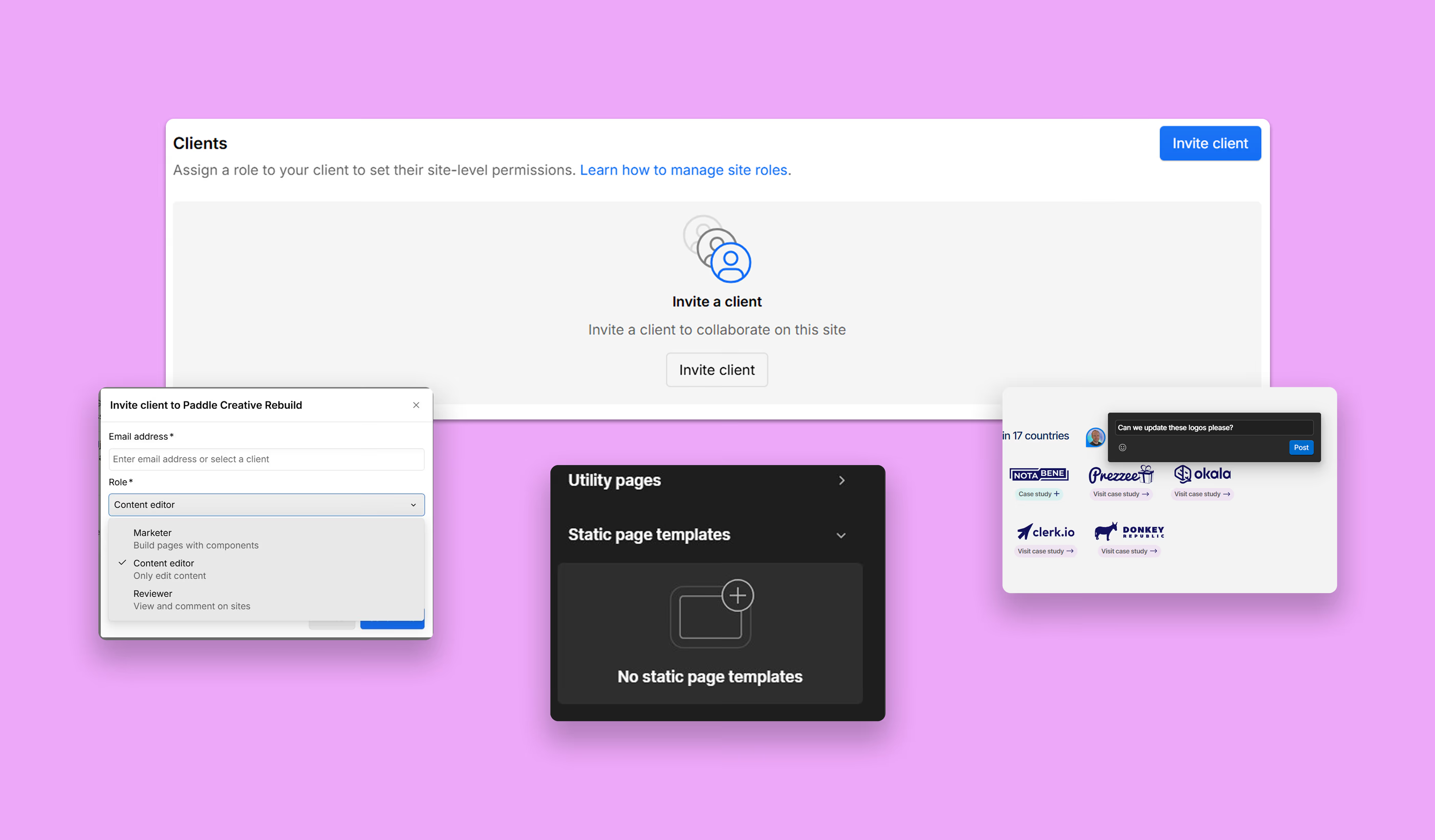
Webflow: Built for Teams. Webflow offers granular permissions. You can give a content writer "Editor" access so they can change text and images without ever touching the layout. On higher plans, Page Branching allows developers to work on new sections in a "draft" state without affecting the live site. This is "Marketing Infrastructure" at its best.
Framer: The "Figma" Problem Framer’s collaboration is fast and fluid, but it lacks the "guardrails" of Webflow. In Framer, it is much easier for a non-technical team member to accidentally move a visual element on the "canvas," breaking a page's responsiveness. It is a designer’s dream, but it can be a Marketing Manager’s nightmare for brand consistency.
Paddle Creative Insight: At Paddle, we treat Webflow as infrastructure. We build with "Client-First" frameworks so your team can move fast without risking the brand's digital foundation.
What’s the difference between Webflow and Framer for SEO and GEO?
In 2026, you aren't just ranking for keywords; you are ranking for AI Overviews. This is Generative Engine Optimisation (GEO).
- Semantic HTML: Webflow produces clean, standards-compliant code. AI search engines prefer this because the "tags" clearly define what a heading is, what a price is, and what a review is.
- Dynamic Schema: Webflow allows you to map CMS fields directly to Schema.org markup. This means your "Case Studies" can be formatted specifically so AI engines can "read" the results and surface them as answers to user prompts.
- Framer’s Output: While visually beautiful, Framer uses a lot of absolute positioning (it "draws" the site). This can sometimes make it harder for search crawlers to understand the logical flow of information compared to Webflow’s structural approach.
E-commerce in 2026: Built-in Power vs. Design-First Selling
Choosing between Webflow and Framer for e-commerce depends on whether you are building a global retail brand or a high-speed digital storefront.
Webflow: The Scalable Commerce Engine Webflow e-commerce has matured into a robust solution for brand-first commerce. The native Webflow E-Commerce functionality is limited and best-suited for businesses with a small number of products. Whereas functionality can be extended by integrating the Shopify e-commerce engine.
- Native & Hybrid Power: For boutique stores, native tools handle custom carts and tax. For enterprise, it integrates with Shopify, giving you Shopify’s backend with Webflow’s pixel-perfect frontend.
- Total Checkout Control: Design every step of the buyer's journey to maintain brand trust – no "generic" checkout pages.
Framer: The Rapid "Buy Button" Specialist Framer uses a "Modular Commerce" approach, ideal for designers and startups selling a curated selection.
- Lemon Squeezy & Stripe: Drag and drop a "Buy" button that opens a secure overlay. Perfect for selling digital assets or SaaS subscriptions.
- Focus on Interaction: Excels at "One-Product" landing pages where high-motion design drives impulse purchases.
Paddle Creative Insight: In 2026, we see a "migration gap." Smaller stores start on Framer for speed, but move to a Webflow + Shopify hybrid as soon as they need advanced discounts, subscription logic, or complex shipping rules.
The "Walled Garden" Reality: Can you leave?
One of the most overlooked aspects of this comparison is Platform Lock-in.
- Webflow (The Open Web): If you decide you want to move your site to your own server or hand it to a specialised dev team, Webflow allows you to export your HTML, CSS, and Javascript. You own the code.
- Framer (The Walled Garden): Framer is a proprietary platform. Your site is built using their specific technology, and it must stay on their hosting. If you want to leave Framer, you have to rebuild from scratch. You are essentially renting your website rather than owning it.
Does Framer’s AI replace Webflow workflows?
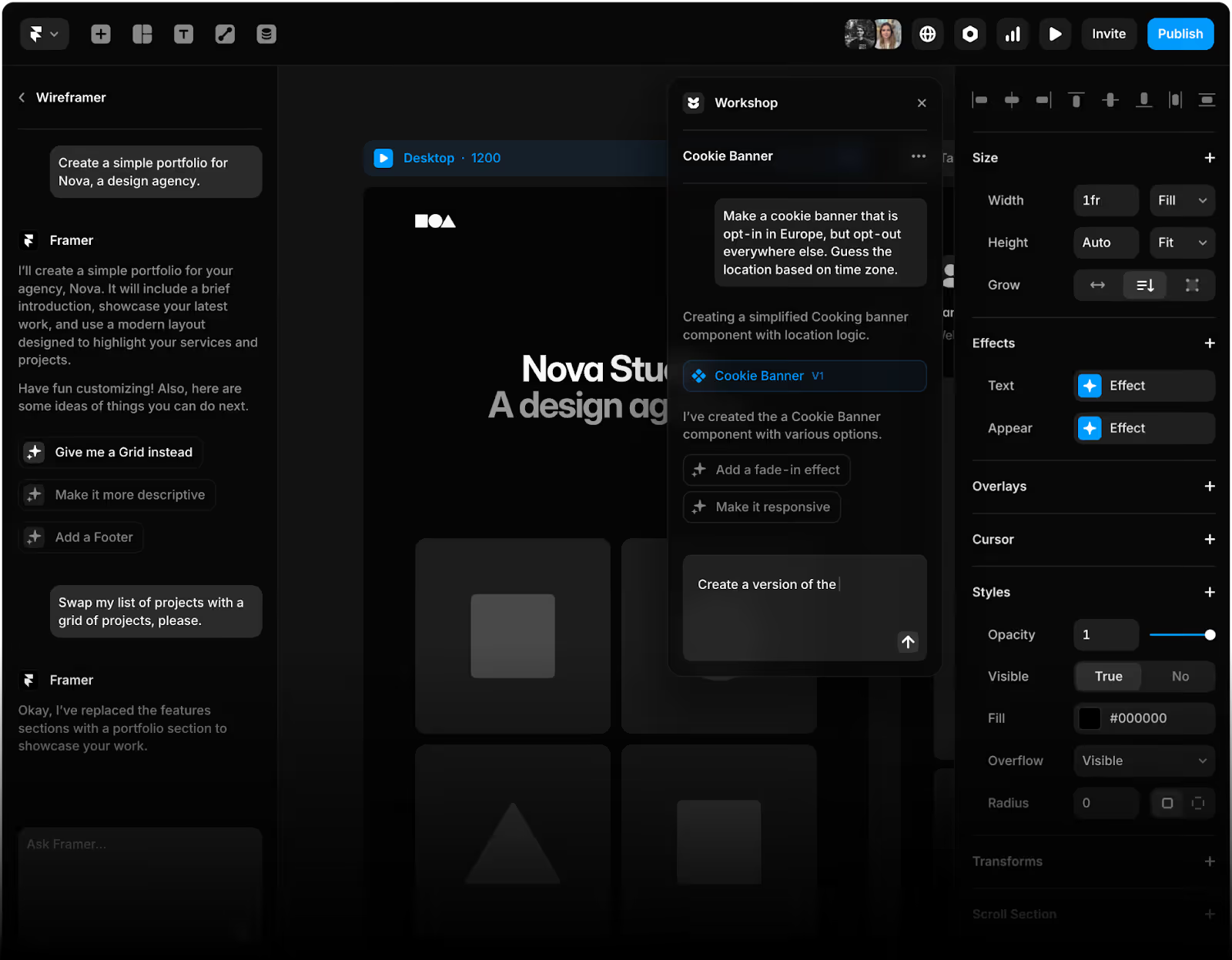
Framer’s AI is impressive – it can generate entire layouts from a single prompt. For a startup needing a landing page this afternoon, it is unbeatable.
However, AI-generated designs often lack the strategic UX needed for high conversion rates. Webflow’s ecosystem uses AI (like Relume) to generate wireframes and sitemaps, but it requires a human hand to ensure the site follows a logical marketing funnel.
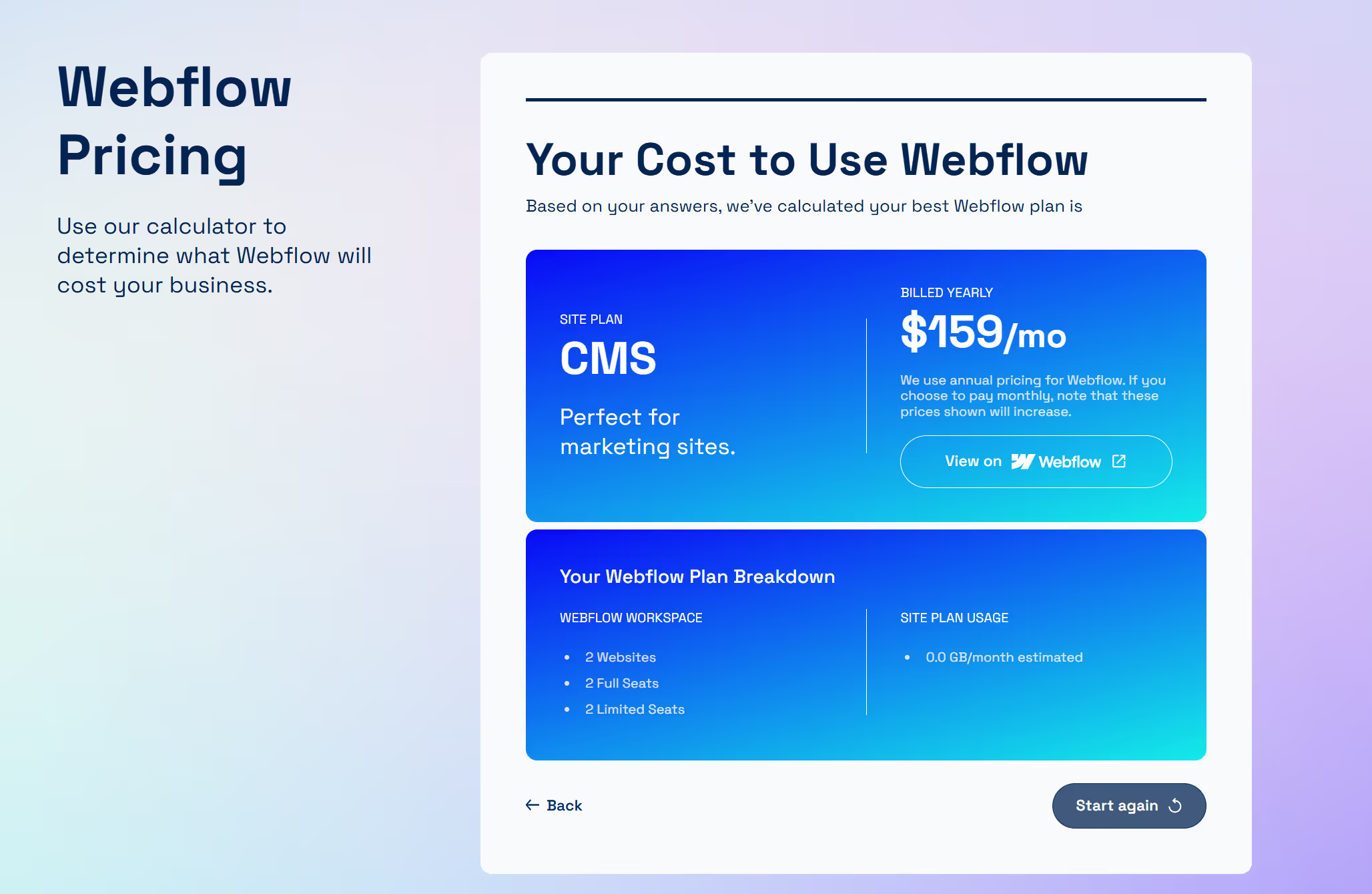
Pricing & Limits (Accurate as of January 2026)
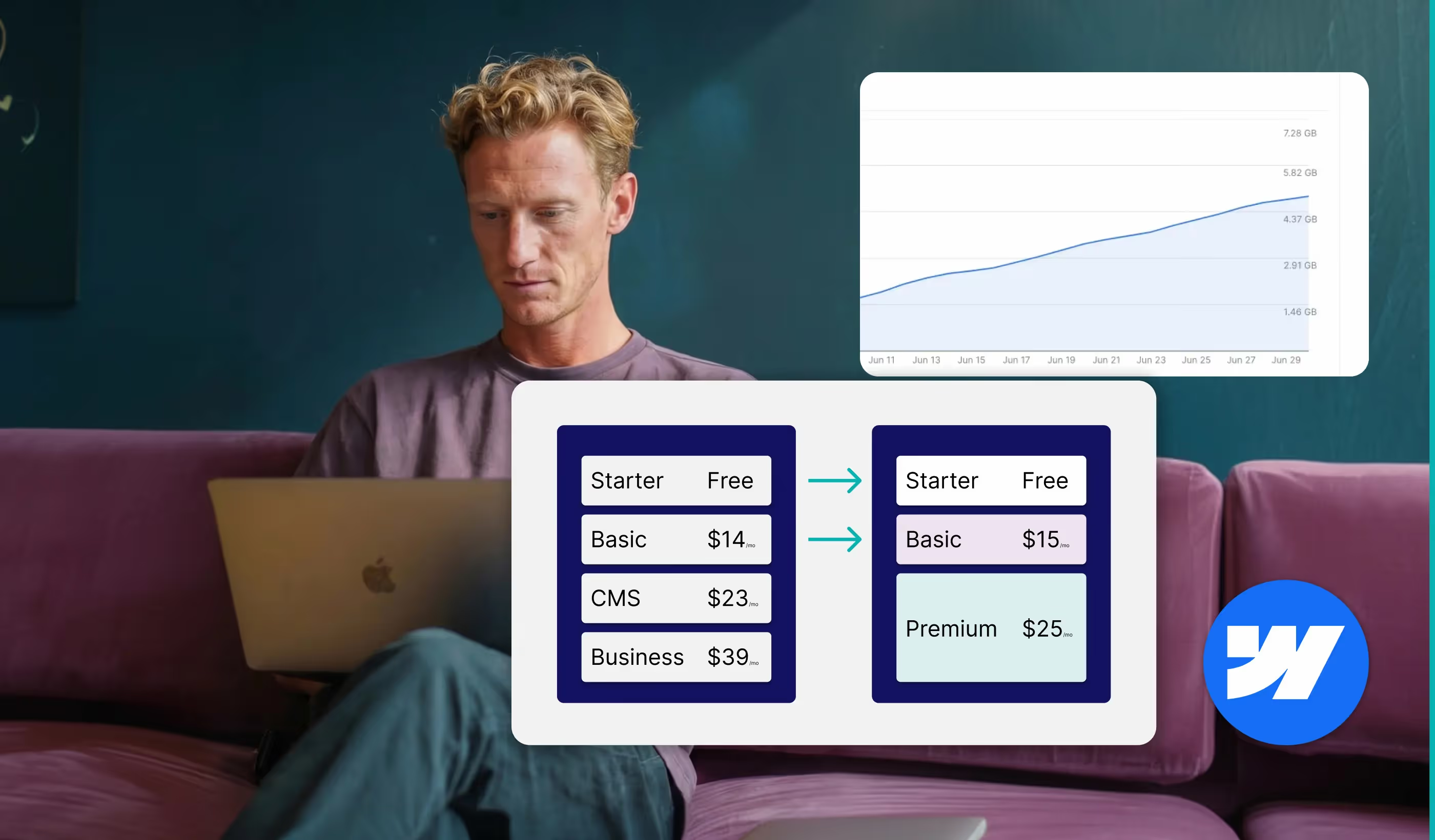
Agencies often hide the true cost of scaling. Here is the "playful honesty" version of the 2026 pricing landscape:
Note: GBP pricing is primary, with USD equivalent in brackets. Annual billing applies.
Webflow General Site Plans
- Starter: £0 ($0) /month. For learning and webflow.io staging.
- Basic: £11 ($14) /month. Simple sites, no CMS, 10GB bandwidth.
- CMS: £18 ($23) /month. Blogs and content sites, 2k CMS items.
- Business: £31 ($39) /month. High-traffic marketing hubs, 10k CMS items, 400GB bandwidth.
Framer Site Plans
- Free: £0 ($0) /month. Hobby projects on framer.website subdomain.
- Basic: £8 ($10) /month. Personal sites, 1k CMS items, 10GB bandwidth.
- Pro: £24 ($30) /month. Professional teams, 10k CMS items, 200GB bandwidth.
- Scale: £80 ($100) /month. Growing companies, custom limits, 500GB+ bandwidth.
Paddle Creative Insight: Don't get distracted by a £10 difference. The "cost" of a site that doesn't rank or a CMS that requires a developer to update a headline is far higher than the monthly subscription.
2026 Technical Feature & Usage Comparison
Who should NOT use these platforms?
Do NOT use Webflow if:
- You are a solo freelancer who just needs a digital business card.
- You have a total budget of £500 and need it done by tomorrow morning.
- You find the concept of "The Box Model" (Padding vs. Margin) terrifying.
Do NOT use Framer if:
- You are a B2B SaaS company planning to scale beyond 20 pages.
- Your SEO strategy is the primary driver of your business.
- You need to integrate deeply with a CRM like HubSpot or Salesforce.
Final Verdict: Is Webflow worth the learning curve?
Yes. While Framer is "easier" to pick up if you know Figma, Webflow is a professional tool that builds professional assets. If you want a website that is an appreciating asset – one that gets faster, more organised, and more powerful over time – Webflow is the only choice.
Stop Compromising and Start Paddling
If you’re tired of hitting technical walls and want a site that actually empowers your marketing team, we should talk. We don't just "design" sites; we build marketing infrastructure that converts.

Author

%20(1).avif)



.avif)



.avif)

%20(1).avif)
%20(2).avif)
%20(1).avif)
.avif)
.avif)
%20(1).avif)
.avif)
.avif)
.avif)
.avif)
.avif)
.avif)
%20(1).avif)
.avif)
%20(1).avif)

.avif)

%20(1).avif)
%20(1).avif)
%20(1).avif)






%20(2).avif)
.avif)


.avif)
.avif)
.avif)
.avif)
.avif)
.avif)
.avif)
.avif)
.avif)
%2520(1).avif)
%2520(1).avif)
.avif)
%2520(1).avif)
%2520(1).avif)
%2520(1).avif)
%2520(1).avif)
%2520(1).avif)
%2520(1).avif)
.avif)
.avif)


.avif)


