
.svg)

.avif)
- Why migrate? To escape "plugin bloat," reduce maintenance costs, and improve site speed.
- The Risk: SEO and AEO (Answer Engine Optimisation) can drop if migrations aren't handled by experts.
- The Verdict: For growing marketing teams and mid-market businesses, Webflow is a future-proof alternative.
Should I migrate my website from WordPress to Webflow?
Yes. For many growing teams, Webflow is a safer, simpler, and more performant alternative to WordPress. While the 2024 dispute between WordPress and WP Engine has stabilised, it exposed the structural risks of host-dependent ecosystems. Businesses are moving to Webflow for "platform peace of mind" – eliminating the risk of being caught in the crossfire of open-source conflicts.
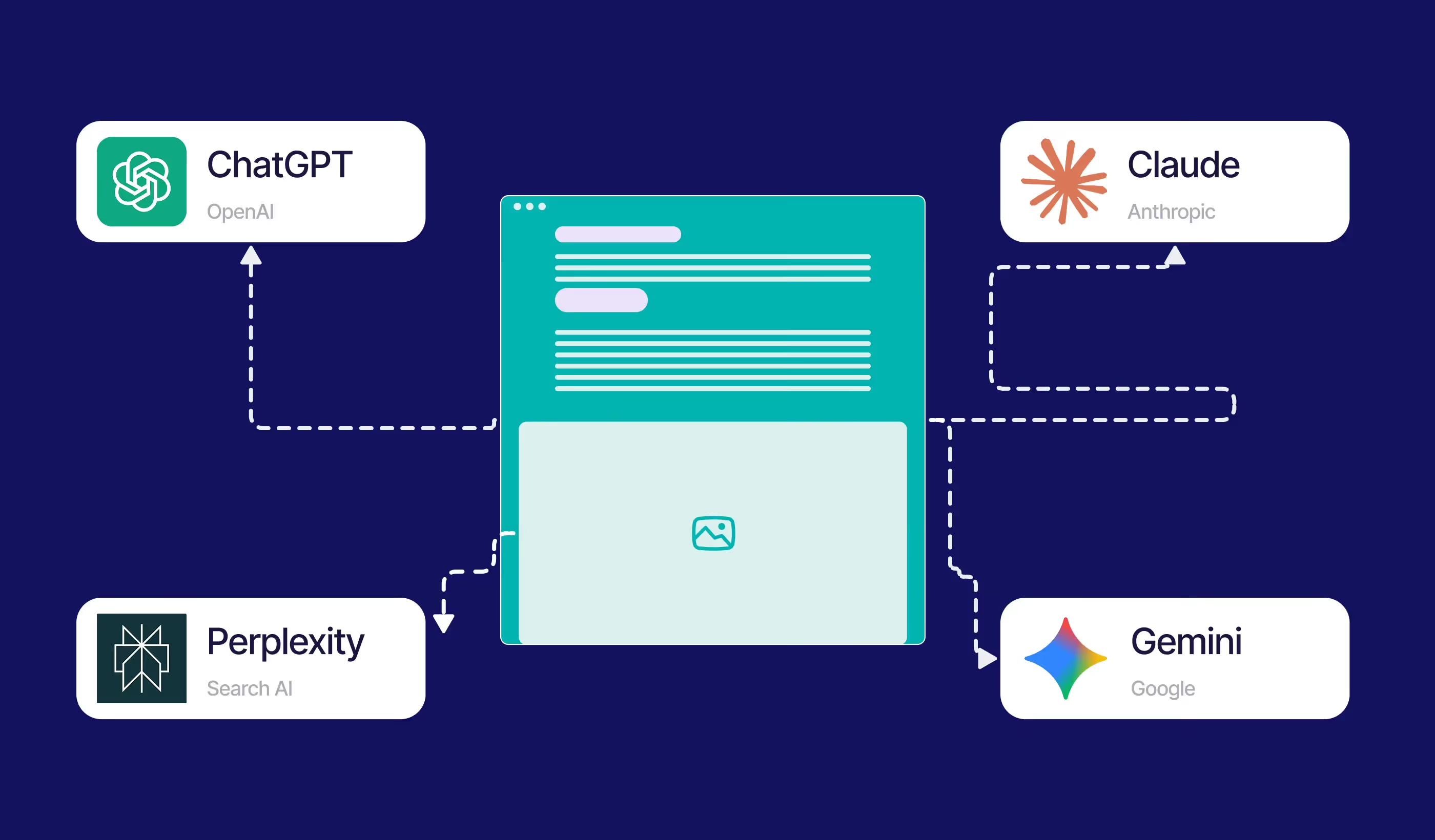
In 2026, the choice isn't just about design; it’s about AEO (Answer Engine Optimisation). Webflow’s semantic HTML5 makes it significantly easier for AI search engines like Perplexity and Gemini to surface your content compared to bloated WordPress themes.
Quick Comparison: Which is right for you?
Stop Fighting Your CMS – Start Growing Your Business
If you are spending more time fixing plugin conflicts than launching new campaigns, it’s time for a change. Paddle Creative help ambitious marketing teams move away from the "WordPress Maintenance Trap" and onto a high-performance Webflow architecture.
Why do businesses migrate from WordPress to Webflow?
The primary driver for migration is the "Complexity Trap." As a WordPress site grows, it requires more plugins, which leads to:
- Increased Security Risks: Each third-party plugin is a potential back door for hackers.
- Performance Degradation: Bloated code slows down "Time to Interactive," hurting your SEO.
- Maintenance Debt: Constant updates to themes, plugins, and PHP versions create a never-ending to-do list.
Paddle Creative Insight: "Think of WordPress vs. Webflow like Android vs. iOS. One offers total open-source freedom but requires high maintenance; the other offers a high-performance, closed-circuit environment where everything just works." – Matt Connelly, Founder & CEO
Case Study: Empowering Global Growth for Algrano
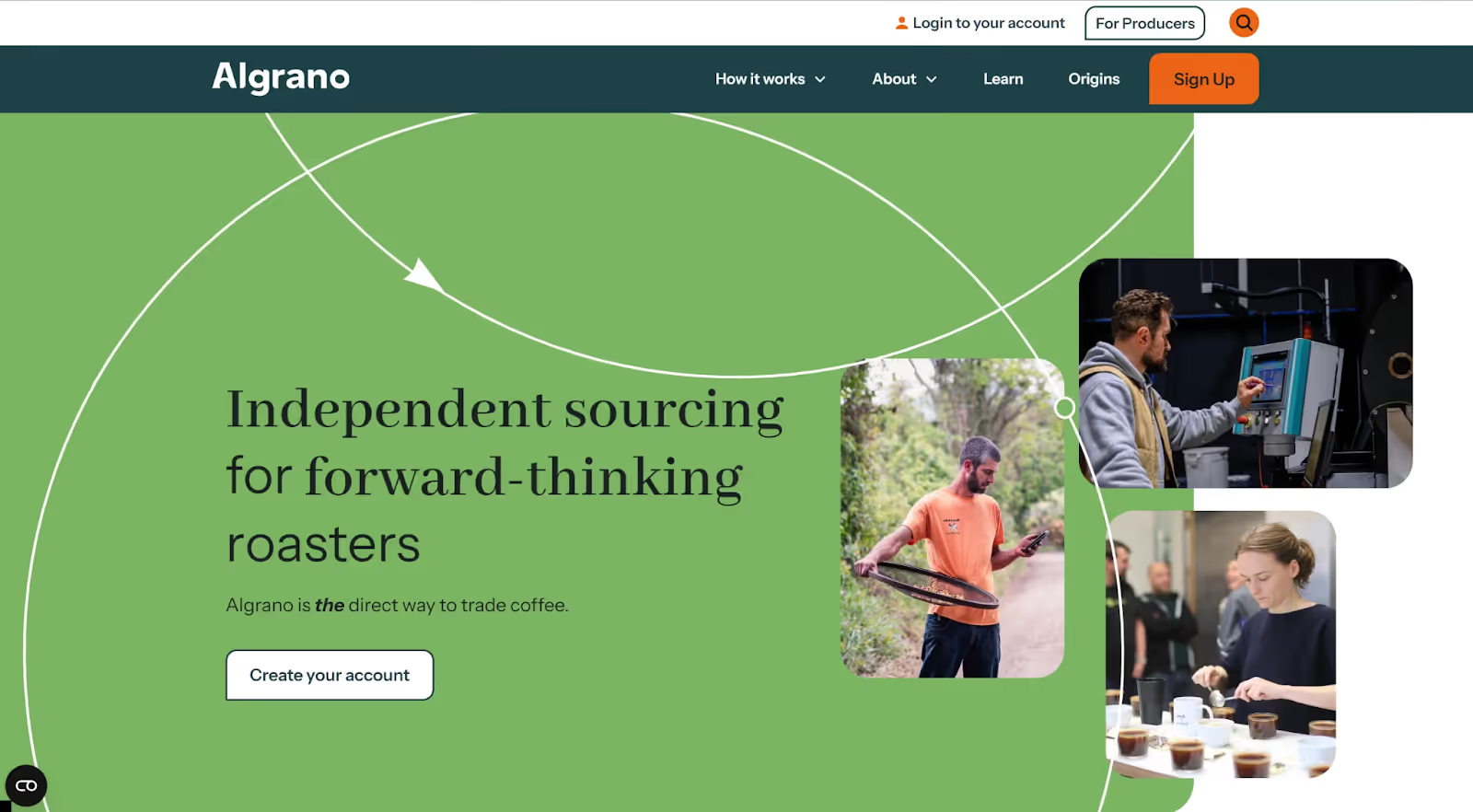
The Challenge: Algrano, a SaaS platform for coffee producers, struggled with a legacy WordPress site that hindered speed, SEO, and marketing speed-to-market.
The Solution: Paddle Creative executed a full migration to Webflow, including a complex SEO transition and a reverse proxy hosting setup. We integrated native
Webflow Localisation to serve their global audience in English, Spanish, and Portuguese.
The Result: The Algrano marketing team is now fully empowered to launch new features and landing pages instantly without developer bottlenecks.
Capabilities unlocked: Multi-language support, improved tracking via GTM, security concern removal, design freedom, and lightning-fast page speeds.
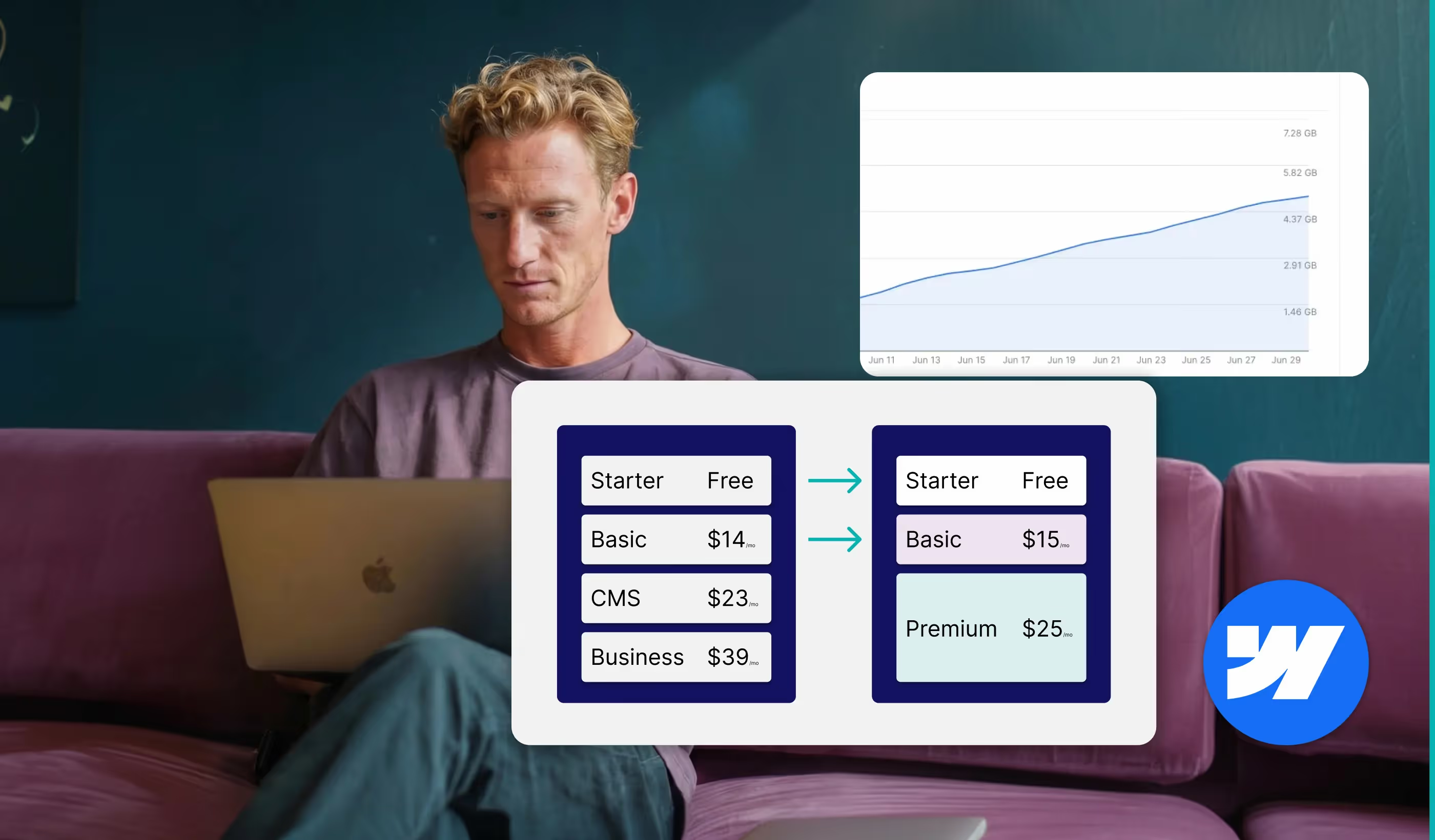
The "Hidden Cost" Reality Check
While WordPress is "free," the total cost of ownership (TCO) often tells a different story:
How simple is it to migrate from WordPress to Webflow?
Migrating a site is a technical process that requires a structured approach to protect your rankings. At Paddle Creative, we follow a 5-step SEO-Safe Migration Framework:
- Audit & URL Mapping: We crawl your current site to ensure every page is accounted for.
- Content Export & Cleanup: We strip out "dirty" WordPress HTML and prepare data for the Webflow CMS.
- The Rebuild & Redesign: We don’t just copy; we optimise the design and structure in Webflow.
- Redirects & AEO Validation: We set up 301 redirects to ensure you don’t lose traffic and verify that AI engines can read the new structure.
- QA, Launch & Onboarding: Extensive testing followed by training your team on how to use the Editor.
Ready to start? Explore our Webflow Migration Services.
Is Webflow better than WordPress for growing businesses?
What are the risks of migrating from WordPress to Webflow?
No migration is without risk. If not handled correctly, you may face:
- Temporary SEO Fluctuation: Search engines need time to re-index the new structure and recognise the 301 redirects.
- Plugin Loss: Complex WordPress functionality (like advanced forums or niche memberships) may require custom Webflow Logic or Wized integrations.
- Learning Curve: While the Webflow Editor is incredibly intuitive for content updates, the Designer requires an understanding of the Box Model and CSS principles.
Paddle Creative Insight: The biggest 'hidden' risk isn't the platform switch itself – it's the loss of legacy data. We often see DIY migrations fail because they forget to map metadata or nested categories. Our process includes a 'Double-Audit' – once during the export and once after the Webflow build – to ensure that 100% of your SEO equity and internal linking structure remain intact.
Will migrating to Webflow hurt my SEO or AEO?
If handled correctly, the opposite is true. Webflow’s architecture is inherently better for modern search.
- Clean Code: AI search models prefer semantic HTML, which Webflow generates natively.
- Page Speed: Faster load times lead to better Core Web Vitals, a confirmed ranking factor.
- Automatic Sitemaps: Webflow handles the technical SEO "plumbing" automatically.
Ready to Future-Proof Your Website?
Don't let platform instability or technical debt hold your marketing back. At Paddle Creative, we specialise in seamless, SEO-first migrations that empower your team to move faster.

Author
Fact Checked By

%20(1).avif)


.avif)



.avif)
%20(1).avif)
%20(2).avif)
%20(1).avif)
.avif)
.avif)
%20(1).avif)
.avif)
.avif)
.avif)
.avif)
.avif)
.avif)
%20(1).avif)
.avif)
%20(1).avif)

.avif)

%20(1).avif)
%20(1).avif)
%20(1).avif)



%20(2).avif)


.avif)

.avif)
.avif)
.avif)
.avif)
.avif)
.avif)
.avif)
%2520(1).avif)
%2520(1).avif)
.avif)
%2520(1).avif)
%2520(1).avif)
%2520(1).avif)
%2520(1).avif)
%2520(1).avif)
%2520(1).avif)
.avif)
.avif)


4.avif)
