
.svg)
Top 10 Webflow Maintenance Mistakes to Avoid
CMOs trust Webflow's stability but ignore ongoing management. This guide breaks down the 10 critical mistakes marketers face (from class bloat to developer dependency) and how to turn your site into a growth engine.
.avif)
.avif)
- Reactive vs. Proactive: Treating maintenance as a 'fix-it' cost, not a continuous growth investment.
- Technical Debt: Ignoring class-naming inconsistencies ("class bloat"), which slows the site.
- Speed Decay: Failing to audit and compress assets (images, Lottie,) leading to Core Web Vitals drops.
- Developer Dependency: Lack of training and control, forcing businesses to wait on developers for simple updates.
- No Central System: Using email instead of a dedicated platform (like Paddle Portal) for requests and QA.
Introduction: Turning Webflow Maintenance into a Growth Engine
Why is your Webflow site getting slower, harder to manage, or more expensive to maintain? You’re not alone. CMOs often trust the platform's stability, but fail to account for crucial, ongoing management.
In this guide, we break down the top Webflow maintenance mistakes marketers face in 2026 – and exactly how to avoid them. From Technical Debt to speed decay and developer dependency, you’ll learn how to turn maintenance into a proactive growth engine, not a cost centre.
Speak to one of our Webflow Experts and Build a Proactive Webflow Maintenance Engine. Book a call

1. Why is treating Webflow maintenance as a cost centre a mistake?
Most agencies offer maintenance as a simple "fix-it" retainer. Taking this approach can be a false economy and is a reactive cost. Forward-thinking marketing leaders view maintenance as an engine for continuous improvement, directly impacting ROI.
Paddle Creative Insight: Proactive vs. Reactive
At Paddle Creative, we offer both proactive and reactive Webflow maintenance. We react to tasks you assign to our team to keep your site running smoothly. More importantly, we work proactively to help you maximise your online potential through optimisation strategies, detailed reports and audits, and continuous SEO and AEO improvements.

2. How does poor class naming slow down a Webflow site?
Webflow's power lies in its flexibility, but this also creates significant opportunities for developer error. As new features are added without reusing existing classes, "class bloat" occurs, leading to style conflicts and increased site load times – a core component of Technical Debt.
- The Mistake: Developers add new sections without reusing existing classes.
- The Fix: Enforce a strict Class-naming Convention (e.g., Client-First or a proprietary system). A specialist agency should conduct regular audits to refactor and clean up the stylesheet, ensuring the Webflow site remains clean and scalable.
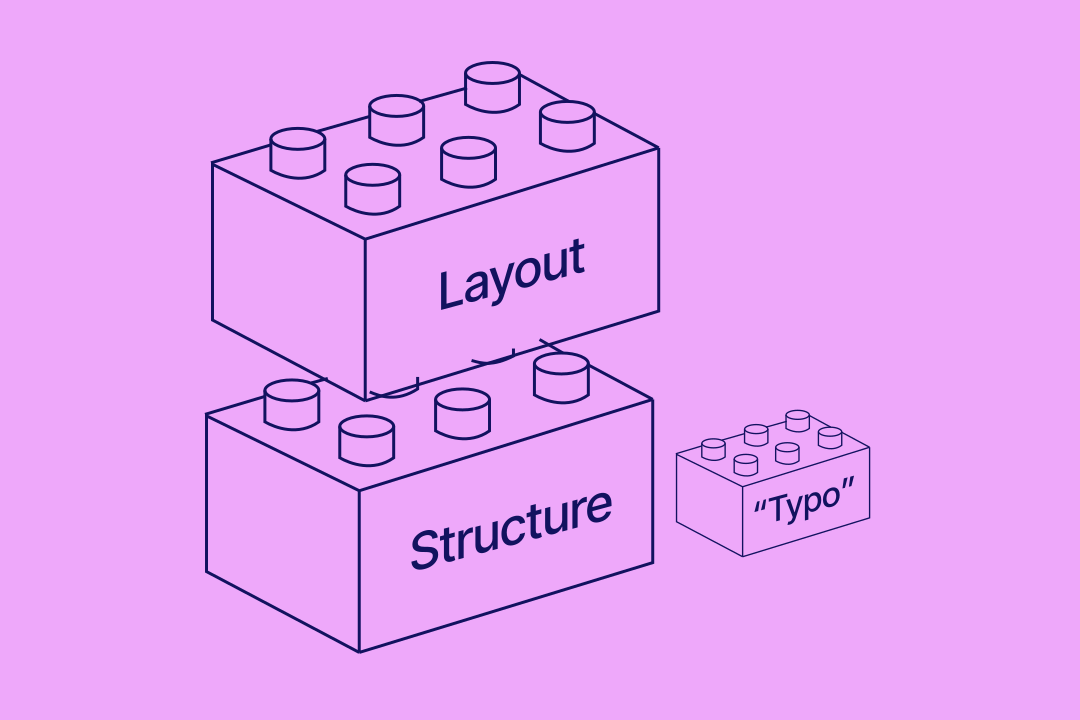
Paddle Creative Insight: To avoid technical debt in Webflow, your site must use Components and variables. Think of these as custom, reusable LEGO blocks that make your site a breeze for marketing teams to manage your Webflow site.
We view Technical Debt not just as messy code, but as a direct threat to your marketing budget and agility. Every redundant class, every unused style, and every inconsistent element adds friction. Our maintenance philosophy focuses on Debt Elimination: regularly auditing the stylesheet to remove bloat, ensuring your site remains as fast and easy to build on in six months as it was on launch day.
3. Why should Webflow updates never be managed by email?
Email is a poor system for managing a dynamic digital asset like your Webflow website. It leads to lost requests, delayed tasks, and zero transparency on progress, creating friction and wasting valuable marketing time.
When managing multiple website updates, email threads are not sufficient for prioritising updates, tracking which information relates to which task, or keeping it simple for all stakeholders. It also becomes impossible to track time spent on each task or to measure ROI from website updates.
- The Mistake: CMOs send maintenance requests, feedback, and bug reports through unstructured emails and spreadsheets.
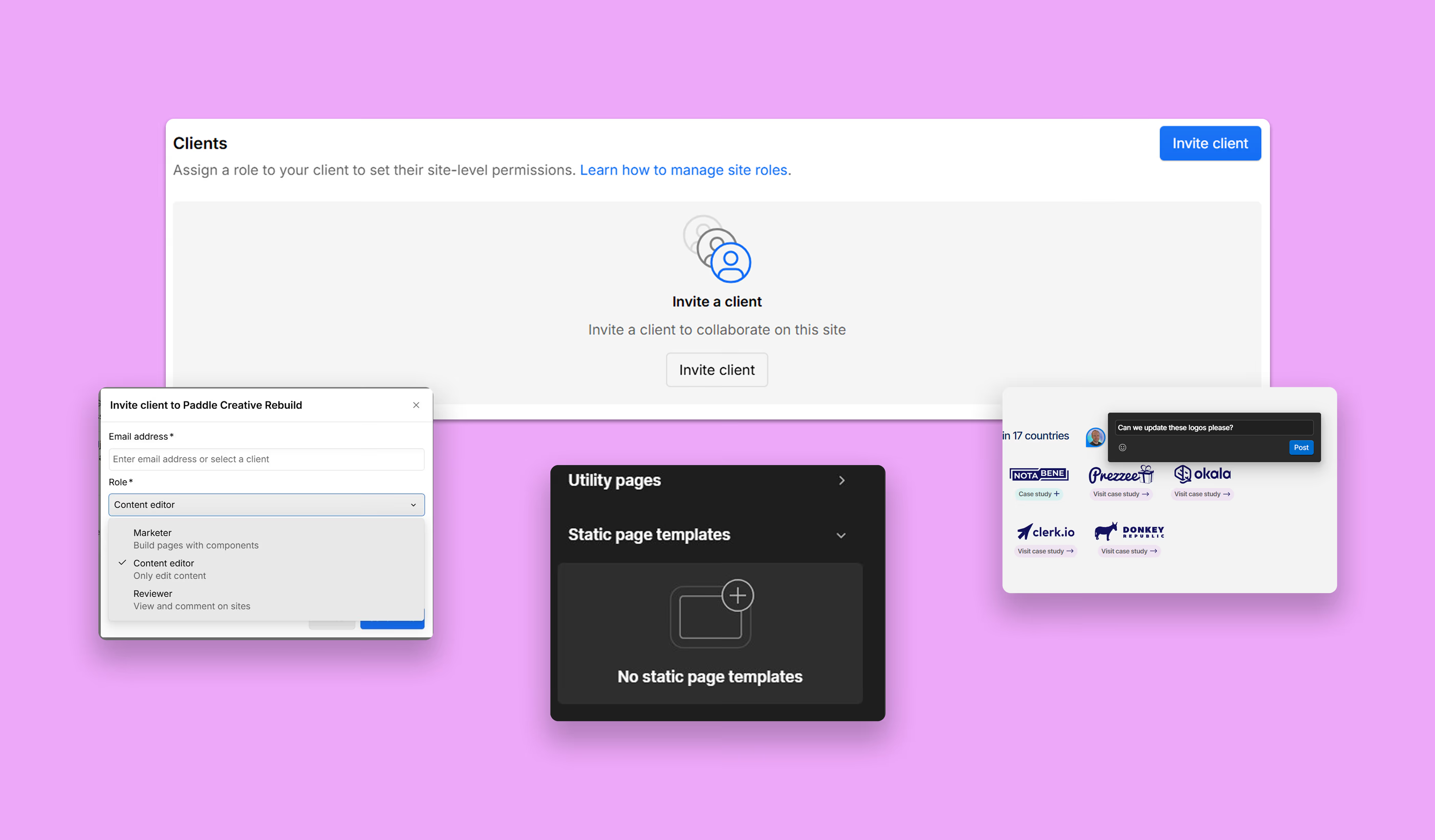
- The Fix: Centralise all communication, asset sharing, and project tracking through a dedicated client portal. Paddle Portal provides this single source of truth, giving marketers real-time visibility and a structured workflow for fast, reliable updates.
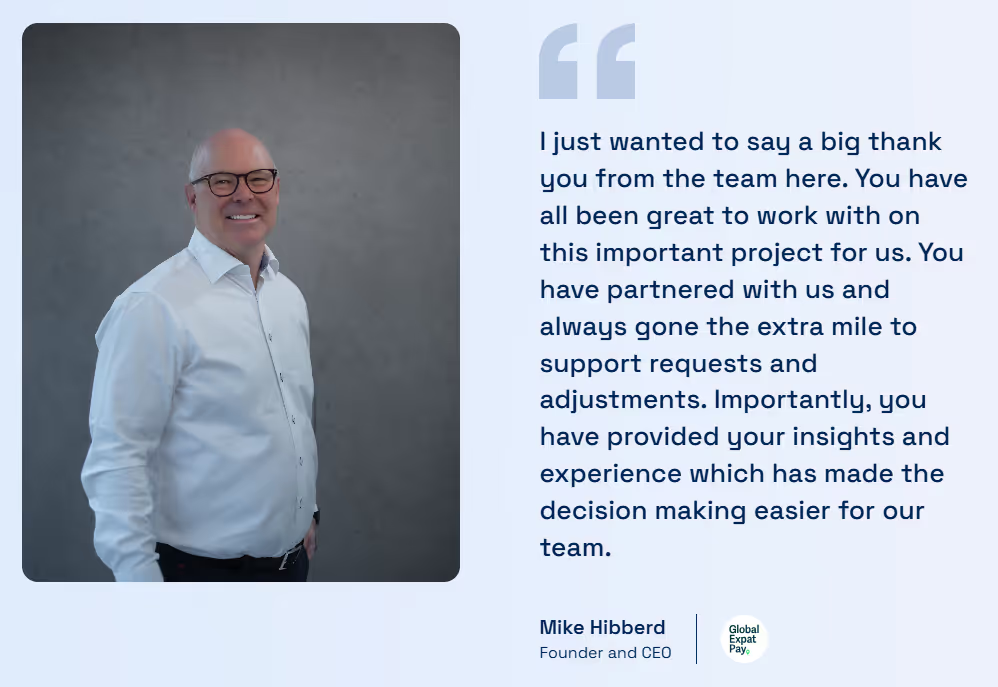
Paddle Creative Success Story: Global Expat Pay
This complex build shows why a proactive maintenance foundation is essential for a true Webflow growth engine.
The Challenge
Global Expat Pay needed to simplify its complex global payroll offering, which was failing to convert decision-makers.
The Proactive Solution
We delivered a full, SEO-led redesign, a custom Global Mobility Savings Calculator web app (a powerful lead-gen tool), and custom Lottie animations. The calculator was built to be scalable and integrated seamlessly with HubSpot.
Maintenance Insight
For a site with custom apps and new content sections (such as 'Events'), maintenance is about ongoing assurance. Our focus shifts from "fixing" to ensuring the complex Savings Calculator remains fully integrated, and the custom Lotties do not cause long-term speed decay (Mistake 6).
The Outcome
The site is now a powerful sales tool, generating a predictable stream of pre-qualified, quality leads and providing a clear, compelling value proposition to the global market.
4. Why is pre-deployment QA essential for Webflow changes?
A rushed launch is the single fastest way to introduce high-priority bugs and accessibility issues. Even minor content changes, if unchecked, can break a global element or disrupt key integrations.
- The Mistake: Launching content or feature updates directly to production without a dedicated quality assurance (QA) report.
- The Fix: Demand a formal QA process. This is part of The Paddle Promise, which includes a 'Confident Launch' QA Report before any significant deployment. This structured check eliminates launch-day stress and ensures consistency.
5. Should content editors have access to the Webflow design canvas?
Giving inexperienced internal staff too much control over the core structure of the Webflow project files (rather than just the CMS) is a major risk to the project's long-term health and structural integrity.
- The Mistake: Granting "designer" access to anyone who only needs to update text and images.
- The Fix: Utilise Webflow’s built-in Editor mode or Marketer role for all content updates. Ensure your agency provides clear video training – part of The Paddle Promise's full control guarantee – so marketers can manage their content without risking the Class-naming Convention.
6. How does speed deterioration happen in Webflow over time?
Webflow is fast, but adding large unoptimised images, complex Lottie files, and multiple third-party scripts over time will inevitably slow it down. Speed is a critical ranking factor (Core Web Vitals).
- The Mistake: Launching a fast site and then failing to audit image compression and script load order during ongoing maintenance.
- The Fix: Maintenance should include quarterly Core Web Vitals audits. We provide regular reports via the Paddle Portal to track speed, proactively compress assets, and identify script conflicts to help your site achieve a high score.
7. How should CMOs budget for post-warranty Webflow maintenance?
Even the best-built websites can encounter novel bugs after intense use or due to external platform changes. Failing to budget for post-launch maintenance after the initial warranty is a common financial mistake.
- The Mistake: Assuming the build is flawless forever and not securing a long-term maintenance partner after the initial warranty expires.
- The Fix: Seek an agency that provides an explicit warranty. The Paddle Promise includes a three-month 'Bug-Free' Guarantee. After this period, transition to a dedicated maintenance plan to ensure any mystery bugs or integration issues are addressed swiftly and reliably.
8. Why is continuous SEO/AEO crucial in a Webflow maintenance plan?
Search Engine Optimisation (SEO) and Accessibility Engine Optimisation (AEO) are highly dynamic. Google algorithm updates, changing voice search trends, and new competitive content require continuous monitoring.
- The Mistake: Setting metadata and publishing alt text once, then neglecting monthly content audits, broken link checks, and schema markup updates.
- The Fix: Incorporate continuous SEO and AEO checks into your maintenance plan. This proactive work ensures your site’s ranking potential is always maximised, treating every maintenance cycle as a chance to improve discoverability.
9. How does the Developer-Dependency Trap stifle marketing agility?
The worst feeling for a CMO is being unable to perform a simple text change without emailing a developer and waiting days for a response. This stalls campaigns and limits agility.
- The Mistake: Using an agency that doesn't provide the necessary training and control to the marketing team for simple updates.
- The Fix: Demand control and transparency. The Paddle Promise includes video onboarding to ensure marketers know how to use the CMS effectively. When complex changes are needed, a dedicated client platform like Paddle Portal ensures swift execution without unnecessary delays.
10. Can automated tools fully replace manual Webflow expert audits?
Automated maintenance tools can catch simple errors, but they are blind to the most critical, complex issues that arise from custom Webflow interactions and poor semantic structure.
- The Mistake: Relying on basic website health scores from automated plugins that miss errors in reading order, keyboard traps, and complex accessibility failures introduced by custom code.
- The Fix: Hire a Webflow expert for manual, expert audits to ensure maintenance extends beyond basic checks to address underlying issues in your code, structure, and user flows, thereby securing the site’s long-term compliance and performance.
11. Ready to Trade Maintenance Stress for Predictable Growth?
Stop gambling your marketing performance on reactive fixes. The first step toward turning your Webflow site into a predictable growth machine is booking a call with our Webflow experts.
Author
Fact Checked By

%20(1).avif)






.avif)


%20(1).avif)
%20(2).avif)
%20(1).avif)
.avif)
.avif)
%20(1).avif)
.avif)
.avif)
.avif)
.avif)
.avif)
%20(1).avif)
.avif)
%20(1).avif)

.avif)

%20(1).avif)
%20(1).avif)
%20(1).avif)






%20(2).avif)
.avif)


.avif)

.avif)
.avif)
.avif)
.avif)
.avif)
.avif)
.avif)
%2520(1).avif)
%2520(1).avif)
.avif)
%2520(1).avif)
%2520(1).avif)
%2520(1).avif)
%2520(1).avif)
%2520(1).avif)
%2520(1).avif)
.avif)
.avif)


