
.svg)

.avif)
- The Conflict: HubSpot is a world-class CRM, but its CMS often acts as a creative bottleneck, forcing marketers into rigid, template-driven designs.
- The Power Couple: The most effective enterprise stack uses Webflow for the high-performance "Experience Layer" (website/CMS) and HubSpot for the "Logic Layer" (CRM, forms, and automation).
- The Business Case: Migrating to Webflow reduces "developer talk", eliminates design debt, and significantly improves speed-to-market and design freedom.
- The Bottom Line: Don’t let your marketing automation dictate your brand’s visual potential. Integrate them to unlock both.
Introduction: Should You Move Your Website from HubSpot to Webflow?
For many marketing leaders, the answer is a definitive yes. While HubSpot is a world-class CRM, its CMS often acts as a creative bottleneck, forcing teams into rigid, template-driven designs.
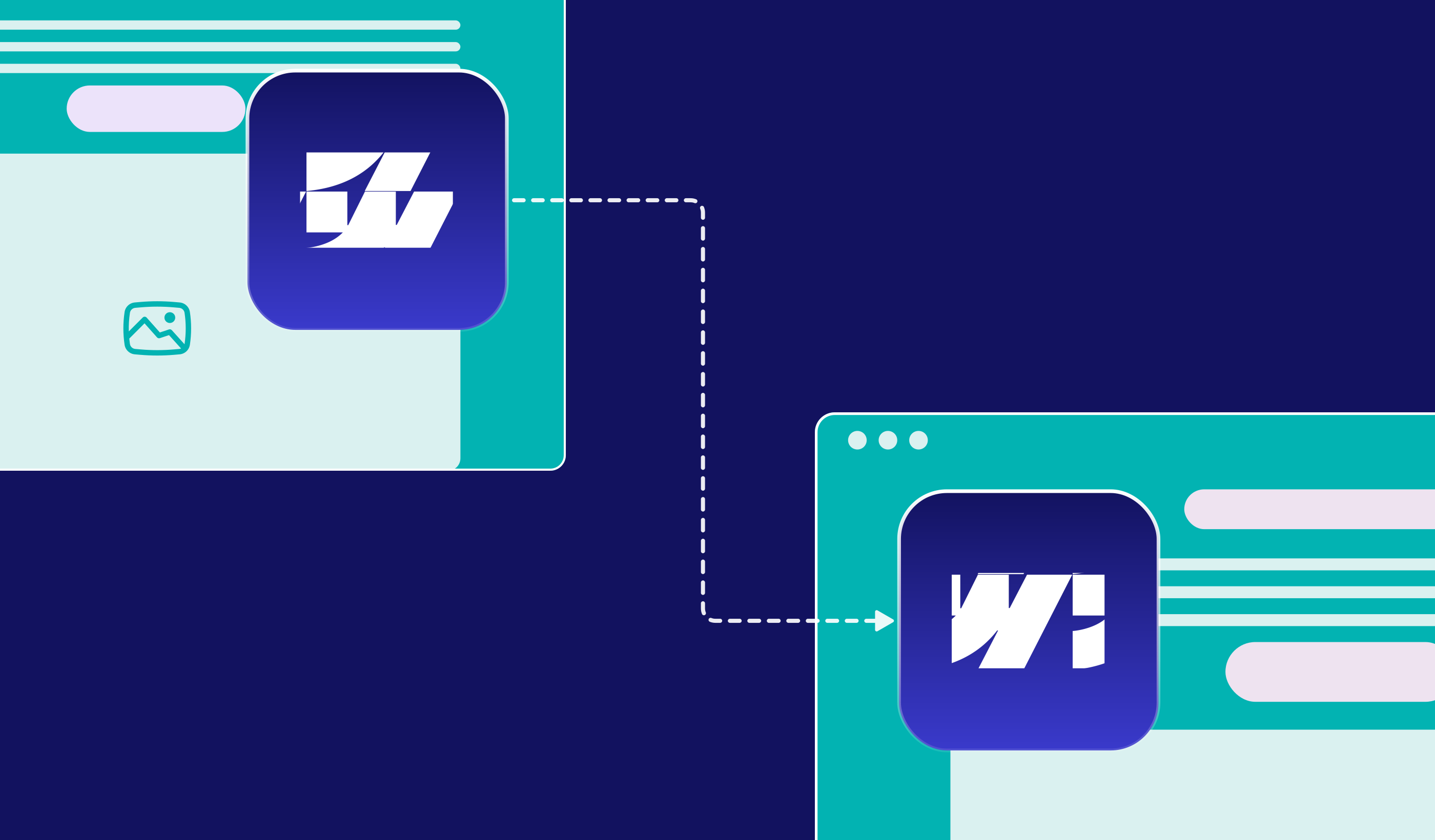
Migrating to Webflow – while retaining HubSpot for CRM and automation – is the strategic choice for high-growth brands. This "best of both worlds" architecture allows you to reclaim design freedom and site performance without losing a single lead or disrupting your established sales workflows. At Paddle Creative, we simplify the complex, making the transition seamless so you can focus on strategy rather than technical hurdles.
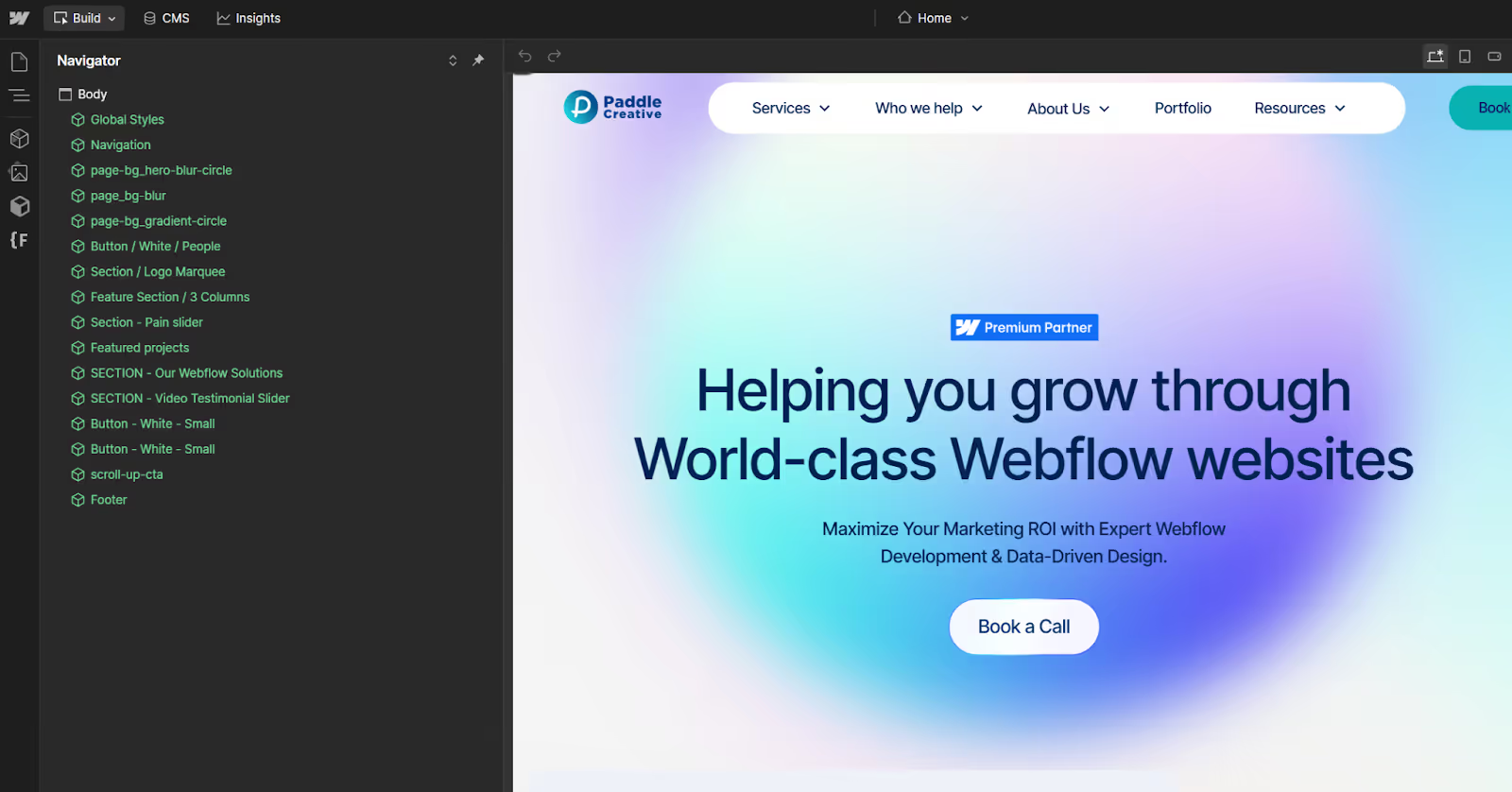
Don't let rigid HubSpot templates dictate your visual potential. Reclaim total design freedom and superior site performance with a strategic Webflow migration – while keeping your HubSpot CRM data and automations perfectly intact.

1. The Hidden Cost of "Good Enough": Technical Debt in HubSpot CMS
Many CMOs inherit a HubSpot CMS setup and assume the friction is just "part of the process." It isn't. Remaining on a rigid CMS creates Technical Debt – the implied cost of additional rework caused by choosing an easy, limited solution now instead of a better approach that takes slightly longer.
Where the Technical Debt Accumulates:
- Template Rigidity: HubSpot’s "drag-and-drop" modules often break brand guidelines when pushed beyond their basic limits, resulting in a site that looks like every other B2B brand.
- Code Bloat: Legacy HubSpot sites often carry "div-soup" – excessive code that slows down browser rendering. In the eyes of Google’s Core Web Vitals, this is a direct hit to your SEO.
- The Dependency Loop: Because the CMS is not inherently design-first, marketing teams become overly dependent on external developers for minor visual changes, draining budgets that should be spent on growth experiments.
Paddle Creative Insight: In enterprise HubSpot migrations, we consistently see Core Web Vitals improve significantly after migrating to Webflow. The improvements to Core Web Vitals is due to cleaner markup and a component-based architecture that eliminates the legacy bloat common in HubSpot templates.
2. Should We Use Webflow with HubSpot?
We don’t follow the crowd. While some suggest a total departure from HubSpot, we believe in specialisation. The best setup for a modern enterprise is a Webflow HubSpot integration.
The Experience Layer (Webflow)
Webflow acts as the "Face" of your brand. It is where your content lives, where your SEO is built, and where your users interact with your brand story.
- Total Visual Control: Build bespoke, brand-consistent pages without a single line of code.
- High-Performance Hosting: Sites that load instantly and scale globally.
- Marketing Autonomy: The Paddle Creative way involves empowering your team to manage the site themselves, celebrating progress without the headaches.
Paddle Creative Insight: Use Webflow Components to gain full marketing autonomy over your Webflow website. A good quality Component means you have your own, custom drag and drop builder.
The Logic Layer (HubSpot)
HubSpot remains the "Brain." It is far too powerful a tool to discard, but its value lies in the data, not the design.
- Lead Intelligence: Keep your sophisticated lead scoring and contact properties.
- Flow Automations: Continue using your tried-and-tested email nurturing sequences.
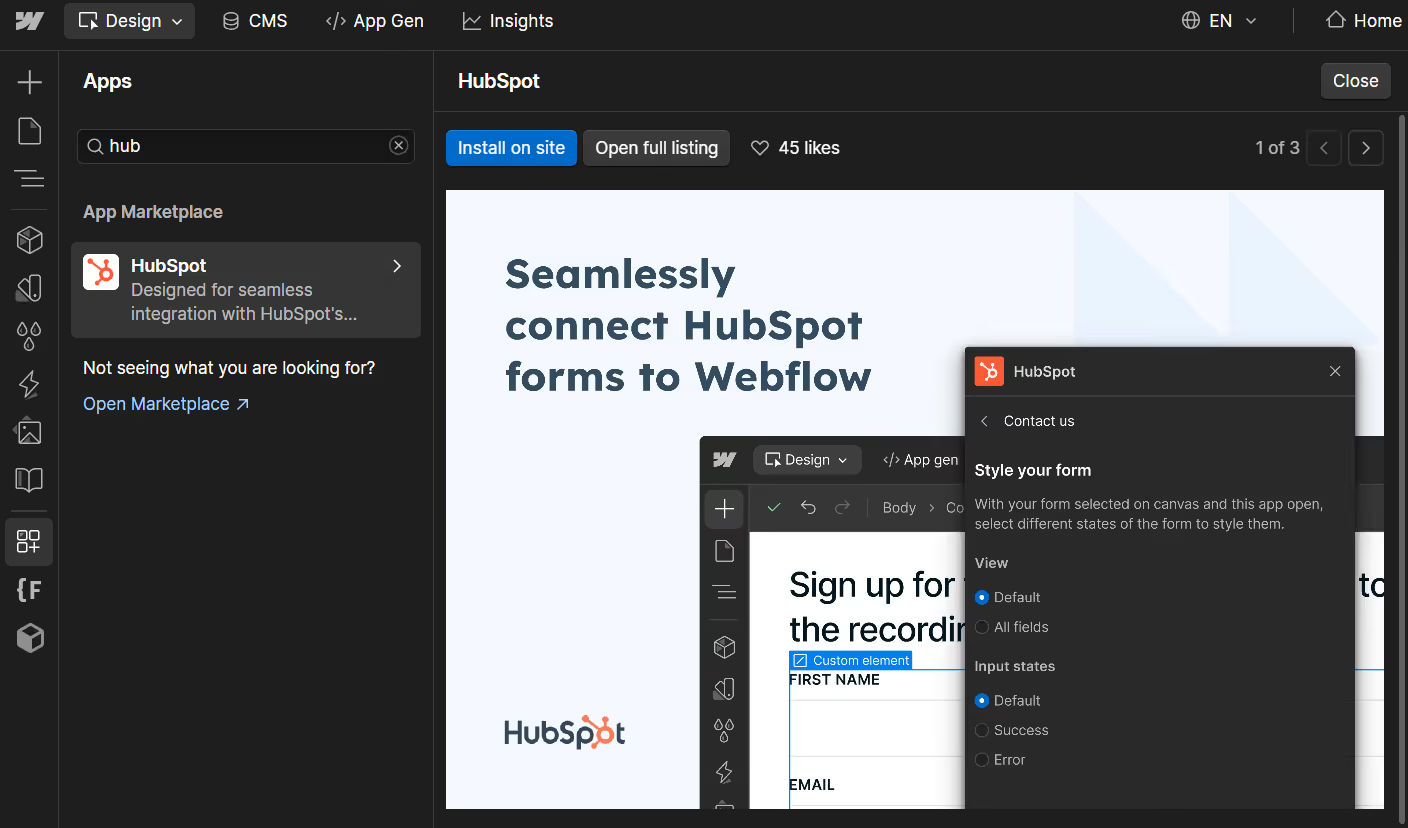
- The Connection: We embed HubSpot forms and tracking pixels directly into the Webflow interface. To the user, it is a seamless, beautiful experience. To your sales team, it is the same high-quality data they’ve always had.
3. Comparing the Editor Experience: Efficiency Gains
Efficiency is a KPI. If your team is spending 10 hours a week fighting with a CMS, that is 10 hours lost on strategy.
4. How Does Webflow Improve Speed-to-Market?
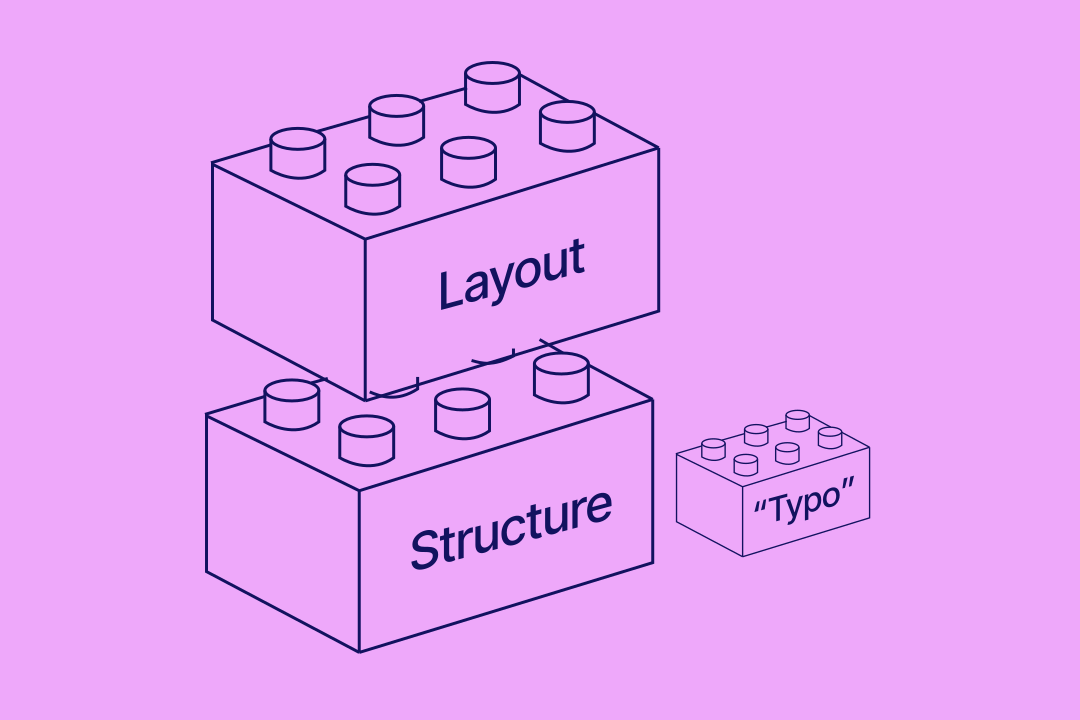
Efficiency is a primary KPI for any CMO. Webflow utilises "Atomic Design" principles – a library of reusable components that let your team assemble compliant pages in minutes.
Instead of waiting for a developer to code a new section, a marketing manager can build a high-converting, brand-compliant landing page in under an hour (providing the website has been built correctly). This shift from "building" to "assembling" is the secret to outpacing legacy competitors.
Paddle Creative Insight: CMOs often underestimate how much developer dependency slows campaign velocity – until they remove it entirely. When a marketing team gains autonomy over their CMS, we typically see an immediate increase in the volume of experiments and campaigns they can run.
5. Is Migrating from HubSpot to Webflow Risky?
The Safety Net: The Paddle Promise
We understand that launching a new site can be stressful. To eliminate this anxiety, every migration we perform is backed by the Paddle Promise. This is our commitment to your peace of mind, ensuring you can focus on growth while we handle the technical burden.
- The 'Confident Launch' Report: We provide a rigorous QA report to ensure the site is ready before it goes live.
- Three-Month 'Bug-Free' Guarantee: We cover all bug fixes for 90 days post-launch.
- Handing You the Keys: We provide video onboarding to ensure your team has full control, so you no longer have to wait on developers for small updates.
6. Data Integrity and Lead Attribution
Maintaining your data history is non-negotiable. During a HubSpot to Webflow migration, we ensure that your tracking remains uninterrupted.
- Form Mapping: Every HubSpot form embedded in Webflow is tested to ensure it functions correctly.
- Source Tracking: We verify that the original source data and tracking cookies accurately reflect the user journey across the new site.
- Custom API Limits: For Webflow Enterprise clients, we manage custom API request limits to ensure high-volume data transfers between the two platforms never fail.
7. How Long Does a HubSpot to Webflow Migration Take?
For a standard site, a migration typically takes between 6 and 12 weeks. This timeline includes the initial Migration Audit, CMS architecture, visual translation, and the final integration hookup. We don't follow the crowd or hide behind jargon; we provide a clear roadmap that celebrates progress and removes the headaches.
Conclusion: Stop Taking "Good Enough" for Granted
If your website feels like a chore rather than a champion for your brand, it is time to challenge the status quo. Moving to Webflow while retaining HubSpot for automation is the ultimate strategic move for a growth-focused CMO.
It is time to simplify, solve, and start doing work you are proud of. We’re not here to follow the crowd – we’re here to help you lead it.
Ready to reclaim your design freedom? Book a call with Paddle Creative to get a migration audit started.
Author
Fact Checked By


%20(1).avif)



.avif)



.avif)


%20(1).avif)
%20(2).avif)
%20(1).avif)
.avif)
.avif)
%20(1).avif)
.avif)
.avif)
.avif)
.avif)
.avif)
%20(1).avif)
.avif)
%20(1).avif)

.avif)

%20(1).avif)
%20(1).avif)
%20(1).avif)












%20(2).avif)
.avif)


.avif)
.avif)
.avif)
.avif)
.avif)
.avif)
.avif)
.avif)
.avif)
%2520(1).avif)
%2520(1).avif)
.avif)
%2520(1).avif)
%2520(1).avif)
%2520(1).avif)
%2520(1).avif)
%2520(1).avif)
%2520(1).avif)
.avif)
.avif)


.avif)


