
.svg)
.avif)
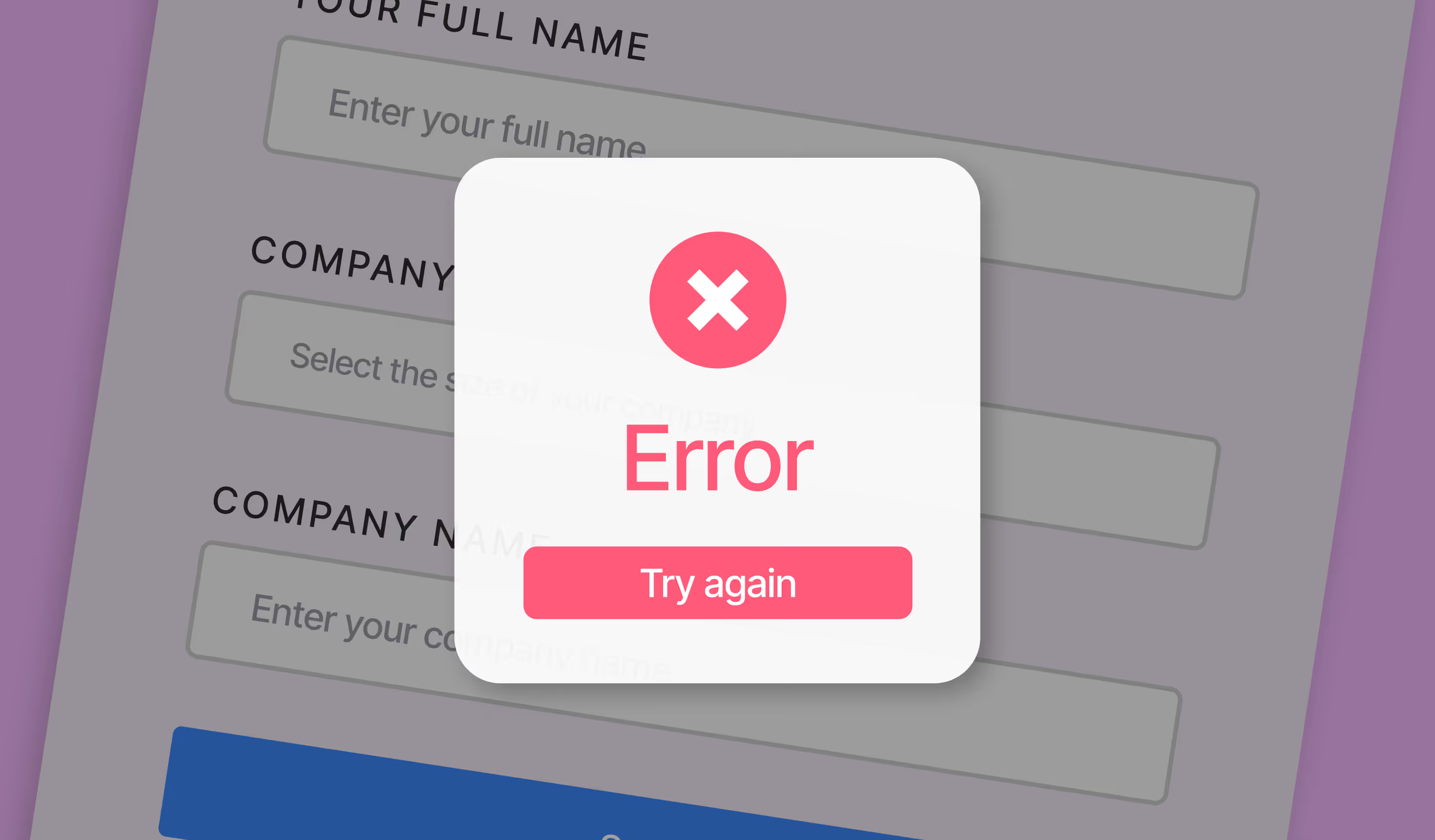
- The Success Message Trap: Visual "success" boxes often mask total data failure.
- The Cost: A 15% silent failure rate on a £10k/month ad spend is a £1,500 monthly "invisible tax" on your growth.
- The Fix: Triple-Point Verification (Webflow : Automation : CRM)
- The Baseline: Visual QA is insufficient; weekly technical regression testing is the safe baseline for high-growth brands
1. Introduction
If your Webflow form shows a success message but you haven’t verified the data reached your CRM, your form is not “working” – it’s only partially complete. A website can look flawless while simultaneously haemorrhaging revenue, which is a marketing team’s nightmare.
Most Webflow sites "look" fine, but revenue loss happens invisibly deep within the plumbing – broken webhooks, expired API tokens, and mismapped CRM fields. Every broken form, webhook, or CRM sync is a lead you paid for – and never saw.
2. Why are broken Webflow forms such a big revenue risk?
A broken form isn't a "technical glitch"; it's a hole in your bucket. When your paid traffic (PPC) hits a dead form, your ROI doesn't just drop – it turns negative.
The danger is in the illusion of performance. Your attribution tools (like Google Analytics) might show a "conversion" because the button was clicked, but the lead never arrives in the CRM. Sales teams can't follow up on leads they don't know exist, and by the time you notice the "quiet" spell, you’ve already wasted weeks of budget.
Concrete examples of silent failure:
- The form submits, but a changed HubSpot property name causes a "400 Bad Request" error.
- A Zapier automation is "On," but it has run out of tasks for the month.
- An email provider silently rejects the notification payload due to DMARC settings.
- The "Thank You" page fires locally, but the data never leaves the browser.
Paddle Creative Insight: We regularly audit sites where submission rates appear "healthy" in native Webflow analytics, but 10–30% of leads never reach sales due to integration failures or silent automation errors.
The "Success Message" Trap
Most teams assume that if the green "Success" box appears, the lead is safe. This is a dangerous misconception. In Webflow, the success message only confirms that Webflow's server received the data. It does not verify that your CRM accepted it. It is like a post office accepting your letter; the post office thinks the job is done, even if the delivery truck has a flat tyre and the letter never reaches the recipient.
Every broken webhook is a lead you paid for but never saw. We’ll audit your forms to ensure 100% of your data reaches your sales team.

3. The most common Webflow form failures we see in the wild
CRM Delivery Failures
The most frequent culprit. If a Marketing Ops team adds a "Required" field in Salesforce or HubSpot but doesn't update the Webflow form, the CRM will reject every single submission. Similarly, aggressive duplicate detection rules can silently discard new entries without alerting the sender.
Zapier & Automation Breakage
Automations are fragile. Zaps can be turned off due to plan changes, task limits being exceeded, or app re-authentication requirements (e.g., OAuth tokens expiring). If your Webhook URL is accidentally rotated or deleted during a site update, the connection is severed instantly.
Email Platform Issues
If you rely on email notifications to alert sales, you are at the mercy of spam filters. Leads often end up in "Promotions" or "Junk" folders, or internal notifications fail to fire entirely because the sending domain isn't authenticated.
Multi-form Inconsistency
It’s common to find that the primary homepage form works perfectly, but a secondary landing page variant – cloned months ago – is still sending data to a deleted spreadsheet or an old email address.
Paddle Insight: We often recommend "Honeypot" fields over intrusive CAPTCHAs. They trap bots without disrupting the user experience or risking the false-positive blocks common with AI-driven detection.
4. Why do Webflow forms break over time?
Why "it worked when we launched" is a dangerous assumption.
Webflow sites are part of a living ecosystem. Form logic ages faster than design because it is tethered to external platforms that are constantly changing.
- CRM Schema Changes: Someone in Sales Ops changes a "Dropdown" field to "Radio Buttons" in the CRM; the Webflow integration breaks immediately.
- Incorrect Cloning: A marketer clones a page to launch a new campaign but forgets to update the underlying integration ID.
- Regression Failures: A "small" update to a site-wide script or a new cookie consent banner interferes with the form's ability to execute JavaScript.
Paddle Creative Insight: Most form failures happen months after launch, usually triggered by a "minor" change in a tool other than Webflow.
5. Calculate Your Risk: The Revenue Leak Calculator
Don't guess your lead loss. Use this simple math to see what's at stake:
- Total Monthly Ad Spend: £__________
- Average Lead Value: £__________
- Conservative Silent Failure Rate (15%): £__________ (This is your monthly "Invisible Tax")
If you aren't testing your forms weekly, this is the amount you are effectively throwing away.
6. How to actually test if your Webflow forms are working (properly)
To ensure your revenue engine is actually running, you must move beyond "Front-end Validation."
Front-end Validation (The Baseline)
Submit test data and confirm the "Success" state appears. Check the browser console for JavaScript errors. Important: This is only 10% of the job.
Delivery Verification (The Non-Negotiable)
Open your CRM. Confirm the lead appears in the correct pipeline, with the correct lifecycle stage, and that all hidden fields (like UTM parameters and Lead Source) are mapped accurately. You can also check in your Webflow project dashboard if using native Webflow forms.
Automation & Notification Testing
Check your Zapier or Make.com task history. Ensure the automation has fired without errors. Finally, verify that the Slack alert or internal email reached the Sales team within seconds.
7. Red Flags Your Forms Are Already Failing
- A sudden, unexplained drop in lead volume while traffic remains steady.
- Leads appearing in the CRM with "Missing Data" in key fields.
- Your Sales team says, "It’s been a bit quiet lately," but Google Ads shows high conversions.
- The same lead appears multiple times (duplicate rules are failing).
8. The 15-minute weekly test that protects your revenue
Use this checklist every Monday morning to ensure your marketing spend isn't going to waste:
- [ ] Live Submission: Submit a unique test lead (e.g., test-jan-28@company.com) through every high-value form.
- [ ] CRM Entry: Verify the lead exists in your CRM (not just your email inbox).
- [ ] Data Mapping: Check that the "Message" or "Company" fields aren't blank or garbled.
- [ ] Automation Logs: Review Zapier/Make for "Filtered" or "Errored" tasks.
- [ ] Internal Alerts: Confirm the assigned sales rep received the notification.
- [ ] Cleanup: Delete the test lead to keep your data clean.
9. Advanced failure points most teams never check
This is where experienced Webflow maintenance pays for itself. Beyond the basics, we monitor for:
- Webhook Response Timeouts: If your CRM takes too long to respond, Webflow may drop the connection.
- Rate Limiting: If you have a high-traffic launch, your CRM API may temporarily block new leads.
- Conditional Logic Misfires: Forms that "hide" fields based on user input often have edge cases where the data isn't captured.
- Ad Blocker Interference: Some aggressive ad blockers stop tracking scripts and form submissions from firing entirely.
10. How we stop form failures before they cost you money
At Paddle Creative, we treat forms as critical infrastructure. Our approach focuses on Change Monitoring and CRM-Aware Development. We don't just "connect" a form; we are able to document the logic, set up alerting for automation failures, and conduct scheduled integration testing.
11. Do you need a form audit, maintenance, or rebuild?
Stop gambling with your lead flow
If you’re spending money to drive traffic but not testing the final delivery, you aren't marketing – you're gambling.
Author
Fact Checked By

%20(1).avif)






.avif)

%20(1).avif)
%20(2).avif)
%20(1).avif)
.avif)
.avif)
%20(1).avif)
.avif)
.avif)
.avif)
.avif)
.avif)
.avif)
%20(1).avif)
.avif)
%20(1).avif)

.avif)

%20(1).avif)
%20(1).avif)
%20(1).avif)






%20(2).avif)
.avif)


.avif)

.avif)
.avif)
.avif)
.avif)
.avif)
.avif)
.avif)
%2520(1).avif)
%2520(1).avif)
.avif)
%2520(1).avif)
%2520(1).avif)
%2520(1).avif)
%2520(1).avif)
%2520(1).avif)
%2520(1).avif)
.avif)
.avif)


4.avif)
