
.svg)
The Real Cost of a £500 Webflow Template: Why "Cheap" Builds End Up Costing Your Brand Double
A template is a snapshot, not a strategy. Discover why "cheap" Webflow builds often result in technical debt, accessibility liabilities, and limited SEO growth for scaling brands.
.avif)
.avif)
- The Illusion of Speed: Templates look "ready," but unpicking a stranger's messy code takes longer than building from scratch.
- The Performance Tax: Most templates are bloated with "div-soup," killing your Core Web Vitals and Google rankings.
- The Legal Liability: 95% of marketplace templates fail basic Accessibility (WCAG) audits, leaving your brand exposed.
- The Governance Nightmare: Without a framework like Client-First, your site becomes a "no-go zone" for your marketing team.
- The Paddle Creative Verdict: We don't build pages; we build high-performance assets that don't need "fixing" six months later.
The £500 Temptation
We’ve all seen it. A "Premium" Webflow template that looks like a SaaS unicorn’s dream. It’s £75, looks polished, and promises a launch by Friday. For a startup or a marketing manager under pressure, it feels like a win.
But here is the "bad and the messy" truth: A template is a snapshot, not a strategy. At Paddle Creative, a significant portion of our work involves "Webflow Upgrades" – a strategic rescue mission for brands that have hit the "Template Ceiling."
1. Why do Webflow templates create technical debt?
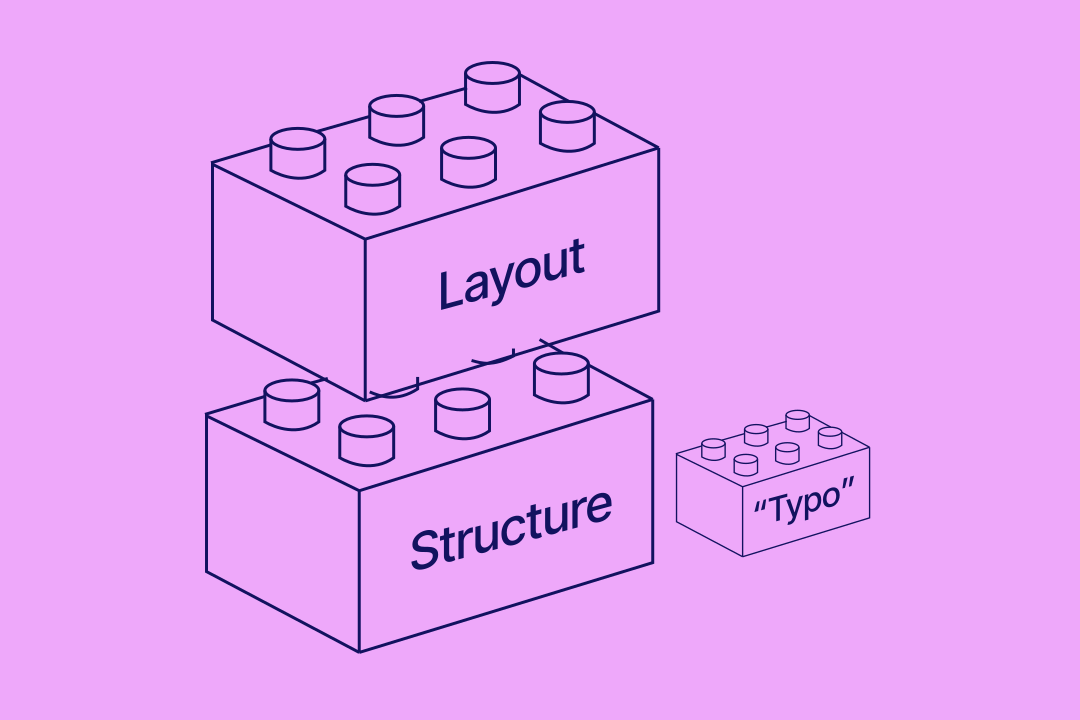
In web development, Technical Debt is the implied cost of additional rework incurred by choosing an easy, limited solution now rather than a professional approach. When you buy a £500 template, you aren't just buying a design; you’re buying the developer’s habits.
- The "Class-Naming" Chaos: Most marketplace templates don't follow a strict naming convention. If you want to change a primary brand colour, you might find it’s tied to a class called "Div Block 42". Change one, and you break twelve other things.
- The Maintenance Trap: Because there is no logic to the build, every time you want to add a new section, you have to hire an external developer to "unpick" the mess. Suddenly, that £500 build carries a £2,000-a-month "maintenance tax."
2. How can I tell if my Webflow template is holding me back?
Before you spend another penny on your current build, run these three tests to see if your template is holding you back:
- The "Inspector" Test: Right-click your homepage and select "Inspect." If you see more than ten <div> tags nested inside each other before you hit a text element, you have "Div-Soup." This slows down search crawlers and AI indexing.
- The "Style Manager" Ghost: Open your Style Manager in Webflow. If you see hundreds of "Unused Classes" or names like 'Image 42', your site is a ticking time-bomb for scalability.
The "Mobile Jump": Load your site on a phone. If elements "flicker" or shift as they load (Cumulative Layout Shift), your template’s interactions are poorly optimised, and Google is penalising your SEO for it.
Don't let a messy template cage your brand's growth. We rescue businesses from broken builds and replace them with high-performance, compliant Webflow engines.

3. Why are Webflow templates often an "Accessibility Time Bomb"?
While many marketplace templates offer visual perfection, they often fall short in terms of technical features. Most are designed with a primary focus on aesthetics, often overlooking the 20% of the global population who use assistive technologies to navigate the web. When a business relies on a "stock" build, they often unknowingly inherit significant accessibility barriers that violate modern standards.
- Invisible Keyboard Navigation: High-end templates often "hide" the focus state to maintain a clean look. However, for users who navigate via keyboard rather than a mouse, this makes the site impossible to use, as they cannot see which element is currently selected.
- Non-Semantic Coding: To a screen reader, a <div> is just a container. Many templates use these containers as buttons or links. Because they lack the correct HTML tags, these interactive elements literally do not exist for visually impaired users.
- Aesthetic vs. Readable Contrast: "Minimalist" designs frequently use light-grey text on white backgrounds. While this may look modern, it often fails WCAG 2.2 AA contrast requirements, rendering content unreadable for users with low vision.
Paddle Creative Insight: In 2026, accessibility is no longer optional; it is a baseline for high-performance marketing. With the full enforcement of the European Accessibility Act (EAA) and the ADA, "buying a template" is not a valid legal defence for a non-compliant digital presence. Every Paddle Creative build is engineered to meet WCAG 2.2 AA compliance from day one, eliminating legal risk and ensuring your brand is inclusive to 100% of your potential audience.
4. Do Webflow templates hurt performance and Core Web Vitals?
Google and AI engines (AEO/GEO) don't care how "pretty" your template is; they care about Core Web Vitals.
Most templates are built to be "everything to everyone." They include every possible widget and interaction variation to appeal to the widest audience. Even if you don't use 90% of those features, the code and JavaScript are often still loading in the background, bloating your site.
- Sluggish Load Times: Excessive code prevents you from hitting that elusive "All Green" PageSpeed score.
- The Governance Gap: Marketplace templates are built by anonymous developers. You don't know if they've used unverified custom code that could break when Webflow updates its core engine.
5. How does a poor site structure affect SEO and AI indexing?
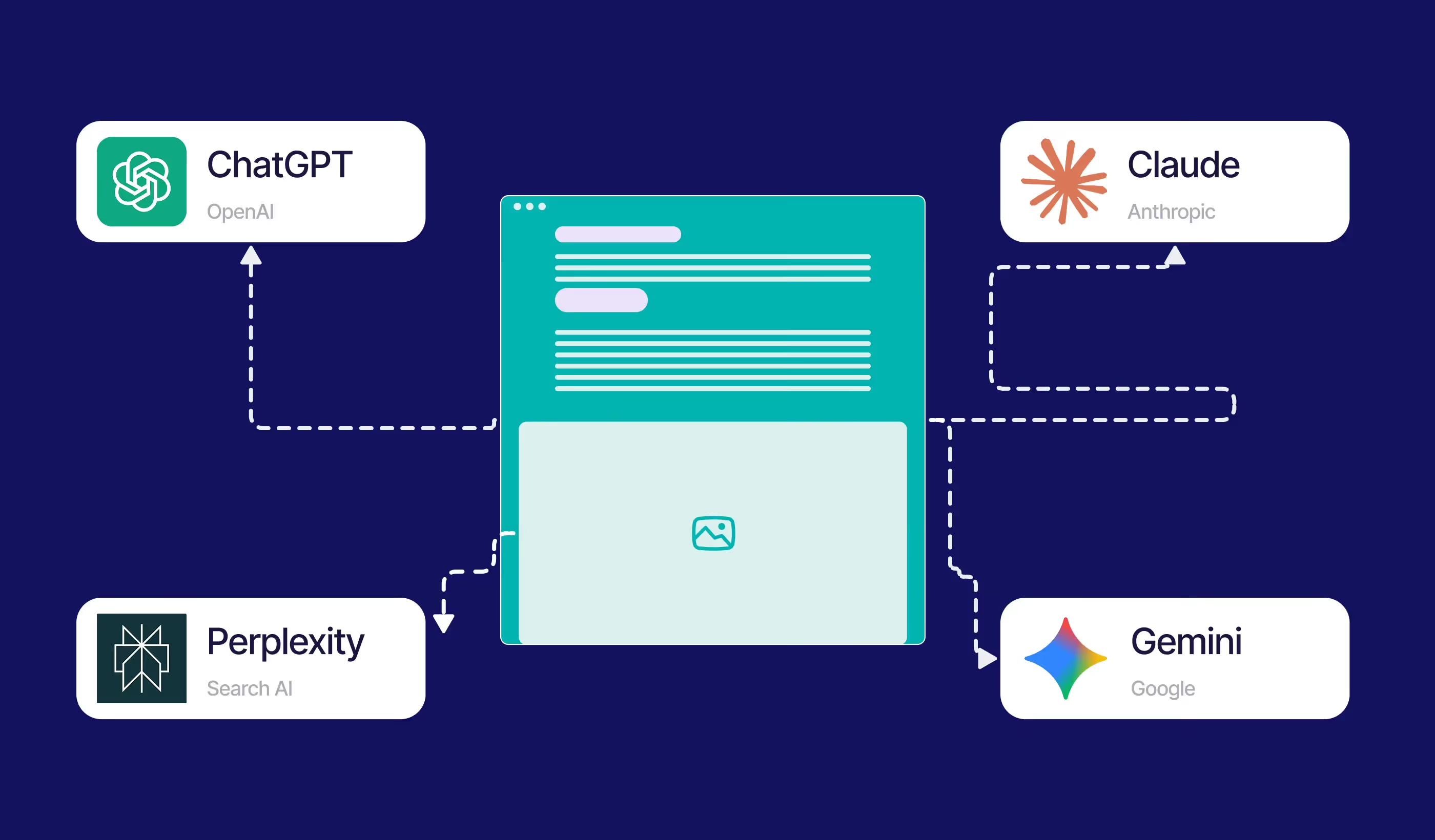
In 2026, search has changed. We are no longer just ranking for Google; we are ranking for Answer Engines like Gemini and Perplexity. These engines "read" your site's structure to provide answers to users.
Templates fail here because:
- H1-H6 Disarray: Designers often use Heading tags for "style" rather than structure. If you have three $H1$ tags on a page, AI engines can't determine the primary topic of your content.
- No Schema Integration: A professional custom build maps your CMS data directly to JSON-LD Schema. This tells the AI exactly what your product is, how much it costs, and why it's the best answer. Most templates require a total rebuild to implement this correctly.
6. Case Study: How a Custom Build Scaled Okala (NatureTech)
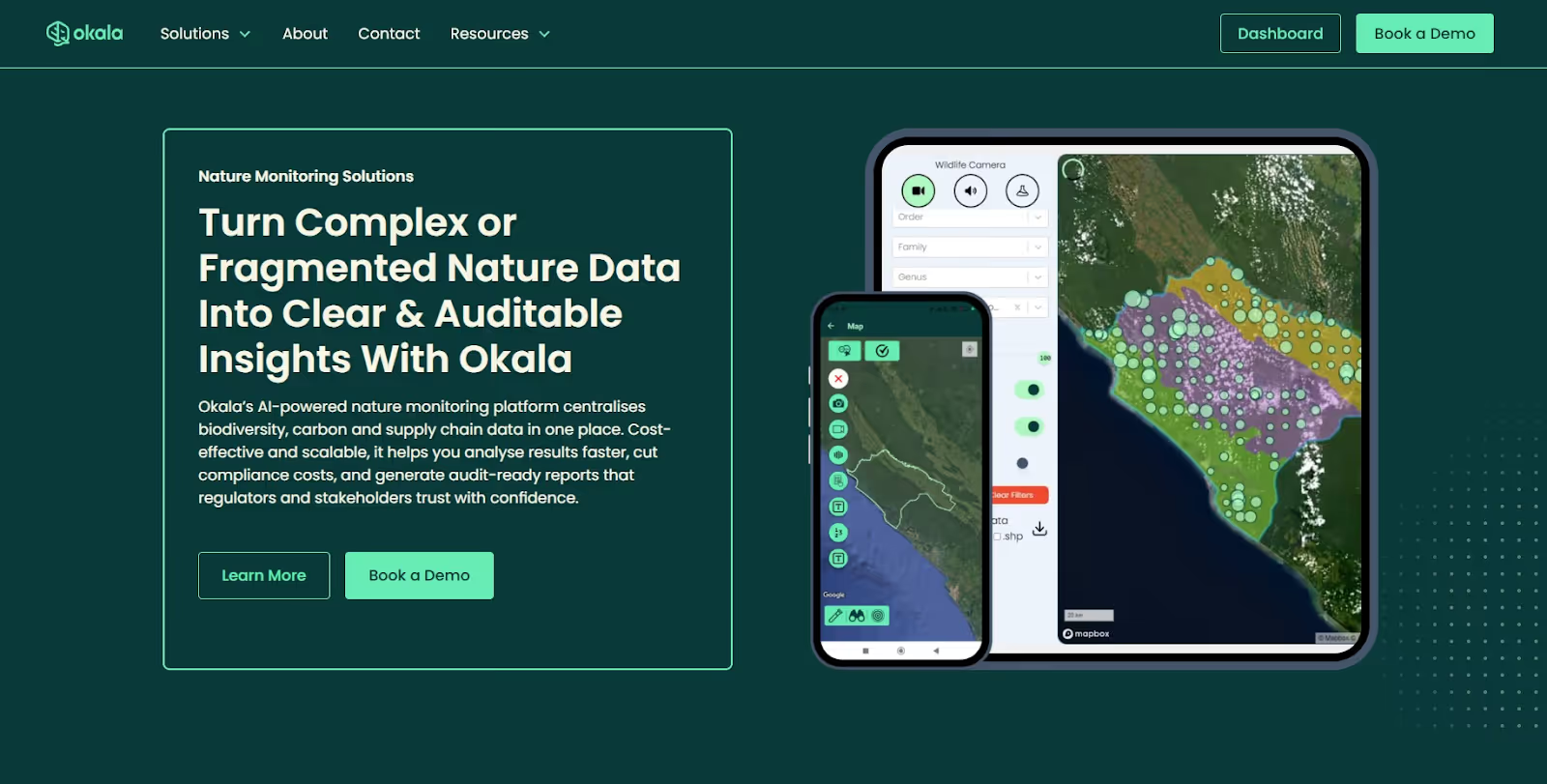
At Paddle Creative, we don’t just advocate for custom builds; we deliver them for world-changing companies. A prime example is our work with Okala, a NatureTech scale-up developing advanced software for biodiversity measurement.
The Challenge: Okala’s mission involves integrating complex technologies such as bioacoustics, eDNA, and AI. They needed a digital presence that balanced high-tech innovation with the organic beauty of nature. A £500 template simply couldn't handle the nuanced storytelling or the custom interactive dashboards required to represent their brand.
The Solution. Instead of forcing Okala into a restrictive template, we built a custom Webflow engine from the ground up:
- Bespoke Lottie Animations: We engineered custom Lottie animations to visualise data analysis and remote sensing, providing a futuristic but minimalist feel that a static template could never achieve.
- Scalable Architecture: Using Webflow Components and Variables, we created a design system that allows Okala to launch new service pages in minutes, ensuring the site grows as fast as their technology.
- Brand Harmony: We balanced high-definition nature videography with sleek, technology-driven UI elements, creating a unique "NatureTech" aesthetic.
The Outcome: a high-performance, easy-to-manage marketing asset that reflects Okala’s position as a market leader. Because it was built "The Paddle Creative Way," the site is fully accessible, SEO/GEO-optimised, and free from the technical debt that plagues template-based competitors.
"Static designs were developed inside Webflow, relying extensively on Components and Variables to allow easy client management – true to our Paddle Promise." Matt Connelly, Founder of Paddle Creative
7. The Total Cost of Ownership: Fix vs. Burn
Should you keep patching your template, or is it time to start over? Use this matrix to decide.
8. Webflow Agency Pricing: Paying for Infrastructure
When you see a wide range in Webflow agency pricing, you aren't just paying for "design time." You are paying for Technical Governance.
A Paddle Creative custom build uses the Client-First framework. This is the industry gold standard for organised, scalable, and manageable Webflow sites.
- Scalability: You can add 100 pages without the site slowing down.
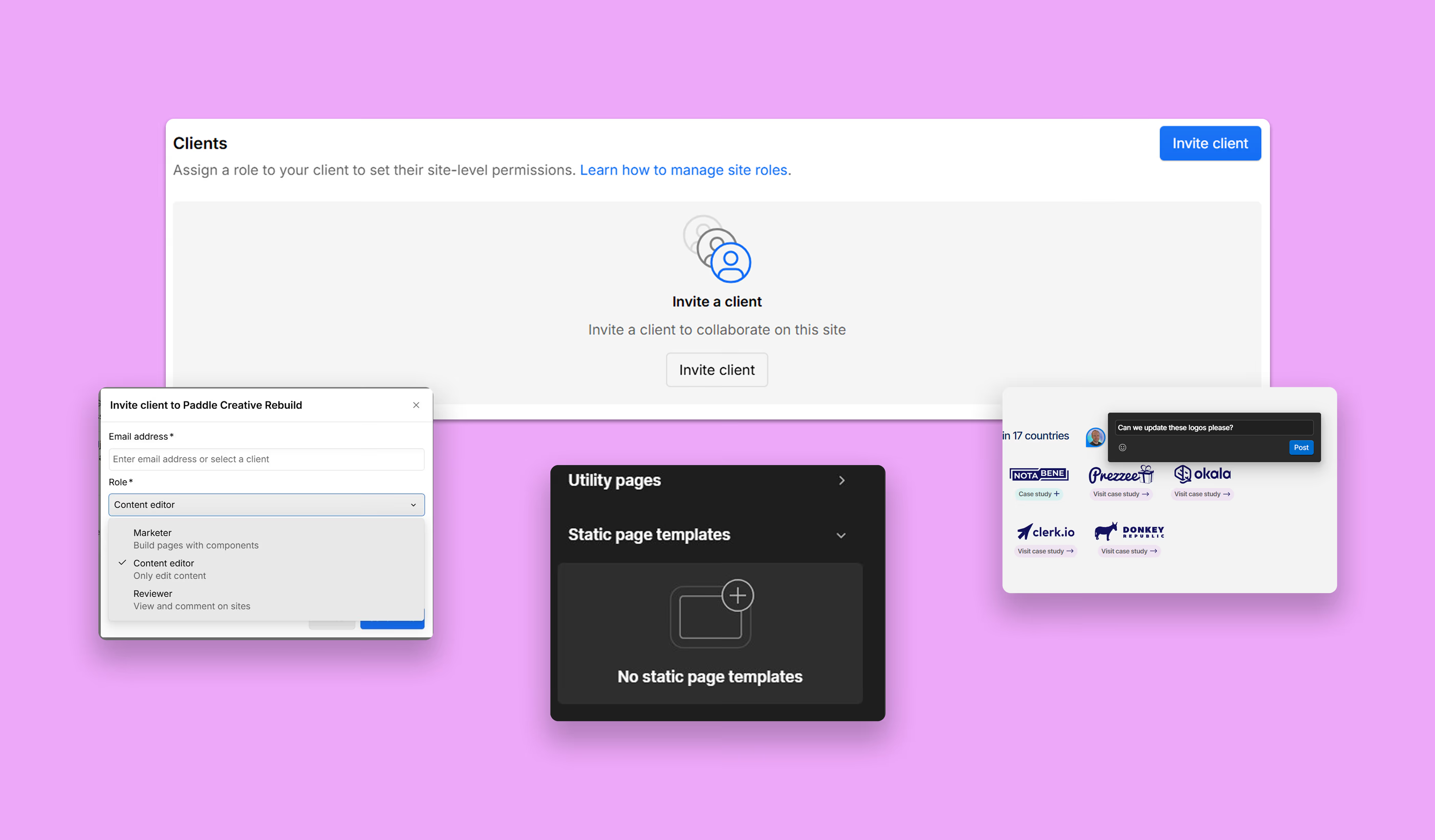
- Marketing Autonomy: Your internal team uses bespoke Components. They can "drag and drop" brand-compliant sections without ever touching the complex Designer.
- Future-Proofing: Our builds are "clean." When Webflow releases new features like Localisation or Logic, our sites are ready to integrate them instantly.
Final Verdict: Stop Paying the "Cheap Build" Tax
If your current Webflow site feels like a house of cards – hard to update, slow to load, and impossible to scale – you don't have a Webflow problem. You have a Technical Debt problem.
Ready to build a site that actually works?
Stop compromising on your brand’s foundation. Let’s audit your current build and show you what a high-performance, compliant, and professional Webflow engine looks like.
Author
Fact Checked By

%20(1).avif)







.avif)

%20(1).avif)
%20(2).avif)
%20(1).avif)
.avif)
%20(1).avif)
.avif)
.avif)
.avif)
.avif)
.avif)
.avif)
%20(1).avif)
.avif)
%20(1).avif)

.avif)

%20(1).avif)
%20(1).avif)
%20(1).avif)







%20(2).avif)
.avif)


.avif)
.avif)
.avif)
.avif)
.avif)
.avif)
.avif)
.avif)
.avif)
%2520(1).avif)
%2520(1).avif)
.avif)
%2520(1).avif)
%2520(1).avif)
%2520(1).avif)
%2520(1).avif)
%2520(1).avif)
%2520(1).avif)
.avif)
.avif)


.avif)


