
.svg)

%20(1).avif)
- The Mandate: Enterprise needs are defined by Scale, Security, and Governance, making the standard Webflow plan inadequate.
- Key Differentiator: Webflow Enterprise unlocks 500k CMS items, custom API limits, and critical security features like SSO and 99.99% Uptime SLA.
- The Risk: Without a specialist agency, you lose the benefit of Enterprise-tier features, risk governance failure, and fail to implement the advanced security (SSO) required.
- The Solution: Partner with a Webflow Premium Partner agency like Paddle Creative to manage complex multi-user workflows, ensure security compliance, and execute high-volume API requests.
- Bottom Line: Enterprise Webflow is a strategic investment in predictable growth and risk elimination, not just an increase in CMS limits.
Introduction: What Does Webflow Enterprise Include, and Do I Need a Specialist Agency?
If you’re exploring Webflow Enterprise, you’re likely dealing with challenges that standard Webflow simply can’t support – large-scale CMS content, stricter security requirements, governance, and global teams.
In this guide, we break down what Webflow Enterprise actually offers, what risks you face if it’s set up incorrectly, and how a certified Enterprise agency ensures the platform becomes a secure, scalable growth engine rather than a liability.
The short answer is: Webflow Enterprise is essential for large organisations, but its true value is unlocked only through expert implementation.
Standard plans have limits, but your growth shouldn't. Speak directly with Paddle Creative to see how we configure Webflow Enterprise for global security, complex governance, and high-performance marketing. Book a Call

1. Defining Enterprise Requirements: Where Standard Webflow Fails
Standard Webflow plans are well-suited for mid-market growth, but they quickly reach hard limits that limit enterprise-scale growth. Webflow Enterprise solves these two core challenges:
1. Massive Scalability and Flexible Limits
- The Problem: Standard plans are limited to 20,000 CMS Items and 40 Collections. For global content, large product catalogues, or high-volume content localisation, this is an immediate bottleneck.
- The Enterprise Advantage: Webflow Enterprise provides custom limits, scaling CMS capacity up to 1 million CMS Items and 100 Collections. It also unlocks custom API Request per Minute (RPM) limits and unlimited concurrent optimisations.
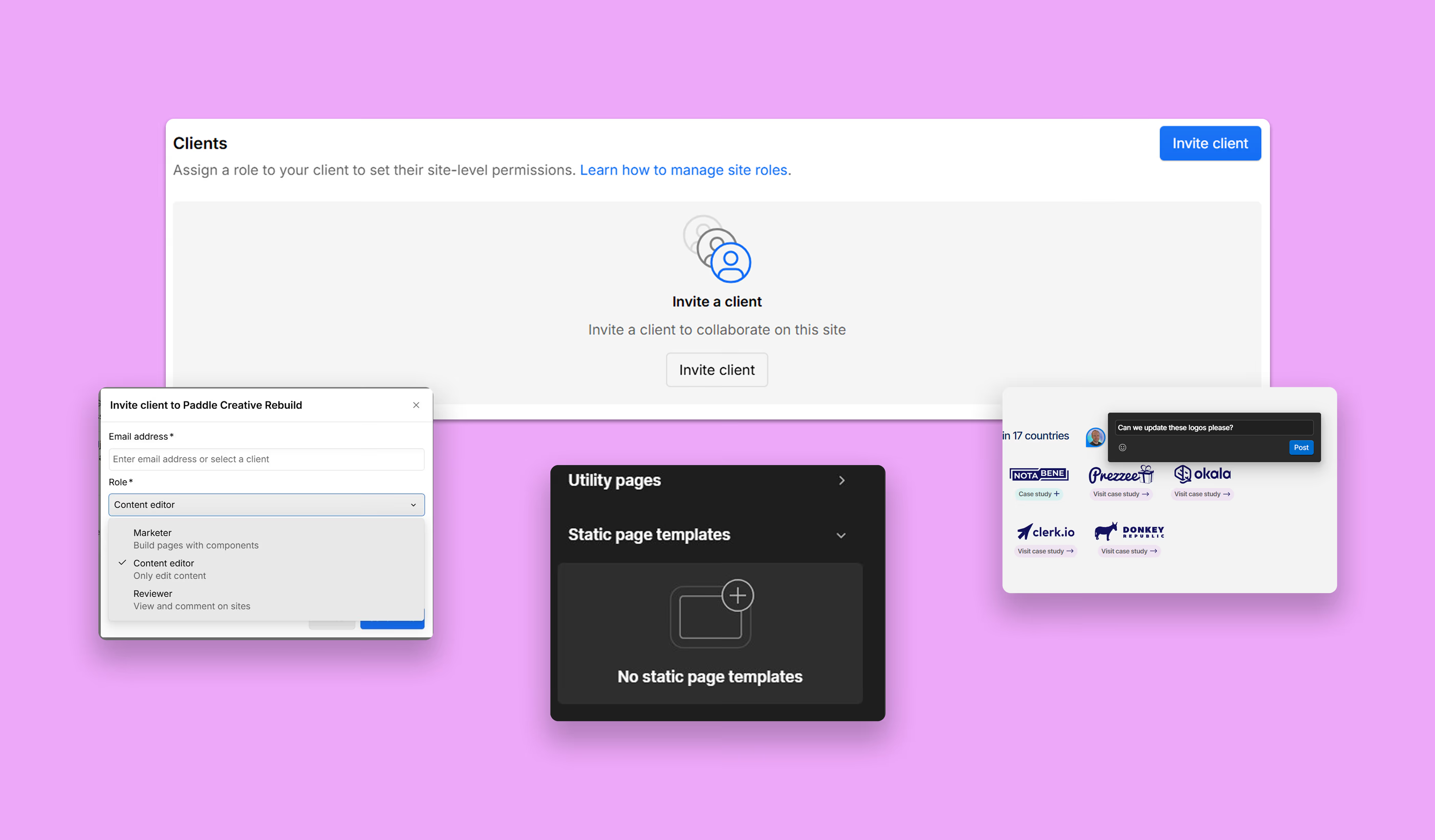
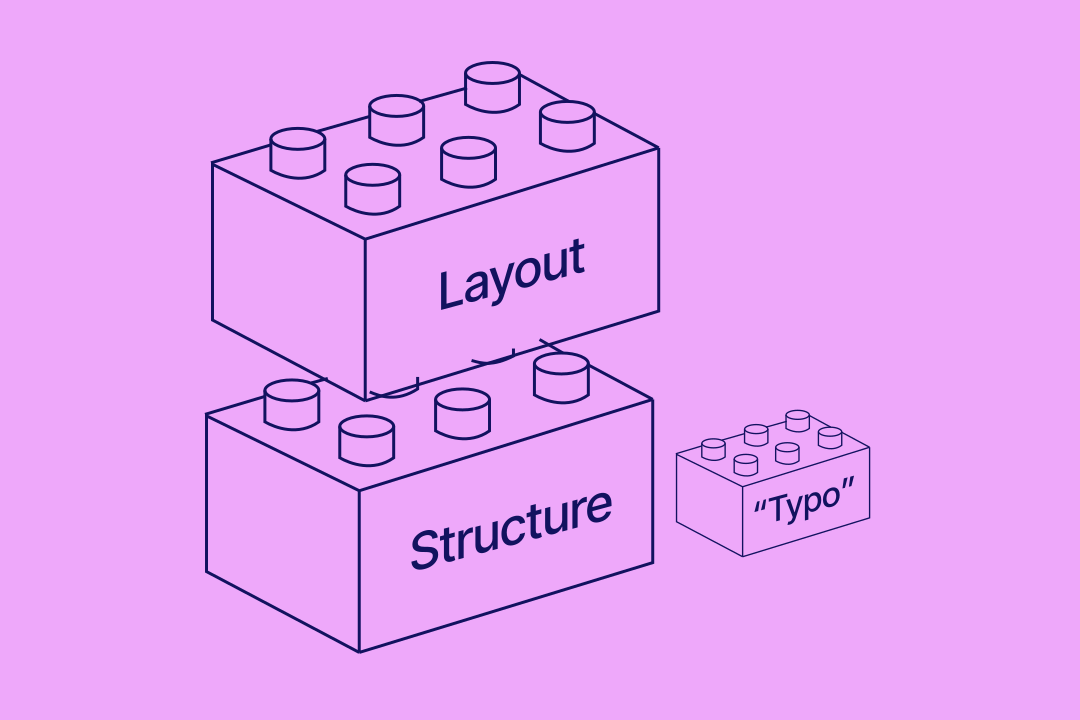
2. Governance and Multi-User that scale past 300k+ items without performance degradation. This is achieved through careful field linking and collection architecture, ensuring our enterprise clients avoid early bottlenecks that would otherwise require expensive, time-consuming restructures later.
Webflow Enterprise vs. Standard Plans: A Critical Feature Comparison
2. The Risks: What Happens When Enterprise Webflow is Set Up Incorrectly?
The greatest risk is not buying the Enterprise plan, but rather failing to configure its advanced features properly. This is the difference between purchasing an insurance policy and failing to activate it.
Risk 1: Governance Failure & Compliance Exposure
Without a specialist agency setting up Custom Roles and Approval Workflows, multiple users could bypass necessary QA checks and publish non-compliant or erroneous content.
Paddle Creative Insight: We frequently audit enterprise sites where publishing permissions weren’t configured, resulting in accidental content rollouts. Setting proper Approval Workflows and leveraging the Site Activity Log API immediately eliminates these high-cost risks.
Quantifying the Risk: The Financial Cost of Failure
When pitching Enterprise Webflow, the conversation must shift from "cost" to "risk mitigation." The cost of a non-compliant website (failing to meet accessibility laws) can reach £75,000 ($100,000) in legal settlements (The U.S. Department of Justice). By securing a 99.99% Uptime SLA and implementing mandatory security features like SSO, Webflow Enterprise, managed by a certified partner, becomes a direct insurance policy against these predictable, expensive liabilities.
3. Localisation and Global Content Strategy
For global enterprises, Webflow Enterprise provides the architecture for a streamlined, compliant global content strategy:
- Custom Secondary Locales: Scale beyond the standard 10 secondary locales to support a true global market presence.
- High-Volume Translation: The native machine translation limit is removed, moving from 50,000 words per locale to a Custom limit, enabling rapid, high-volume content localisation.
- Regional Compliance: Use Element Visibility Controls and Draft Locale Specific Pages to ensure regional marketing teams can tailor content while maintaining brand integrity across all territories.
4. How a Certified Enterprise Agency Eliminates Risk and Delivers ROI
Webflow Enterprise requires certified expertise. Paddle Creative holds the Webflow Enterprise Sales Certification, which demonstrates our understanding of the full value-selling framework, positioning, and technical implementation of the platform's advanced features.
Quantified Value: Webflow's Proven ROI
A Total Economic Impact™ study by Forrester found that Webflow delivered a 332% Return on Investment (ROI) over three years. We help you realise this ROI by integrating Webflow's speed and agility into your specific enterprise workflow, ensuring you capture value through:
Paddle Creative Case Study: Notabene (Crypto Compliance Leader)
Challenge: Notabene, a leader in Enterprise Crypto compliance, had a website that lagged behind its rapid growth, creating speed and responsiveness issues and undermining brand trust for security-conscious Enterprise clients.
Solution: Paddle Creative executed a full enterprise-grade technical upgrade. This included migrating the entire site to the Client-First class-naming convention to guarantee long-term scalability, performance, and future-proofing for their content teams.
Result: The strategic upgrade successfully positioned Notabene to convert larger clients, resulting in a 760% year-over-year increase in monthly transaction volume.
- Speed-to-Market: Empowering the Marketing Team: We set up component libraries and governance structures that give the marketing team the autonomy to create and launch compliant pages and campaigns in hours, not weeks. This delivers the 94% efficiency improvement cited by Forrester.
- We provide a Dedicated Partnership: We bridge the gap between your team and Webflow's dedicated resources (including a Solutions Architect for higher tiers and a Customer Success Manager), ensuring you get the maximum value from your investment.
Conclusion: Webflow for Enterprise is an Investment in Agility
Webflow Enterprise provides the foundation organisations need to prioritise scale, security, and complex collaboration. However, the plan's value is unlocked only by a certified agency partner.
By partnering with a Webflow Enterprise Certified agency, you ensure that your investment converts potential risks (governance failure, security exposure) into guaranteed outcomes (99.99% uptime, seamless multi-user workflow, and limitless scaling).
Ready to build a truly scalable, governed, and compliant Webflow platform? Book a call with Paddle Creative’s Webflow experts to get started.
Author
Fact Checked By

%20(1).avif)


.avif)



.avif)

%20(1).avif)
%20(2).avif)
%20(1).avif)
.avif)
.avif)
.avif)
.avif)
.avif)
.avif)
.avif)
.avif)
%20(1).avif)
.avif)
%20(1).avif)

.avif)

%20(1).avif)
%20(1).avif)
%20(1).avif)



%20(2).avif)
.avif)


.avif)

.avif)
.avif)
.avif)
.avif)
.avif)
.avif)
.avif)
%2520(1).avif)
%2520(1).avif)
.avif)
%2520(1).avif)
%2520(1).avif)
%2520(1).avif)
%2520(1).avif)
%2520(1).avif)
%2520(1).avif)
.avif)
.avif)


