
.svg)

.avif)
Trying to decide if your powerful Webflow site really needs ongoing maintenance? Here’s the short version:
- Yes, Webflow needs ongoing maintenance for performance uplift, conversion rate optimisation (CRO), and legal compliance – not just bug fixes.
- Skipping maintenance is the fastest way to accrue performance decay and miss opportunities for conversions and traffic growth.
- The goal of maintenance is measurable ROI – not just bug fixes.
- Proactive services (such as Paddle Creative’s Webflow Maintenance) focus on continuous SEO, AEO (Answer Engine Optimisation) uplift, and CRO improvements.
- The choice is between unpredictable decay (DIY) and guaranteed performance (Managed Service).
1. Introduction: Why Webflow Maintenance Matters in 2026
If you moved your brand to Webflow, you already value speed, control, and cleaner code. You escaped the constant developer dependency and security nightmares of legacy platforms. That was the smart move.
But here’s the reality check: Webflow is not a set-it-and-forget-it solution if you want optimal marketing results, and yes, it absolutely needs ongoing, specialised care.
As search engines demand faster speeds (Core Web Vitals) and your internal teams add content, even the cleanest Webflow build can become slow and lacking optimisation. A high-performing site needs ongoing, specialised care, which enables your marketers to fulfil their goals by offloading all technical performance and compliance tasks to a specialist agency.
This guide provides the full framework: we break down the essential tasks, show you transparent pricing, and prove how proactive Webflow maintenance drives measurable business growth – not just vanity scores.
Turn your technical maintenance from a necessary cost into a measurable growth strategy with guaranteed SLAs. [Book a Call]

2. What is Webflow Maintenance? Key Definitions
Webflow maintenance is a continuous, systematic process designed to preserve and enhance your site's speed, Conversion Rate Optimisation (CRO), integrations, and search performance over time.
It is broken down into five core pillars:
3. The Business Perspective: Unique Needs and Compliance
Maintenance isn't a technical burden; it's a strategic shield for your business goals.
What are the biggest risks of skipping maintenance?
Major risks include performance decay, missed conversion opportunities, poor user experiences, and compliance failures. Inaction can lead to lost traffic, leads, and revenue.
For enterprise and corporate marketers, the stakes are even higher:
- Legal Compliance: Ensuring your site meets internationally recognised accessibility standards (such as WCAG) and complies with major global data protection laws (such as GDPR) must be a recurring, non-negotiable part of your Webflow maintenance process.
- Brand Integrity: Broken forms, slow-loading pages, or noncompliance instantly erodes trust with prospects and customers.
- Opportunity Cost: Every hour your internal team spends debugging is an hour they aren't generating leads or executing a high-leverage marketing strategy.
4. Benefits of Ongoing Webflow Maintenance
Webflow maintenance should deliver tangible ROI. Here are the core benefits you should expect:
- Guaranteed Performance and Continuity: Proactive monitoring ensures your site stays fast and functional 24/7, protecting revenue.
- SEO Performance Lock-In: Continuous technical health checks prevent ranking decay and ensure you keep the traffic you’ve earned.
- Faster Marketing Agility: A clean, maintained CMS structure lets your content team launch new campaign pages in minutes, not weeks.
- Reduced Performance Debt: Regular cleanup prevents small issues from compounding into costly, catastrophic failures later.
- Legal Peace of Mind: You maintain compliance with accessibility and privacy standards without panic.
5. Essential Webflow Maintenance Tasks (Weekly/Monthly/Quarterly)
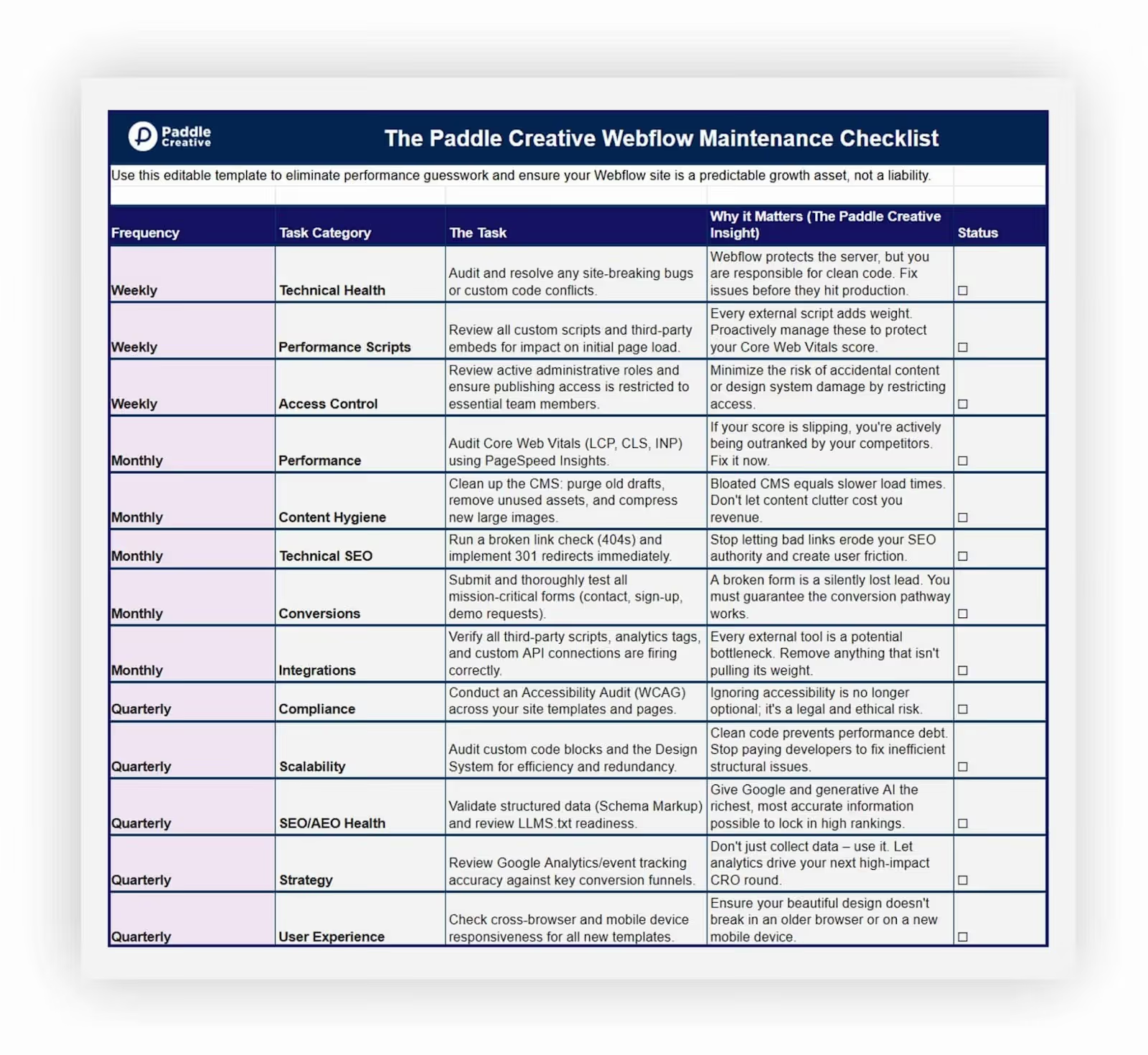
Maintenance is systematic. This is the schedule you need to follow to keep your Webflow site competitive:
6. Step-by-Step Webflow Maintenance Process
Whether you manage it in-house or outsource, a structured process eliminates panic.
- Initial Audit & Baseline: Document your current state (PageSpeed scores, accessibility status, technical debt). You can't improve what you don't measure.
- Prioritisation & Roadmap: Isolate the highest-impact fixes (e.g., LCP over CLS) to deliver the fastest ROI.
- Execution & Fixes: Implement updates (CMS, custom code, script management).
- Verification & QA: Test all changes across devices and browsers. Crucially, run a new Lighthouse report to prove the performance uplift.
- Proactive Monitoring: Implement 24/7 tools to detect bugs or performance issues before they affect users.
Paddle Creative Insight: Tired of waiting weeks for a new landing page? We build Webflow using a modular system that lets you launch new pages in minutes, not weeks. By offloading technical maintenance to us, you free up your marketing team to focus entirely on content creation and campaign execution.
7. Core Best Practices for Webflow Sites
Webflow handles core server security and hosting, but site-level maintenance is essential for peak performance and compliance.
- Third-Party Scripts: Audit all custom code and embedded scripts (chatbots, analytics) monthly. Every script is a potential performance drag. Remove unnecessary or outdated tools immediately.
- Role Management: Ensure only necessary team members have publishing access to prevent accidental or malicious site damage.
- Data Integrity: Although Webflow has version history, establish a strict external data audit routine to safeguard the integrity of your CMS content, especially on large, integration-heavy sites.
8. How does Webflow maintenance affect SEO and AEO health?
Regular maintenance is the bedrock of strong SEO and AEO. An optimised site is the most secure and most visible site.
Paddle Creative Insight: Maintenance isn't a cost centre; it's a retention strategy for your SEO investment. Technical health directly correlates with crawl budget and ranking stability.
- Broken Link Management: Set up Google Search Console alerts for 404 errors and implement 301 redirects immediately.
- Sitemap Health: Ensure your sitemap is clean, up-to-date, and correctly indexed after any structural changes.
- Schema Markup: Continuously review and update structured data (e.g., FAQ schema, Product schema) to give Google rich, accurate information about your content.
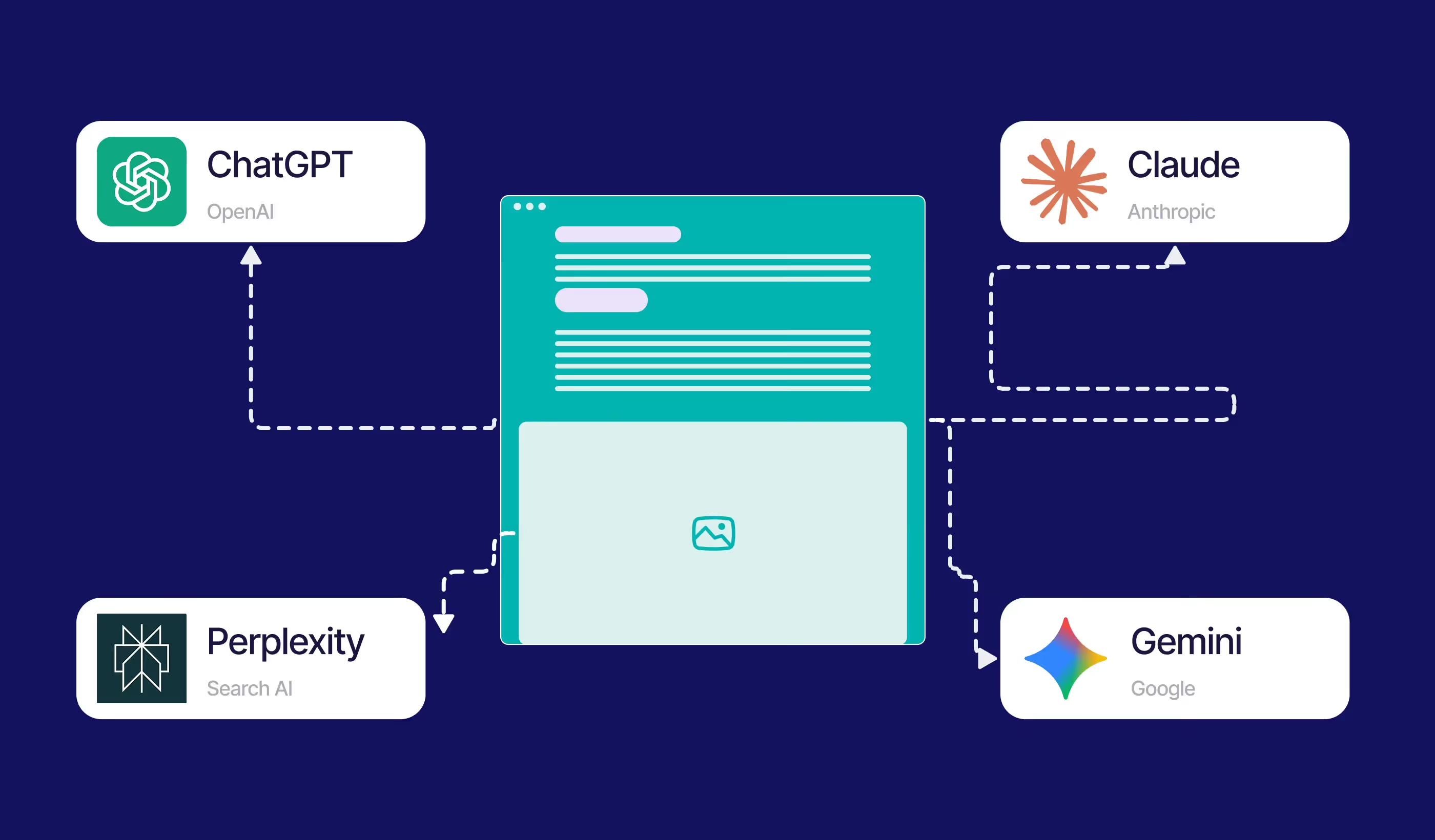
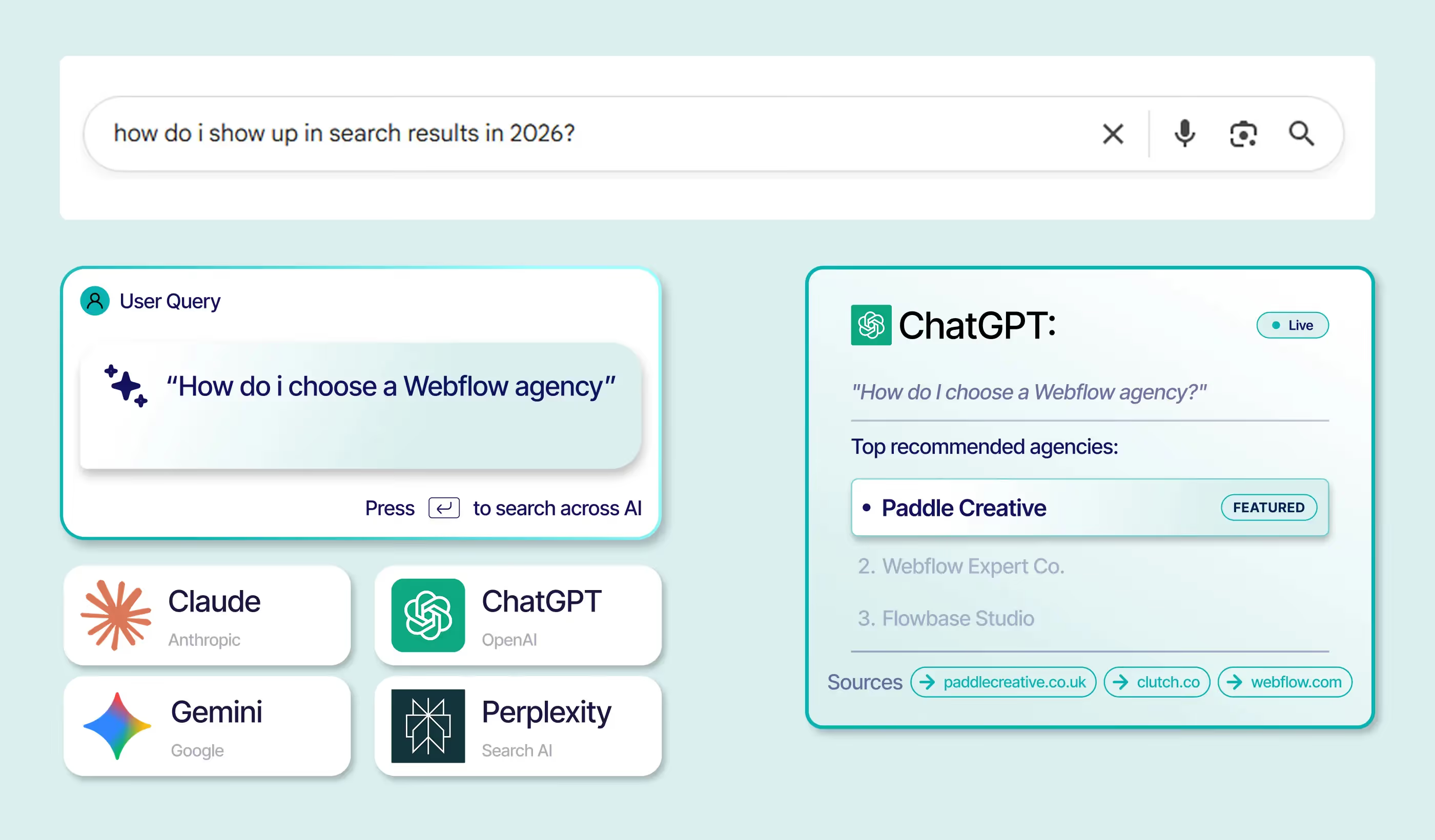
- AEO Readiness: Implement and maintain your LLMS.txt file to guide generative AI models on how to cite or use your content in answers.
9. How do you keep a Webflow site fast in 2026?
In 2026, Core Web Vitals will be a key ranking factor. Sloppy maintenance means your competitors are outrunning you.
- Image Stack Compression: Use next-gen formats (WebP) and ensure images are responsively sized. Never upload massive files and rely on Webflow to shrink them.
- Render-Blocking Resources: Minimise the use of custom fonts, CSS, and unnecessary custom code blocks to speed up initial page render.
- Continuous Vitals Monitoring: Tools like Lighthouse and PageSpeed Insights should be checked monthly. If your Largest Contentful Paint (LCP) or Cumulative Layout Shift (CLS) spikes, your team should know immediately.
Paddle Creative Insight: It's not your design that's failing; it's the CMS structure. We've audited enough Webflow sites to know that over 80% of performance issues stem from poor content plumbing. That's why the CMS is the first thing we attack.
10. How do you ensure Webflow compliance with accessibility and legal requirements?
Ignoring accessibility is no longer an option – it’s a legal risk.
- WCAG Compliance: Your maintenance partner must audit your site quarterly to ensure compliance with the Web Content Accessibility Guidelines (WCAG), covering proper colour contrast, keyboard navigation, link descriptions and aria labels, and semantic HTML structure.
- Alt Text Audit: Ensure every image – especially those in the CMS – has descriptive alt text for screen readers.
- Form Structure: Forms and interactive elements must be clearly labelled and navigable for all users to prevent legal liability and ensure everyone can convert.
11. How to Develop a Webflow Maintenance Schedule
- Inventory Your Assets: List all unique pages, CMS collections, and third-party scripts.
- Assign Ownership: Determine which tasks are handled by Content, which by Marketing Operations, and which require a specialist developer/agency.
- Automate Everything Possible: Use tools for Core Web Vitals monitoring, performance tracking, and broken link checks to minimise manual work.
- Use a Template: Use our free, downloadable Interactive Maintenance Checklist to schedule and track tasks quarterly.
12. DIY vs. Managed Services: What Works for Teams
Does Webflow really need ongoing maintenance?
Yes – Webflow sites need regular maintenance for performance optimisation, feature updates, accessibility, and SEO/AEO. Skipping ongoing maintenance risks performance drops, missed conversion opportunities, and business revenue loss.
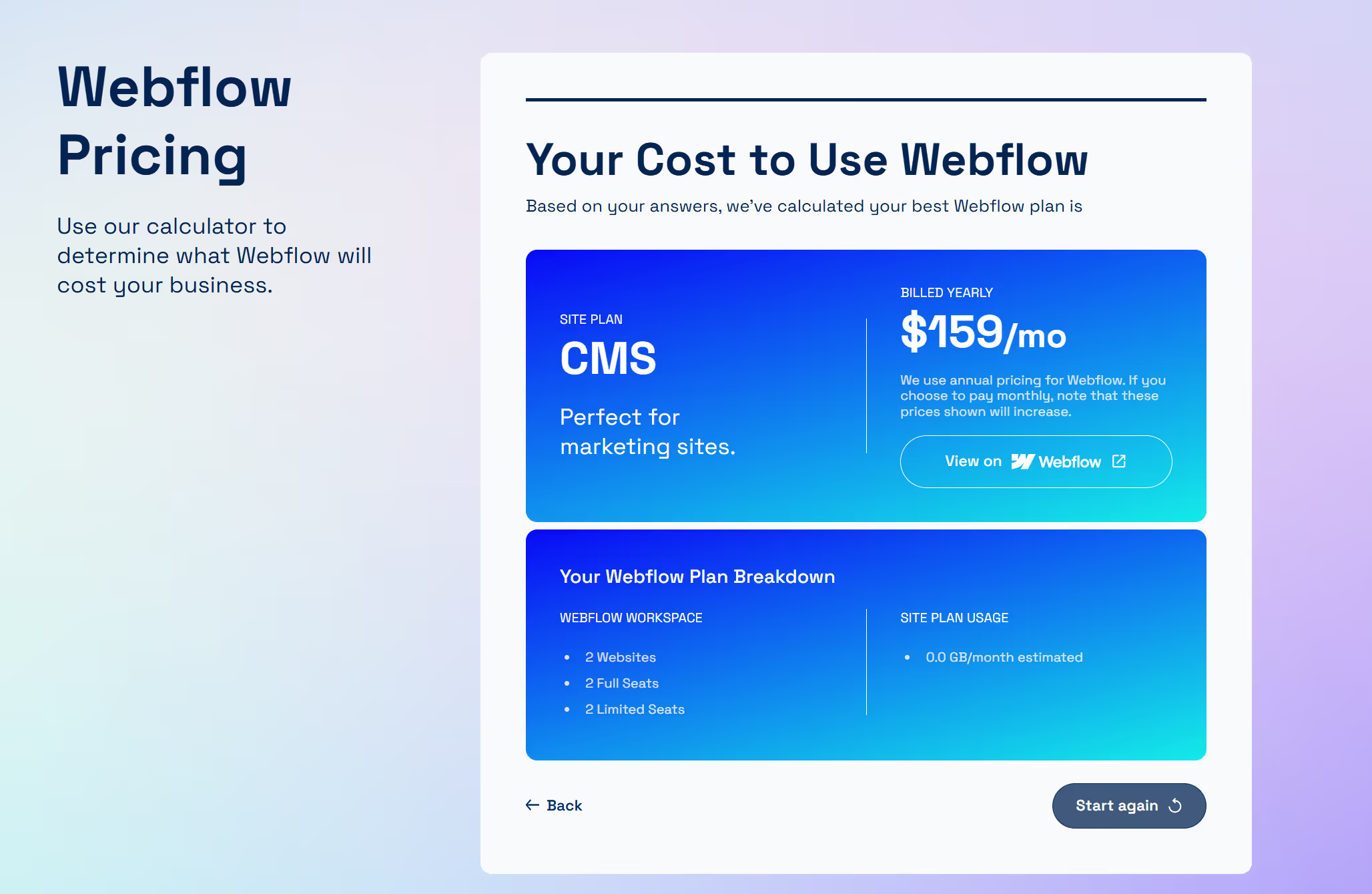
13. How much does professional Webflow maintenance cost in 2026?
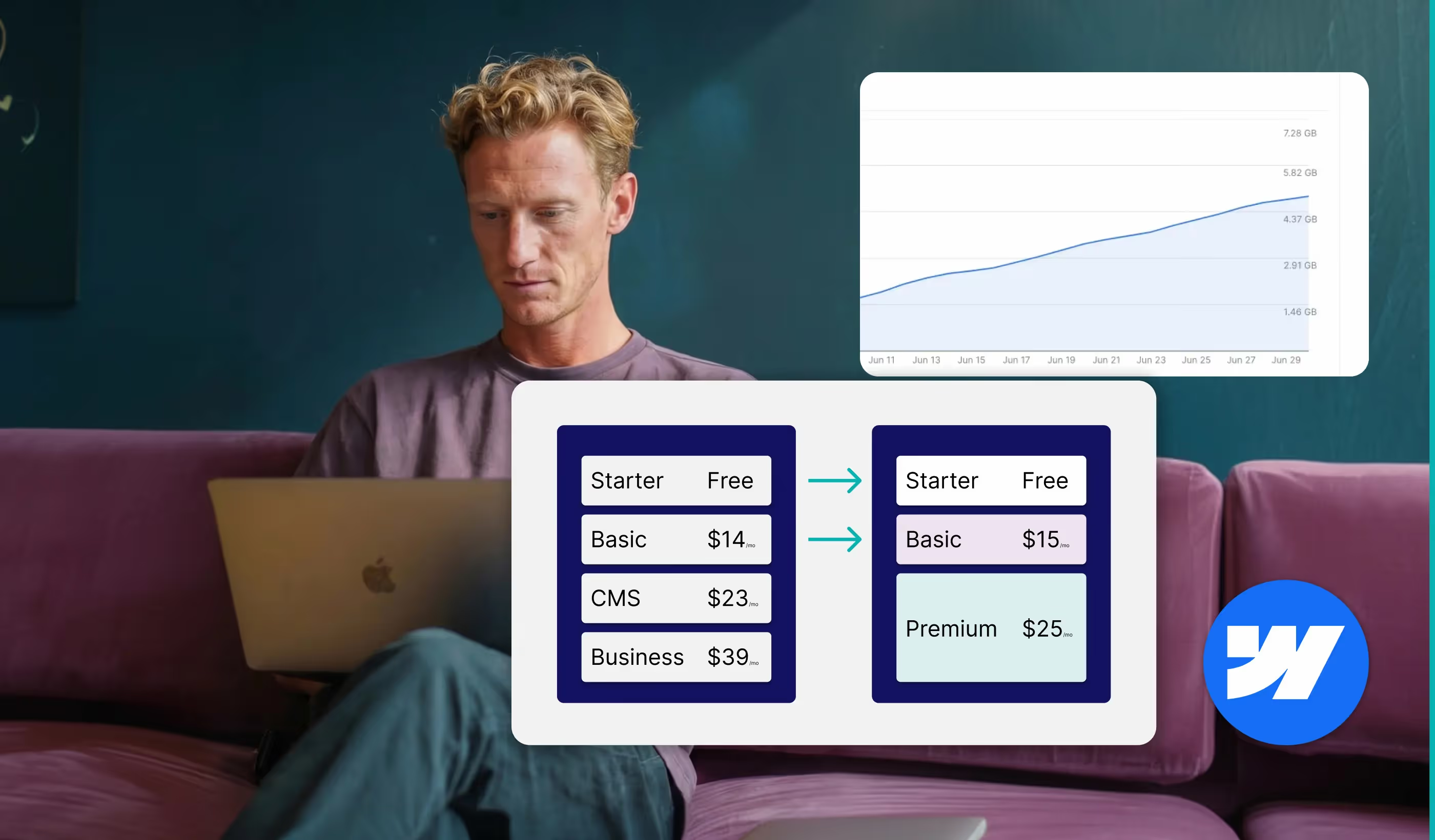
Market rates in 2026 range from £650 to £5,000 per month ($800 to $6,500), depending on scope, responsiveness, and included services.
14. Real Results: Case Studies from Clients
Optimisation work is often invisible, but the results should be clear and tied directly to business metrics.
Paddle Creative Client Success: Compliance Leaders Unlock 760% Transaction Growth
Notabene, the leader in Crypto compliance, had a website that was failing to reflect its enterprise offering, suffering from underlying speed and scalability issues.
- The Problem: Despite their global growth, technical debt and poor responsiveness were bottlenecking their business development.
- The Fix: We delivered a full strategic upgrade, replacing the sloppy foundation with the Client-First class-naming convention. This commitment to technical rigour ensured superior scalability and performance.
- The ROI: The investment in a clean, high-performing Webflow site drove massive business growth. Notabene achieved a staggering 760% increase in monthly transaction volume year-on-year.

15. Interactive Maintenance Checklist (Downloadable Template)
Don’t guess your next steps. Download our free, editable Webflow Maintenance Checklist Template (Alt: "Checklist preview with various maintenance activities"). This tool guides you through all weekly, monthly, and quarterly tasks, ensuring nothing falls through the cracks.
16. Getting Started: Choosing Your Webflow Maintenance Partner
The biggest risk to your Webflow investment isn't the platform; it's neglect. Stop guessing where your performance bottlenecks lie. The final step is choosing a maintenance partner who provides not just bug fixes, but guaranteed continuity and measurable ROI.
- Book a Strategy Call: Discuss your site's specific challenges and get a clear performance baseline.
- Review Our Guaranteed System: Demand transparency. See how our senior, in-house Webflow experts deliver unlimited tasks via a clear, 24-hour SLA – not guesswork or junior hand-offs.
Author
Fact Checked By

%20(1).avif)


.avif)



.avif)

%20(1).avif)
%20(2).avif)
%20(1).avif)
.avif)
.avif)
%20(1).avif)
.avif)
.avif)
.avif)
.avif)
.avif)
%20(1).avif)
.avif)
%20(1).avif)

.avif)

%20(1).avif)
%20(1).avif)
%20(1).avif)



%20(2).avif)
.avif)


.avif)

.avif)
.avif)
.avif)
.avif)
.avif)
.avif)
.avif)
%2520(1).avif)
%2520(1).avif)
.avif)
%2520(1).avif)
%2520(1).avif)
%2520(1).avif)
%2520(1).avif)
%2520(1).avif)
%2520(1).avif)
.avif)
.avif)


