
.svg)
.avif)
%20(1).avif)
- What it is: A forensic examination of your Webflow build to identify technical debt, accessibility risks, and performance blockers.
- The Analogy: It’s like a structural survey for a skyscraper; you don’t want to find out the foundations are weak after you’ve added ten more floors.
- Common Causes: Inheriting "messy" builds from previous agencies, using unverified templates, or scaling content without a naming convention.
- The Cost: Slow speed-to-market, poor Core Web Vitals, and a site that "breaks" every time your marketing team tries to innovate.
- The Solution: A professional audit that replaces "guesswork" with a Technical Roadmap for scalability and compliance.
Introduction: Why Your Webflow Site Needs More Than a Surface-Level Review
If you are a CMO, Marketing Lead, or Founder, your website is your most important digital asset. But as sites grow, they often accumulate "hidden" technical debt problems that slow down campaigns and hurt SEO.
Whether you are preparing for a major scale-up, considering a redesign, or have just inherited a site from a previous agency, you need to know: Is my Webflow site built properly? This guide breaks down the difference between a generic checklist and a professional infrastructure audit that provides a roadmap for growth.
1. Why do most Webflow audits miss critical issues?
Many "free" or low-cost audits focus exclusively on surface-level metrics, such as Google PageSpeed Insights. While performance is important, a score of 90+ doesn't mean your site is healthy.
Most automated audits miss the structural rot that actually kills a brand's agility:
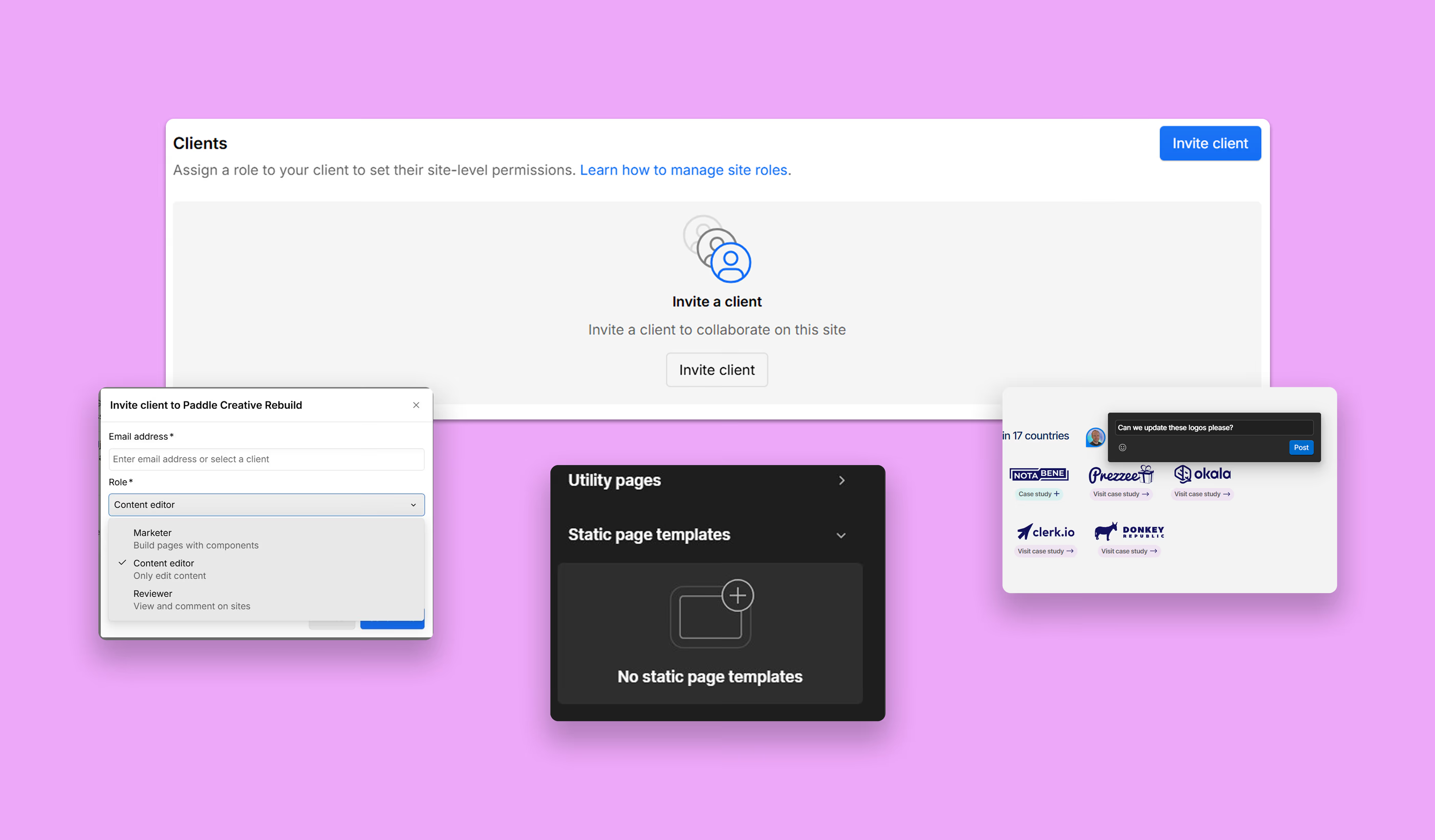
- The "Style Manager" Chaos: Automated tools don't check if your classes are organised or if you're using a framework like Client-First.
- CMS Fragility: They ignore whether your Collections are built so your team can add content without breaking the layout.
- Legal Blind Spots: They rarely touch on WCAG 2.2 AA accessibility compliance, leaving you legally exposed.
- Design Feedback Disguised as Data: A real audit isn't about whether the buttons should be bluer; it’s about whether the button's code is semantic and scalable.
Book a Zero-Obligation Webflow Audit Consultation to uncover the structural risks holding your brand back from its next growth phase.

2. What does a professional Webflow audit check for?
At Paddle Creative, we treat a Webflow audit as a forensic investigation into five core pillars of digital infrastructure:
Architecture & Class System
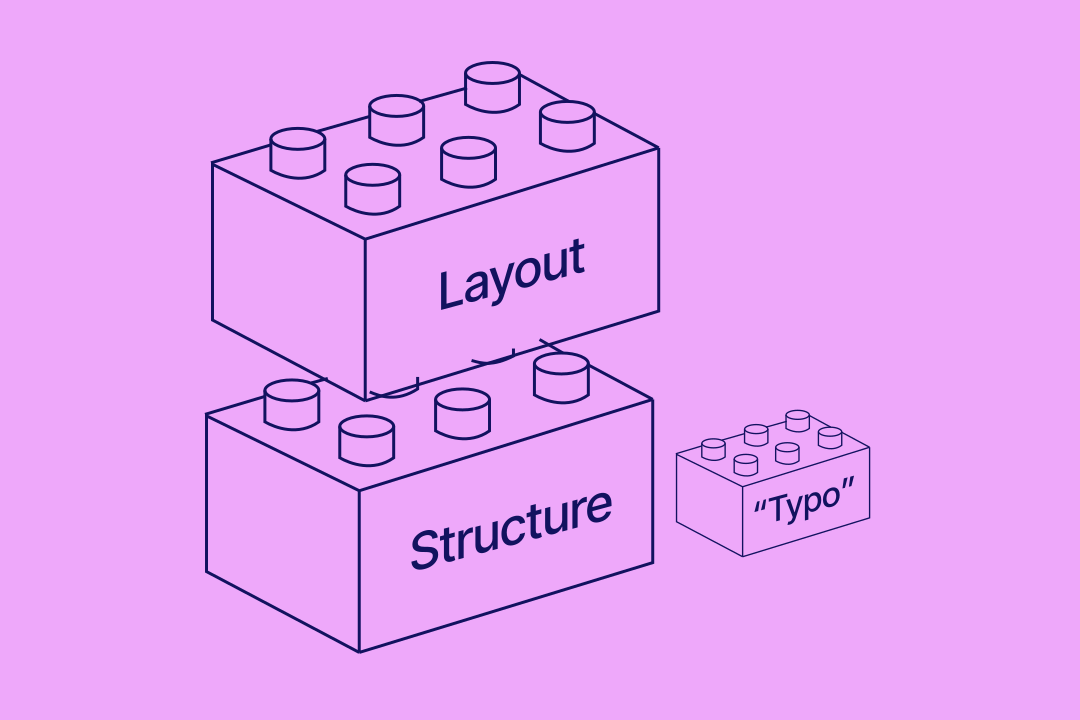
We analyse the "DNA" of your build. Is the site using a naming convention? Are classes reusable, or is every page a "one-off" custom build? We look for Technical Debt – the hidden cost of unpicking messy code later.
CMS & Content Governance
We audit your Collections for usability. A professional audit asks: Can a Marketing Manager add a blog post or service page in 5 minutes, or do they need a developer's help every time? We ensure your CMS architecture supports Marketing Autonomy.
Another key element we check is the use of Components with suitable Variables throughout the build. Components allow you to build without needing a developer, and create consistency in design and UX.
Performance & Core Web Vitals
We look past the score to the cause. Is your site slow because of unoptimised images (easy fix), or because of Interaction Bloat and poor DOM structure (structural fix)?
Accessibility & Legal Risk
Led by our Senior Architects, we audit for WCAG 2.2 AA gaps. We test keyboard navigation, screen reader compatibility, and semantic HTML to ensure you meet the requirements of the European Accessibility Act (EAA) and ADA.
SEO, AEO & GEO Readiness
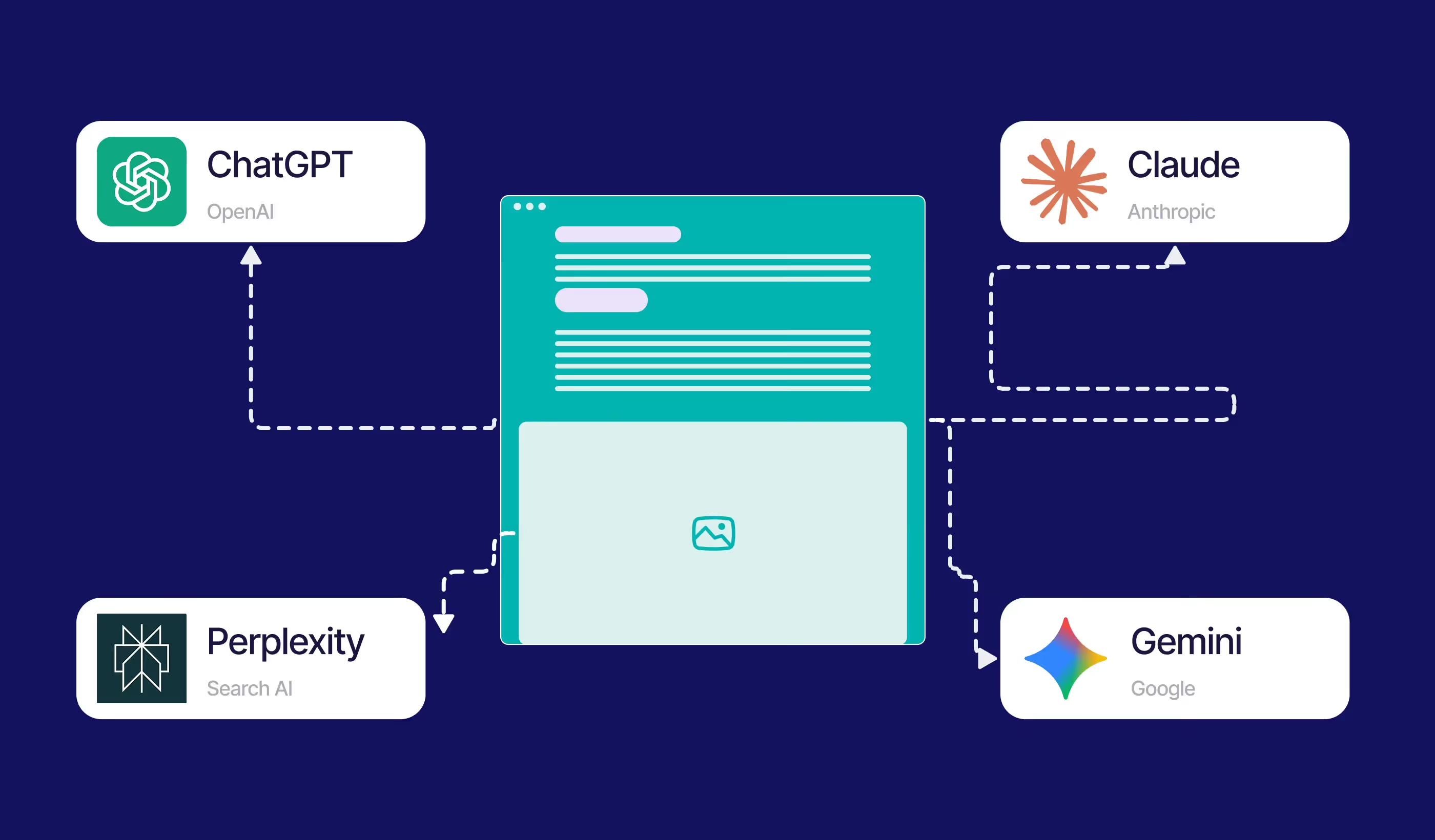
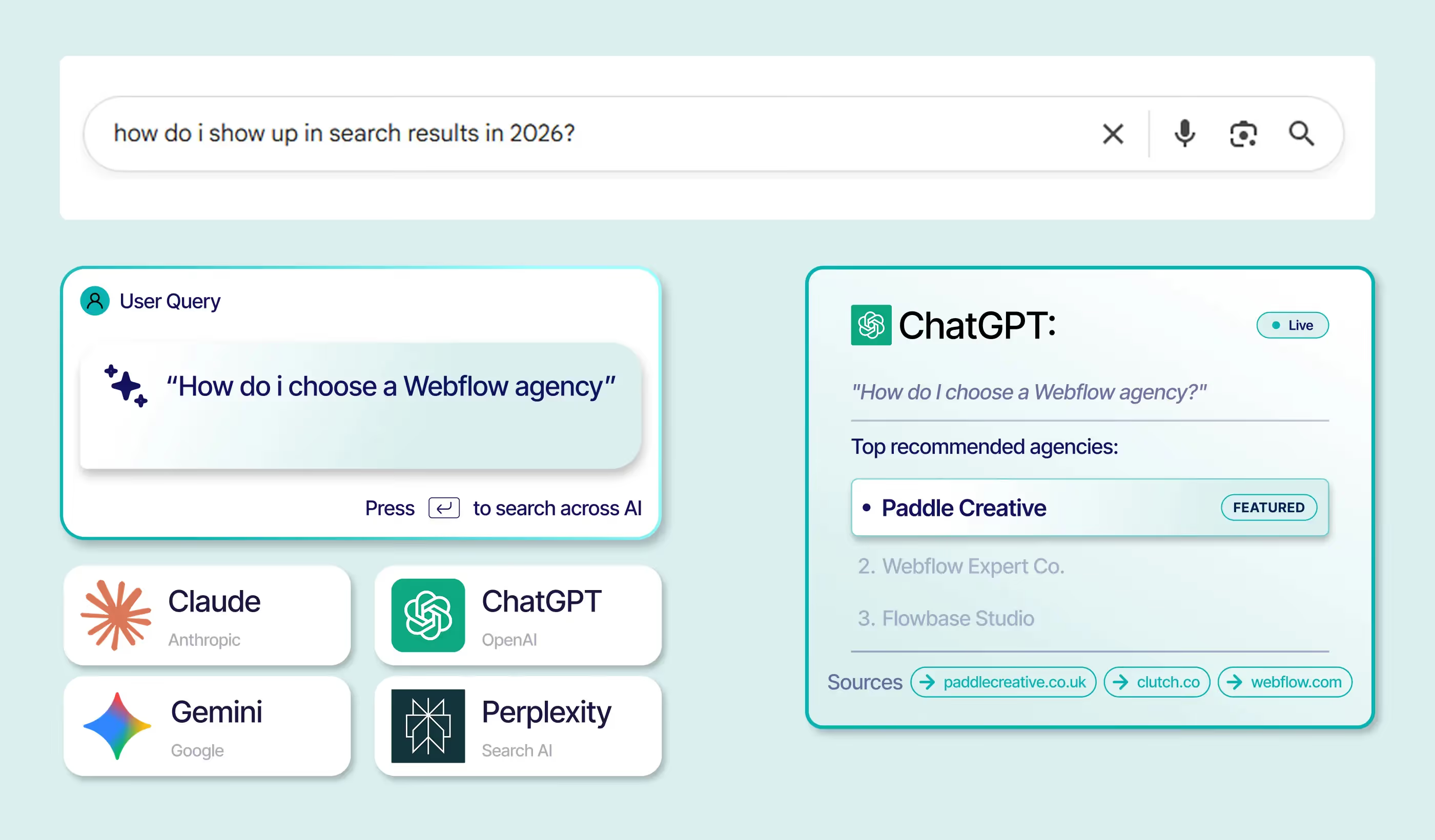
In 2026, we audit for AI readability. We check your heading hierarchy (H1-H6), your JSON-LD Schema readiness, and your site's ability to be accurately indexed by engines like Gemini and Perplexity.
3. The "Interest Rate" of Technical Debt: A Pricing Insight
CMOs often ask: "Why does a messy build actually matter if the site looks fine to the user?"
The answer lies in the technical debt. An un-audited, messy Webflow site carries a "high interest rate" on every future update:
- The Maintenance Tax: Every small change takes 3x longer because developers have to "hunt" for the right CSS classes.
- The Breakage Tax: Every time you add a new feature, something unrelated on the site breaks due to "Global Class" conflicts.
- The Opportunity Cost: Your team spends 10 hours a week fixing bugs instead of running 10 new growth experiments.
Proof of Concept: Turning Technical Debt into a 760% Growth Engine
To understand the power of an audit followed by a structural upgrade, look at our work with Notabene, the leader in Crypto Travel Rule compliance.
The Challenge: Notabene works with global Enterprise-level clients. However, following a period of rapid growth, their website no longer reflected their authority. It suffered from significant speed issues, poor mobile responsiveness, and a fragmented build that made scaling difficult.
The Audit & Solution: Paddle Creative performed a deep-dive technical audit and identified that the foundation was not enterprise-ready. We finessed the designs and, most importantly, upgraded the entire site to the Client-First class-naming convention.
The Outcome: By replacing their technical debt with a scalable, high-performance infrastructure, we helped Notabene achieve:
- 760% YoY increase in monthly transaction volume.
- A lightning-fast, fully responsive site that attracts and converts Enterprise-level leads.
- A "clean" build that allows their internal teams to innovate without the fear of "breaking" the site.

4. How can I tell if my Webflow site is holding me back?
Not sure if you need a professional review? Run this 30-minute reality check. If you answer "Yes" to two or more of these, your infrastructure is likely failing:
- The "Wait on Dev" Loop: Does your marketing team have to wait for an external developer to make simple layout changes?
- Class Bloat: Does your Style Manager have hundreds of "Unused Classes" or names like 'Div Block 42'?
- The Mobile Jump: Does the site content shift or "flicker" significantly when loading on a smartphone (Cumulative Layout Shift)?
- Interaction Anxiety: Are you scared to delete a page or element because you don't know what else might break?
Paddle Creative insight: Our audits can tell you where the problems lie and what issues they cause. We can then use the insights to provide fixes.
5. When should you run a Webflow site audit?
Timing is everything. An audit is most effective during these critical business transitions:
- Before a Redesign: Don't build new designs on top of a broken foundation.
- Before Scaling Content: Ensure your CMS can handle 500 pages as easily as it handles 5.
- After Inheriting a Site: If you’ve just taken over a marketing role, an audit is your "insurance policy" against an inherited mess.
- Before an SEO Push: Don't waste budget on paid traffic if your site's technical structure is preventing conversion or indexing.
Paddle Creative Insight: We often see brands increase their ad spend while their site performance is degrading. Auditing your site before a major marketing push ensures you aren't pouring budget into a "leaky bucket." A 1-second delay in mobile load time can decrease conversions by up to 20%; an audit identifies those "revenue leaks" before they cost you the campaign.
6. What do you actually get from a Paddle Creative audit?
An audit is not a "to-do list" – it is a decision tool. We deliver artefacts that help you lead:
- Risk Summary: A high-level overview of critical vulnerabilities (Legal, Performance, SEO).
- Priority Matrix: A clear guide on what needs a "Quick Fix" vs. what requires a "Structural Reset."
- Technical Debt Map: A visual breakdown of where your site's code is costing you money in maintenance.
- Execution Roadmap: A step-by-step plan to move from "Fragile" to "Infrastructure-Grade."
7. Paddle Creative Insight: What we consistently uncover
After auditing hundreds of enterprise builds, we've identified three recurring truths:
- Governance > Tooling: Most sites fail not because Webflow is limited, but because there was no "governance" or framework used during the build.
- Architectural Performance: Performance issues are almost always architectural. You can optimise images all day, but if your DOM is too deep, the site will stay slow.
- The "Framer" Regression: We regularly see sites moved to Framer for "ease of use," only to be audited and rebuilt in Webflow 12 months later when the brand hits a scalability or SEO wall.
8. Do you need an audit, a rebuild, or ongoing maintenance?
- Audit (The Diagnosis): Choose this if you aren't sure why the site is slow or hard to manage.
- Rebuild (The Structural Reset): Choose this if your audit shows that the technical debt "interest" exceeds the cost of a clean start.
- Maintenance (The Prevention): Choose this if your site is healthy and you want to keep it that way through proactive governance. Discover the Paddle Creative Webflow Maintenance options.
Stop Guessing and Start Scaling
If your Webflow site supports your revenue, it deserves infrastructure-level scrutiny. Don't let a "good enough" build become a bottleneck for your brand's growth. Book a call with our Webflow experts to discuss a comprehensive infrastructure audit. We’ll help you map out your technical debt, eliminate performance blockers, and ensure your site is a scalable engine for 2026 and beyond.
Author
Fact Checked By

%20(1).avif)







.avif)

%20(2).avif)
%20(1).avif)
.avif)
.avif)
%20(1).avif)
.avif)
.avif)
.avif)
.avif)
.avif)
.avif)
%20(1).avif)
.avif)
%20(1).avif)

.avif)

%20(1).avif)
%20(1).avif)
%20(1).avif)








%20(2).avif)
.avif)


.avif)
.avif)
.avif)
.avif)
.avif)
.avif)
.avif)
.avif)
.avif)
%2520(1).avif)
%2520(1).avif)
.avif)
%2520(1).avif)
%2520(1).avif)
%2520(1).avif)
%2520(1).avif)
%2520(1).avif)
%2520(1).avif)
.avif)
.avif)


.avif)


