- Check whether a website with a gated login will do the job before you commission an app
- For most B2B products, build a responsive web app or PWA first, and go native when the phone itself is the point
- Put the most time into planning, because unscoped features are what push an app over budget
- Own your code and data, and budget for app store fees and legal documents
- Plan for the months after launch, because most apps lose users quickly
Quick answer
To build a web or mobile app, start with the problem and the people who have it, then scope the smallest first version that solves it. Test clickable prototypes with real users, build on code and accounts you own, and launch with tracking in place. Budget for support after launch, because that's where apps win or lose users.
Somebody in the leadership meeting says "we should have an app", and by Friday it's on your list. There's no brief and no budget line yet, though somebody has already mentioned a launch date to the board.
Web app development can be one of the best things a B2B company spends money on. It can also be an expensive way to find out what customers never wanted. The difference usually comes down to the decisions made before anyone writes a line of code.
This guide is for founders and marketing leaders who know their market well and want a plain-English view of the build. It covers what a web app is, whether you need one and how the build works step by step, plus what happens after launch.
1. What is web app development?
Web app development is the work of designing and building software that people use in a browser, usually after logging in. A website mainly shares information, while a web app gives people a job to do, such as booking a slot or managing an account.
Common B2B examples include client portals, booking systems, member hubs and internal dashboards. A mobile app does similar jobs, though people install it from the App Store or Google Play, and it can use the phone's camera and notifications.
There's a middle option too. A progressive web app (PWA) is a web app that, in MDN's words, "can be installed on the device, can operate while offline and in the background" (MDN, 2026). For many B2B tools, that's enough of an app without the app store.
2. Do you actually need an app?
Sometimes the honest answer is a better website or an existing SaaS tool. An app earns its budget when people come back to do the same task again and again, or when the experience is part of what you sell.
And if the main use case is the CEO wanting to see the logo on their phone, a home screen bookmark will do nicely.
Ask these questions before you scope anything:
- Will people use it more than once a month?
- Does it need a login or personal data?
- Could an existing SaaS tool do most of the job?
- Who will own it after launch?
- How will you know it worked?
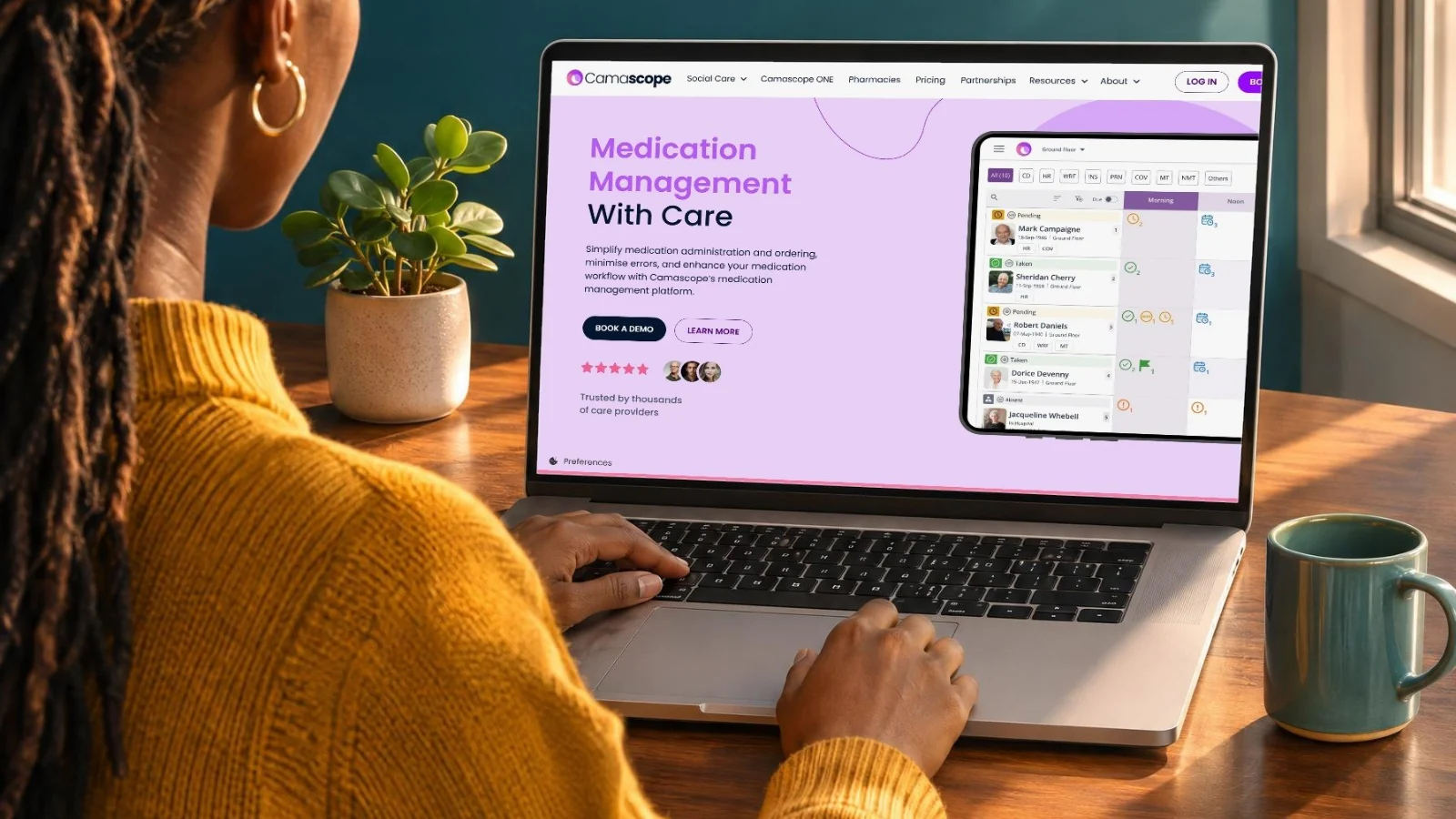
Customer dashboards are a common example. Quite often, the dashboards founders bring to us can run on a lower-cost tech stack than a full app. Giving customers a login to their documentation, for instance, can be handled by a website gated with Memberstack or a similar tool. In the end, the decision usually comes down to your security and privacy requirements, so write those down before anyone quotes for a build.
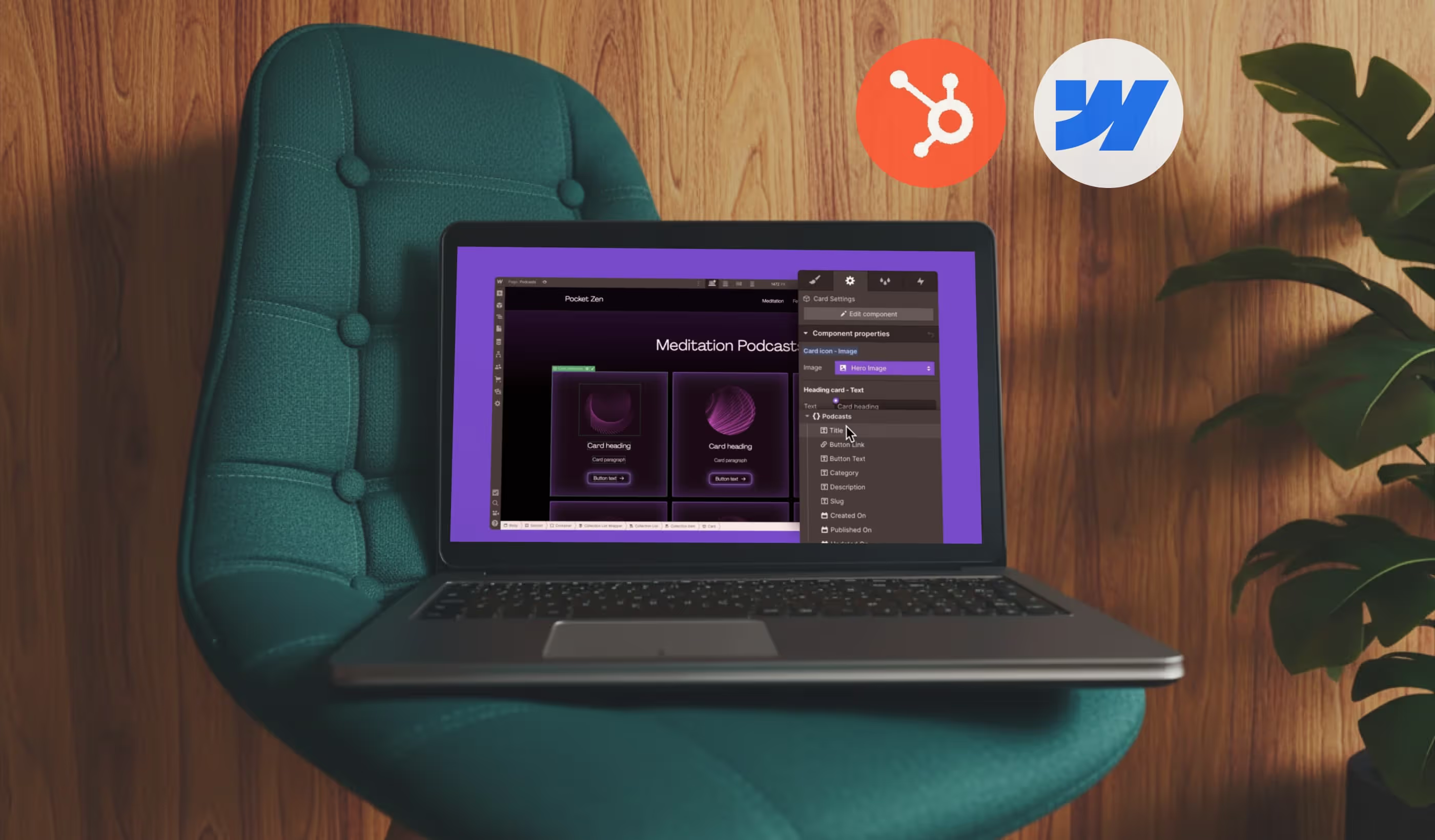
A small web app can also be a marketing tool. For Global Expat Pay, Paddle Creative built a Global Mobility Savings Calculator as a custom web app, on a Webflow site integrated with HubSpot (Global Expat Pay case study). The web app is now central to their marketing, and leads come in pre-qualified.
If you're weighing up no-code tools, our comparison of Webflow and Bubble explains where design tools stop and app builders take over.
3. Web app or mobile app: which should you build first?
For most B2B products, start with a responsive web app, because your users will mostly be at a laptop during the working day. You ship one codebase, and you can push updates the same day without waiting for an app store review.
Go native when the phone itself is the point. That covers field teams who work offline, and products built around push notifications or the camera.
Phones are central to your buyers' lives either way. Pew Research Center found 91% of US adults own a smartphone in 2026 (Pew Research Center, 2026). In the UK, Ofcom reports that adults spend four and a half hours online a day, mostly on a smartphone (Ofcom, 2025). On those phones, they use an average of 41 apps a month.
Mobile apps also come with app store rules to plan around. Apple says it reviews at least 50% of submissions in under 24 hours, and 90% in under 48 hours (Apple, 2026). That's quick, but a rejection can still push a launch back by days, so leave room in the plan.
Fees matter if you charge inside the app. Apple's Small Business Program takes 15% on paid apps and in-app purchases for developers with up to $1 million in proceeds a year (Apple, 2026). On Google Play, the fee on a developer's first $1M a year in the UK, US and EEA is 10%, plus a billing fee where it applies (Google Play, 2026).
Paddle Creative's marketers and engineers design and build web and mobile apps, from client portals to member hubs. Book a call.

4. How do you build a web or mobile app, step by step?
The build runs through the same five stages whoever does it, and most problems start when a team skips one. Here's how we run them at Paddle Creative.
Discovery
Agree the problem and what success looks like in numbers, before anyone opens a design tool. Talk to the people who will use it, and watch how they do the task today. Then write down what the first version will leave out, because that list saves more money than any line of code.
Scope the first version
An MVP (minimum viable product) is the smallest version that solves the core problem for real users. Keep it to one main job done well. Every extra feature adds design, build, testing and support time, so save the wish list for after launch, when you have data.
Design with purpose
Map the screens people need, then test clickable prototypes with users before development starts. Changing a prototype takes hours, while changing a built feature can take weeks.
Build it properly
Build on a stack you can own and hand over. Ask for the code in a repository under your company's name, with documentation and access you control. Security and data protection belong in this stage too, especially for anything that holds personal data.
Launch with confidence
Set up analytics and event tracking before launch, so you can see where people drop off from day one. For a mobile app, prepare the store listing, screenshots and privacy details early, and leave time for review.
Support and improve
Launch day is the start of the app's working life. Agree a budget for fixes and new features for the months after release, ideally before the launch party has finished.
5. How long does it take to build an app, and what does it cost?
Scope drives both, which is why a clear first version matters so much. As a guide, Paddle Creative's Branding + Website + App package starts from £15,000 + VAT (about $20,500) and takes 8 to 12 weeks. The final price depends on the app's scope and is confirmed before work starts.
In our experience, two things push an app over its first budget: unscoped features, and functionality that wasn't thought through. Both cause delays and cost more money, which is why the planning stage is the most important part of any app.
Large programmes run into the same trouble. BCG surveyed more than 1,000 C-suite executives for its 2024 study of large tech programmes (BCG, 2024). It found more than two-thirds of those programmes are not expected to be delivered on time, within budget or within their planned scope. A smaller first version, fixed-price phases and a demo every week or two keep you well away from that statistic.
Some costs can't be avoided, however well you plan. The Apple Developer Program costs $99 a year (Apple, 2026), and Google Play charges a one-off $25 registration fee (Google Play, 2026). Then there's the legal paperwork. Apple's guidelines say every app must link to its privacy policy, both in the store listing and inside the app (Apple, 2026).
These are the budget lines that most often get forgotten:
- Developer accounts and app store fees
- Legal documents, such as a privacy policy
- Hosting and third-party services
- Accessibility testing
- Security reviews before launch
- Support and updates after launch
For the website side of the budget, we've broken down how much a website costs.
6. Who should build it: no-code, a freelancer, an agency or your own team?
No-code tools such as Bubble are quick for prototypes and simple internal tools. They get harder to live with once you need custom logic or full control of your data.
A freelancer can build a focused app well, though you take on the project management, and the risk if they move on. An in-house team makes sense once the app is the product and needs work every week.
A specialist team suits companies that want design and engineering under one roof for a defined period. Product Marketing Alliance is a good example. Paddle Creative built their learning platform in Webflow, with sign-up and multi-currency payments through Stripe, then connected an Airtable events database to five websites (Product Marketing Alliance case study). Events now update in one click across all five sites.
Bookings are another common job. For SwissPasses, a Swiss rail and travel company, we built a booking platform on top of Webflow that handles over 20,000 data and pricing points (SwissPasses case study).
Whoever you choose, settle these points before you talk about price:
- Who owns the code and the data?
- How will the handover work if you part ways?
- What does support cost after launch?
- Who is your day-to-day contact?
7. What happens after you launch?
Most apps lose users quickly, so the weeks after launch matter as much as the build. Adjust's benchmarks show median retention across all verticals falls to 26% on day one, 13% by day seven and 7% by day 30 (Adjust, 2024). AppsFlyer found 46.1% of the app installs it tracked in 2024 were removed within 30 days (AppsFlyer, 2025).
Those figures come mostly from consumer apps, though the lesson carries over to a B2B portal or tool. The first session decides whether people come back, so make it easy to get to a useful result fast.
After launch, plan for:
- Onboarding that gets users to their first result quickly
- Tracking that shows where people drop off
- A monthly budget for fixes and small improvements
- Accessibility checks against WCAG 2.2
Accessibility has legal weight too. The European Accessibility Act has applied since 28 June 2025 to services such as e-commerce and consumer banking sold in the EU (EUR-Lex, 2025). WCAG 2.2, the web accessibility standard, added 9 success criteria to the previous version (W3C, 2023).
Connect the app to your CRM from the start, so sign-ups and usage data reach sales. Our guide to marketing automation for B2B covers lead routing and what to automate first.
8. How do you keep an app on brand?
Treat the app as part of the brand from the first sketch. When one team takes you from brand to website to app to growth, the identity carries through from the first ad a buyer sees to the dashboard they log into. Our guide to B2B branding covers the foundations.
AI now speeds up parts of the build, especially prototypes and routine code. Our rule for using it is short:
Humans set the creative direction. AI follows your rules.
In practice, that means a design system and written rules for tone, so AI-assisted work still looks and sounds like you. If you're scoping a client portal or a member hub, see what we build on our web and mobile apps page, or book a call.
Sources
- Progressive web apps, MDN Web Docs (2026)
- Americans' Use of Mobile Devices in 2026, Pew Research Center (2026)
- From apps to AI search: how the UK goes online in 2025, Ofcom (2025)
- App Review, Apple Developer (2026)
- App Store Small Business Program, Apple Developer (2026)
- Understanding Google Play's lower service fees, Play Console Help (2026)
- Most Large-Scale Tech Programs Fail: Here's How to Succeed, BCG (2024)
- Apple Developer Program membership, Apple Developer Account Help (2026)
- Get started with Play Console, Play Console Help (2026)
- App Review Guidelines, Apple Developer (2026)
- What makes a good app retention rate?, Adjust (2024)
- App uninstall report, 2025 edition, AppsFlyer (2025)
- Accessibility of products and services, EUR-Lex summary
- WCAG 2.2 is a Web Standard, W3C (2023)
Author
Fact Checked By