
.svg)
How to Create a Webflow Maintenance Schedule for Your Business
Learn how to structure a proactive Webflow maintenance schedule that eliminates technical debt, boosts site speed, and turns your website into a predictable growth engine.
.avif)

- The Framework: Maintenance should be structured into Daily, Weekly, Monthly, and Quarterly cycles.
- The Goal: Shift from unpredictable, expensive Reactive Maintenance to planned, scalable Proactive Maintenance.
- The Core Tasks: Focus your schedule on eliminating Technical Debt, optimising speed, and continuous SEO/GEO improvements.
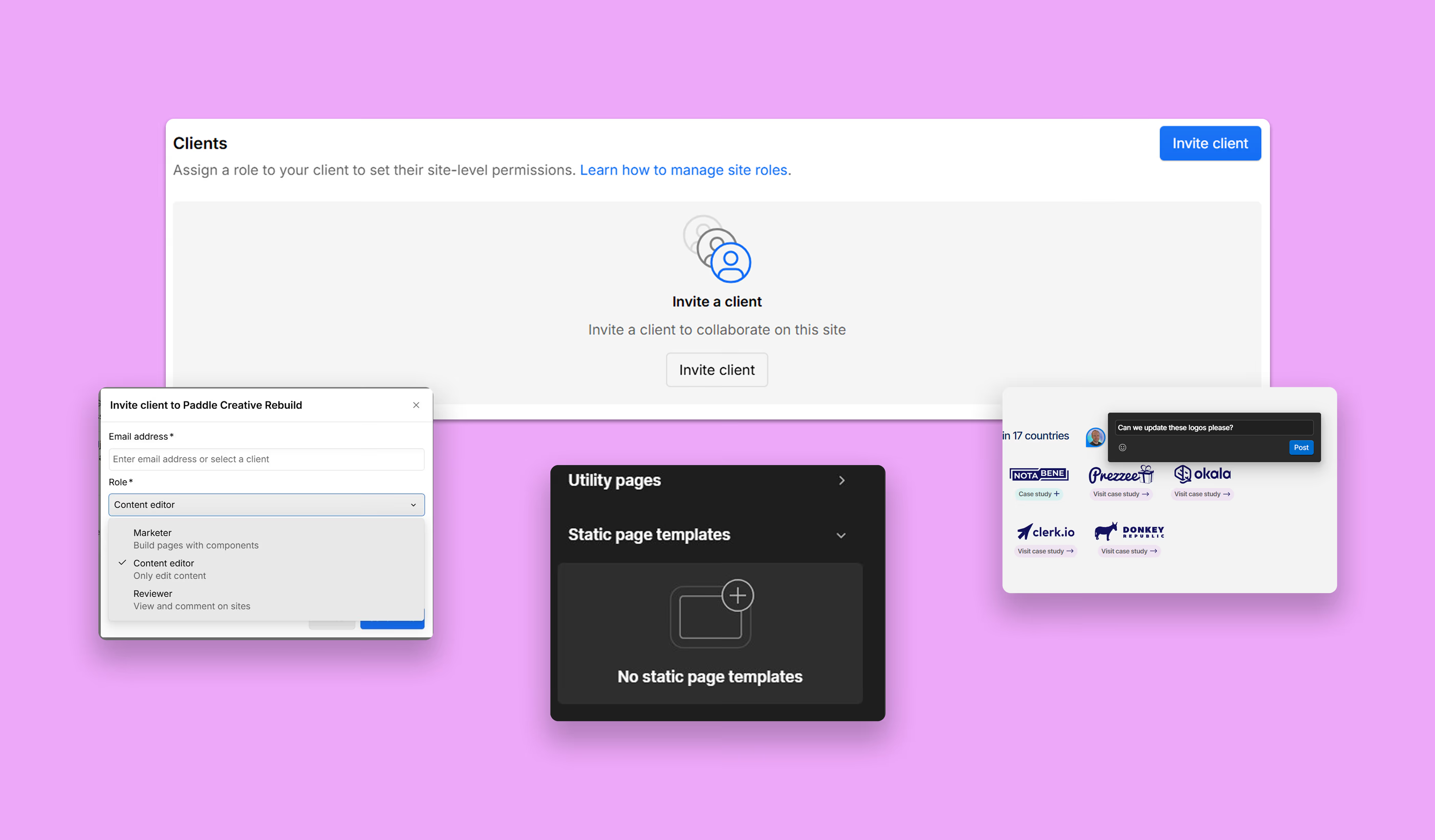
- The Tool: Centralise all communication, scheduling, and QA through a dedicated client platform (like the Paddle Portal).
Introduction: Turning Webflow Maintenance into a Predictable Engine
Creating a clear Webflow maintenance schedule is the key to keeping your site fast, scalable, and low-cost to manage. In this guide, you'll learn exactly how to structure a maintenance routine across daily, weekly, monthly, and quarterly cycles – so your team stays proactive and avoids expensive technical debt.
If your Webflow site is slowing down, accumulating bugs, or costing too much to manage, you don't have a Webflow maintenance problem – you have a scheduling problem.
CMOs often believe Webflow’s stability means maintenance is optional, but ignoring the ongoing digital upkeep of custom code, styling, and content leads to costly Technical Debt. Technical debt not only slows your site speed but also stifles your marketing agility and drains your budget.
What is Technical Debt?
In Webflow, Technical Debt is the digital clutter – like unused CSS classes, messy structure, and poorly optimised assets – that accrues when a site is built quickly without ongoing optimisation. It's the primary cause of slow load times and expensive future rebuilds.
This guide outlines how to create a structured, ROI-focused Webflow maintenance schedule. We’ll provide a proven framework and a downloadable template to help you shift from reactive firefighting to a proactive growth engine.
A plan is only as good as its execution. Skip the maintenance headache and let our Senior Webflow Developers manage the technical heavy lifting for you. Book a call with Paddle Creative and turn your maintenance schedule into a high-performance growth engine today.

The Webflow Maintenance Scheduling Framework
A robust Webflow maintenance schedule is structured around four cycles to ensure that every element, from content to core structure, is managed at the optimal frequency.
1. What should be included in the daily Webflow maintenance cycle?
These are the immediate, low-friction tasks typically managed by internal marketing teams using the Webflow Editor and Build modes.
2. What weekly checks should your Webflow team complete?
The weekly check is about ensuring data integrity and fast turnaround on basic fixes. A Webflow Expert partner can quickly address minor technical debt before it grows.
Paddle Creative Success Story: NeXYs Fertility
When a startup needs to secure funding, its digital presence must be flawless, fast, and scalable from Day One. This case study demonstrates the power of a proactive, growth-ready build.
The Challenge
NeXYs Fertility, a startup focusing on male fertility, had a successful brand and idea but lacked a launch-ready digital presence needed to attract investors and early adopters.
The Proactive Solution
We defined their strategy, tech stack, and design direction, delivering a custom Webflow site with subtle supporting Lottie animations and lead-generation integrations, all launched in just weeks.
Maintenance Insight
By focusing on a clean, robust, and scalable build from the start, we eliminated initial Technical Debt (Mistake 2). We ensured the subtle Lottie animations and lead-gen forms (Daily/Weekly checks) functioned perfectly, allowing the founders to focus solely on securing investment.
The Outcome
The new custom Webflow website became a central lead-generation and brand-launching tool, helping the startup secure funding within six months of launch and establishing them as a leading voice in the male fertility space.

3. What monthly Webflow maintenance tasks prevent technical debt?
Monthly Webflow maintenance is the most crucial cycle for technical site health. A skilled Webflow Expert typically performs these tasks to ensure long-term scalability and speed.
4. What should be reviewed quarterly to keep Webflow scalable?
The quarterly review is a strategic meeting, often involving the CMO and the Webflow expert, to plan for future growth and tackle major structural refactoring.
Paddle Creative Insight: The Quarterly Difference: Most agencies treat the quarterly cycle as a simple reporting check-in. At Paddle Creative, we’ve found that over 80% of long-term scalability issues and major technical debt originate in quarterly neglect. Skipping the comprehensive audits – Accessibility, Core Web Vitals, and Component Refactoring – forces expensive rebuilds down the line. We prioritise this deep, structural work to ensure your Webflow site remains a high-performance asset, not a ticking time bomb.
Download Your Free Webflow Maintenance Schedule Template
We built this editable template to help you stop guessing what your team should check each week. Download it now to assign responsibilities and track your progress instantly.
The True ROI: Why Your Webflow Schedule is a Financial Investment
The fundamental mistake marketing leaders make is treating Webflow maintenance as a simple 'fix-it' cost (Reactive), rather than a calculated investment in continuous improvement (Proactive).
From Cost Centre to Profit Driver
A structured Webflow maintenance schedule doesn't just prevent bugs; it ensures continuous optimisation, which is your most direct path to improving ROI.
The Role of the Webflow Expert in Execution
You now have the framework for a high-performance schedule, but the ROI only materialises when the complex, technical tasks (Monthly and Quarterly cycles) are executed flawlessly.
Contacting a dedicated Webflow Premium Partner, such as Paddle Creative, to manage and execute your plan is essential. The schedule you've downloaded serves as the ultimate Scope of Work (SOW), guaranteeing that you:
- Eliminate Risk: The expert is accountable for the Technical Debt elimination and recovery plan.
- Ensure Quality: You avoid the learning curve and time sink of asking internal teams to handle specialist tasks (like Core Web Vitals audits).
- Guarantee ROI: You pay only for the proactive, growth-focused tasks that directly impact your traffic and conversion rates, converting your site from a liability into an asset.
Don't Just Schedule It. Automate It.
You have the plan. Now, get the experts to execute it. The Monthly Technical Debt audits and Quarterly performance checks require specialist knowledge that most in-house teams don't have. Skip the hiring process and the technical learning curve. Book a call with our Webflow Experts today to discuss outsourcing the heavy lifting and finally turn this schedule into predictable growth.
Author
Fact Checked By

%20(1).avif)






.avif)

%20(1).avif)
%20(2).avif)
%20(1).avif)
.avif)
.avif)
%20(1).avif)
.avif)
.avif)
.avif)
.avif)
.avif)
.avif)
%20(1).avif)
.avif)
%20(1).avif)

.avif)

%20(1).avif)
%20(1).avif)
%20(1).avif)













%20(2).avif)
.avif)


.avif)
.avif)
.avif)
.avif)
.avif)
.avif)
.avif)
.avif)
.avif)
%2520(1).avif)
%2520(1).avif)
.avif)
%2520(1).avif)
%2520(1).avif)
%2520(1).avif)
%2520(1).avif)
%2520(1).avif)
%2520(1).avif)
.avif)
.avif)


.avif)


