
.svg)
Why Your Webflow Site Slows Down Over Time (And How Agencies Prevent It)
Covers the five causes of Webflow performance decay – from script creep to media drift – and the technical governance strategies agencies use to keep sites fast long-term.
.avif)

- The Performance Drift: Websites don’t usually break, but they can decay through "Script Creep" and unmanaged content growth.
- The "95 to 70" Slide: A site that launches with perfect scores can lose 20+ points in months without technical governance.
- The Hidden Drag: Every unoptimised 4MB image or redundant tracking pixel acts as an "invisible tax" on your conversion rate.
- The Solution: Scalable speed requires a shift toward Performance-First builds and quarterly technical audits.
Introduction
Wondering why your Webflow site slows down over time? You’re not alone. Many high-growth brands launch with snappy transitions and a 95+ Lighthouse score, only to see that performance drift into the 70s just months later.
At Paddle Creative, we know that performance decay isn’t random – it’s a predictable byproduct of a growing business. Your website is a high-end machine that requires ongoing tuning to maintain its top speed. Understanding the "drift" is the first step toward reclaiming your competitive edge.
Let’s break down what actually causes Webflow performance decline – and how professional agencies build "guardrails" to prevent it.
Quick Answer: Why does a Webflow site slow down over time?
Webflow sites slow down through a predictable process called performance decay – caused by script creep from marketing tool additions, unoptimised image uploads, CMS bloat, and a lack of ongoing technical governance. Without regular audits, a site that launched at 95+ on Lighthouse can quietly drift into the 70s within months.
Webflow performance decay isn't inevitable – it's a management gap. Let’s benchmark your site and build the guardrails your marketing team needs to stay fast.

1. Why Does a Webflow Site Slow Down Over Time?
Webflow provides a world-class foundation, but the "drag" occurs in the layers added after the initial build. Here are the primary culprits of site speed decay.
1.1 Script Creep (Too Many Third-Party Integrations)
Post-launch, the marketing team needs data. One week it’s a Meta Pixel; the next, it’s Hotjar for heatmaps, a LinkedIn Insight Tag, and a new HubSpot chat widget.
Each of these scripts represents an external request. If they aren't managed correctly, they become render-blocking resources. The browser essentially stops "painting" the page while it waits for a tracking script to respond. When these scripts stack up, they compete for bandwidth, killing your Largest Contentful Paint (LCP).
1.2 CMS Bloat and Unoptimised Collections
A powerful CMS is Webflow’s greatest asset, but it can become a performance bottleneck if not respected. As your blog grows from 10 to 500 posts, or your team directory expands, the "weight" of your pages increases.
Common issues include:
- Collection List Overload: Loading 100 items on a single page without pagination.
- Nested Collections: Trying to pull data within data, which exponentially increases server response time.
- Unused Fields: Keeping 30 fields in a CMS collection when only 3 are displayed on the page.
1.3 Image and Media Drift
During the initial build, your agency likely ran every asset through a compressor. But as internal teams take over, "Media Drift" sets in. A team member uploads a 4MB raw PNG for a simple blog thumbnail. Another adds a high-res background video that isn't set to lazy-load.
Visual content accounts for roughly 60% of total page weight. Without strict discipline, your site’s "payload" can double within months.
1.4 Designer Handoff Decay
When multiple people have access to the Webflow Designer, the code's structural integrity can start to fray. New sections get "hacked" together with inconsistent spacing, excessive div nesting (the "div-folder" effect), and interactions stacked on top of each other without consideration for the GPU.
Clean builds degrade without governance. Without a "Client-First" or a structured class-naming system, your CSS file grows into messy "spaghetti code" that slows browser rendering.
1.5 No Ongoing Technical Review
The biggest cause of the slowdown is simply a lack of a Performance Budget. If you aren't running quarterly audits or tracking your Core Web Vitals, you won't notice the 2-point drop in performance until it becomes a 20-point crisis.
Lack of ongoing technical review is where most growing businesses fall behind – treating a website as a "set and forget" asset rather than a living product.
2. How Do Agencies Prevent Webflow Performance Decay?
Professional agencies build "guardrails" to ensure the site stays as fast as it was on launch day. The difference between a "freelance build" and a "professional agency build" lies in technical governance. At Paddle Creative, we don't just build for launch day; we build for the next three years.
2.1 Performance-First Build Standards
We use a component-based philosophy. By keeping the DOM (Document Object Model) structure minimal and using lean class naming, we ensure the browser can read your site instantly.
- Asset Compression Workflows: We implement automated workflows so that every image is served in next-gen formats like WebP or AVIF.
- Interaction Discipline: We use hardware-accelerated animations that offload work to the GPU, preventing the "stutter" common on heavy sites.
2.2 Script Governance & Tag Management
We don't just "drop in" code. We use Google Tag Manager (GTM) to consolidate marketing scripts. GTM allows us to:
- Trigger scripts asynchronously: Ensuring the content loads before the tracking.
- Audit legacy code: We identify and remove scripts for tools your team no longer uses, instantly "lightening" the load.
2.3 CMS Architecture Planning
Scaling a CMS requires a blueprint. We implement:
- Pagination & Load More Rules: Ensuring the browser only fetches what the user sees.
- Conditional Visibility: We structure the back end so that the site only "queries" the data necessary for that specific page view.
2.4. Ongoing Webflow Maintenance & Monitoring
Maintenance isn't just fixing bugs; it's proactive optimisation. Our retainers include:
- Quarterly Performance Audits: We benchmark your site against the original launch scores.
- Core Web Vitals Sweeps: We monitor for "Cumulative Layout Shift" (CLS) issues that can occur when new content is added.
3. Does Website Speed Affect AI Search Visibility?
In 2026, performance isn't just about User Experience – it's about Visibility.
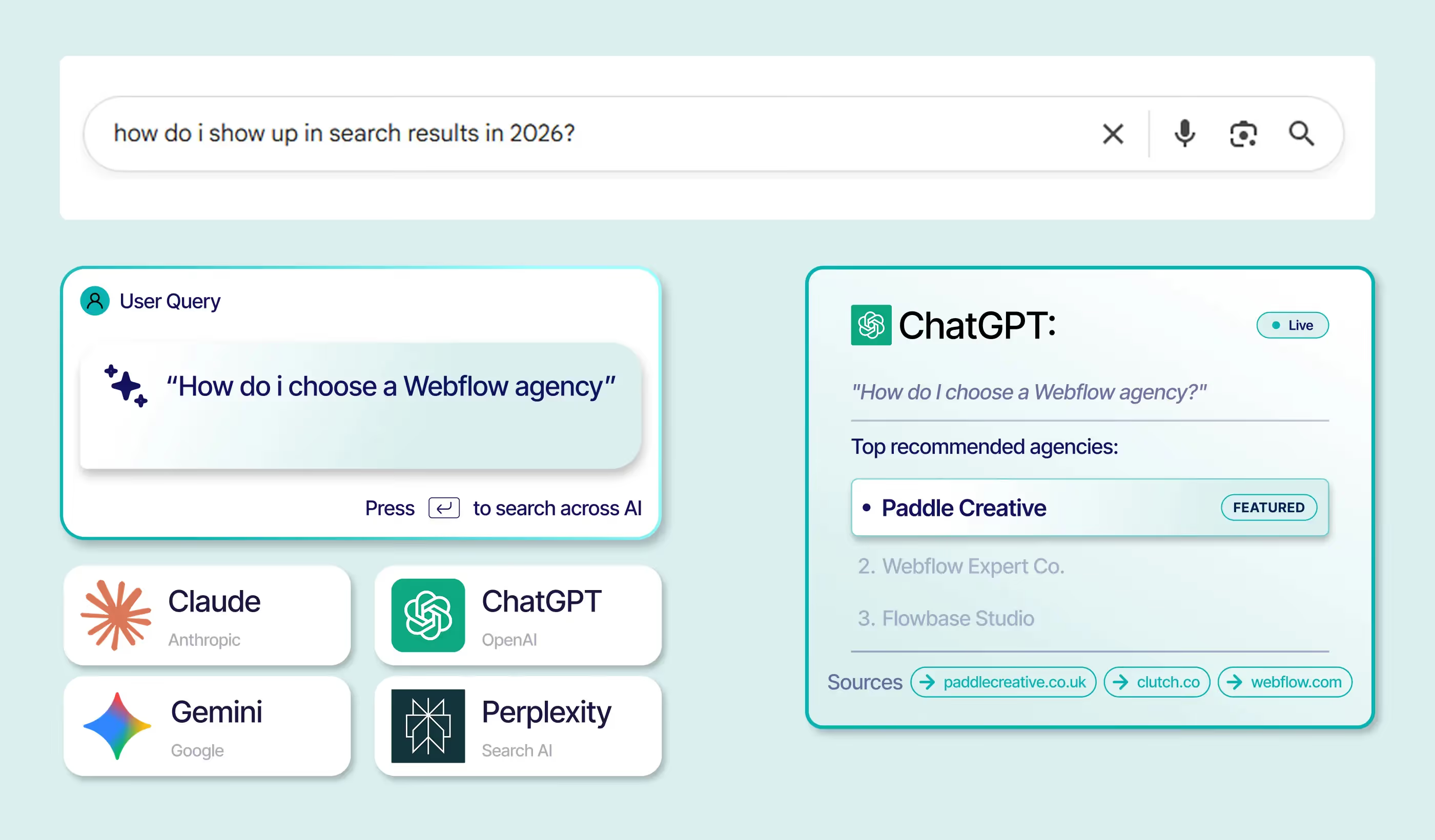
Generative AI engines like ChatGPT, Perplexity, and Google AI Overviews are highly sensitive to site structure and speed. Slower load times increase the "processing cost" for AI crawlers. If an AI agent has to struggle through bloated code to extract your data, it will simply cite a faster, cleaner competitor.
In the era of Answer Engine Optimisation (AEO) and Generative Engine Optimisation (GEO), technical cleanliness is your ticket to being the "cited authority."
4. Signs Your Webflow Site Needs a Performance Audit
If you recognise more than two of these signs, your site is likely suffering from performance decay:
- Lighthouse score has dropped below 80 on mobile.
- CMS pages feel sluggish when scrolling or loading.
- New marketing tools have been added in the last 3 months without a technical review.
- Cumulative Layout Shift (CLS): You notice content "jumping" as the page loads.
- Increased Bounce Rate: Mobile users are leaving before the "Hero" section fully renders.
Paddle Creative Insight: A website should be a living product, not a "set-and-forget" asset. We recommend quarterly audits to catch the 2-point drops before they become a 20-point crisis.
5. Paddle Creative’s Approach to Long-Term Webflow Performance
We believe a website should be a business's most reliable asset. Our approach moves you away from the "Agency Trap" of reactive fixes and into strategic growth.
- Benchmarking: Every project starts and ends with a performance baseline.
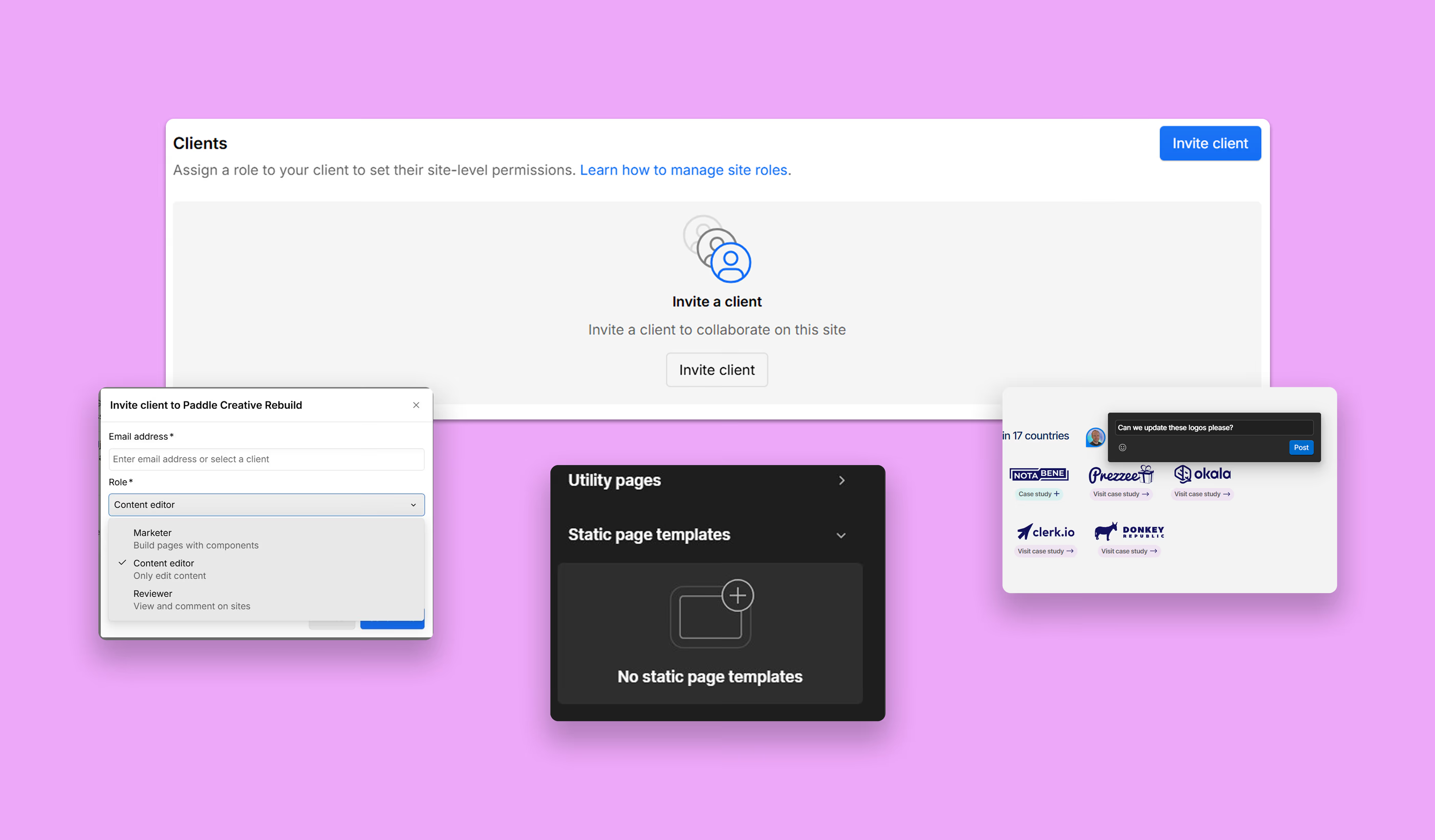
- Structured Handover: We provide your team with "guardrails" – training and systems (like the Paddle Portal) that prevent Media Drift.
- Clean Build Philosophy: We use the latest industry standards (like Client-First) to ensure your site is understandable to any developer, now or in the future.
Your website is your most valuable salesperson. Don't let it get bogged down.
Let’s see what’s really under the hood and get your Webflow site back to its 95+ glory.
Book a call with Paddle Creative.
6. Key Concepts
Script Creep The gradual accumulation of third-party marketing scripts – pixels, chat widgets, heatmap tools – added post-launch without technical review. Each script creates an external request that can block page rendering. Left unmanaged, stacked scripts compete for bandwidth and significantly slow your Largest Contentful Paint (LCP).
Media Drift What happens when internal teams take over content uploads after launch. Without compression workflows or format standards in place, raw PNG files and high-resolution videos quietly inflate page weight over time. Visual content typically accounts for around 60% of total page weight – Media Drift is how that number doubles.
Performance Decay The slow, predictable decline in site speed that affects most growing websites. It's not a single event – it's the cumulative result of script creep, media drift, CMS bloat, and a lack of ongoing audits. A site can lose 20+ Lighthouse points in months without anyone noticing until it becomes a crisis.
Core Web Vitals Google's framework for measuring real-world page experience – covering Largest Contentful Paint (LCP), Cumulative Layout Shift (CLS), and Interaction to Next Paint (INP). In 2026, these metrics directly influence both Google search rankings and how efficiently AI crawlers can index and cite your content.
Performance Budget A defined threshold for acceptable site speed metrics – typically a Lighthouse score of 90+ on mobile and 95+ on desktop. Without a performance budget and regular benchmarking against it, there's no early warning system for decay. It's the difference between catching a 2-point drop and reacting to a 20-point crisis.
Author
Fact Checked By


%20(1).avif)






.avif)


%20(1).avif)
%20(2).avif)
%20(1).avif)
.avif)
.avif)
%20(1).avif)
.avif)

.avif)
.avif)
.avif)
.avif)
.avif)
%20(1).avif)
.avif)
%20(1).avif)

.avif)

%20(1).avif)
%20(1).avif)
%20(1).avif)










%20(2).avif)
.avif)


.avif)

.avif)
.avif)
.avif)
.avif)
.avif)
.avif)
.avif)
%2520(1).avif)
%2520(1).avif)
.avif)
%2520(1).avif)
%2520(1).avif)
%2520(1).avif)
%2520(1).avif)
%2520(1).avif)
%2520(1).avif)
.avif)
.avif)

.avif)


